
Last updated November 20, 2026
Connect Front
Connect Front so Supahelp can read your conversations and draft replies for you to approve. It uses your own Front sign-in, so you only see what your Front permissions already allow.
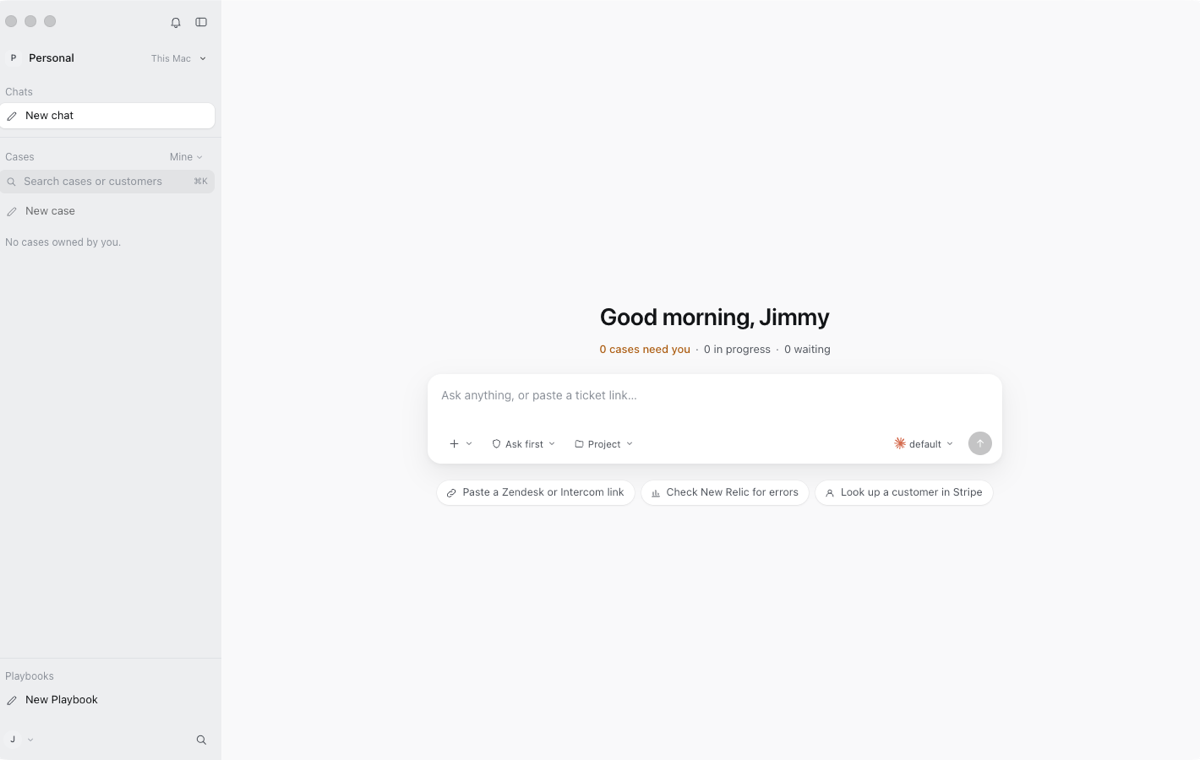
1. Install Supahelp and sign in
Download the desktop app from the download page and sign in to your Supahelp account.
2. Add the connection
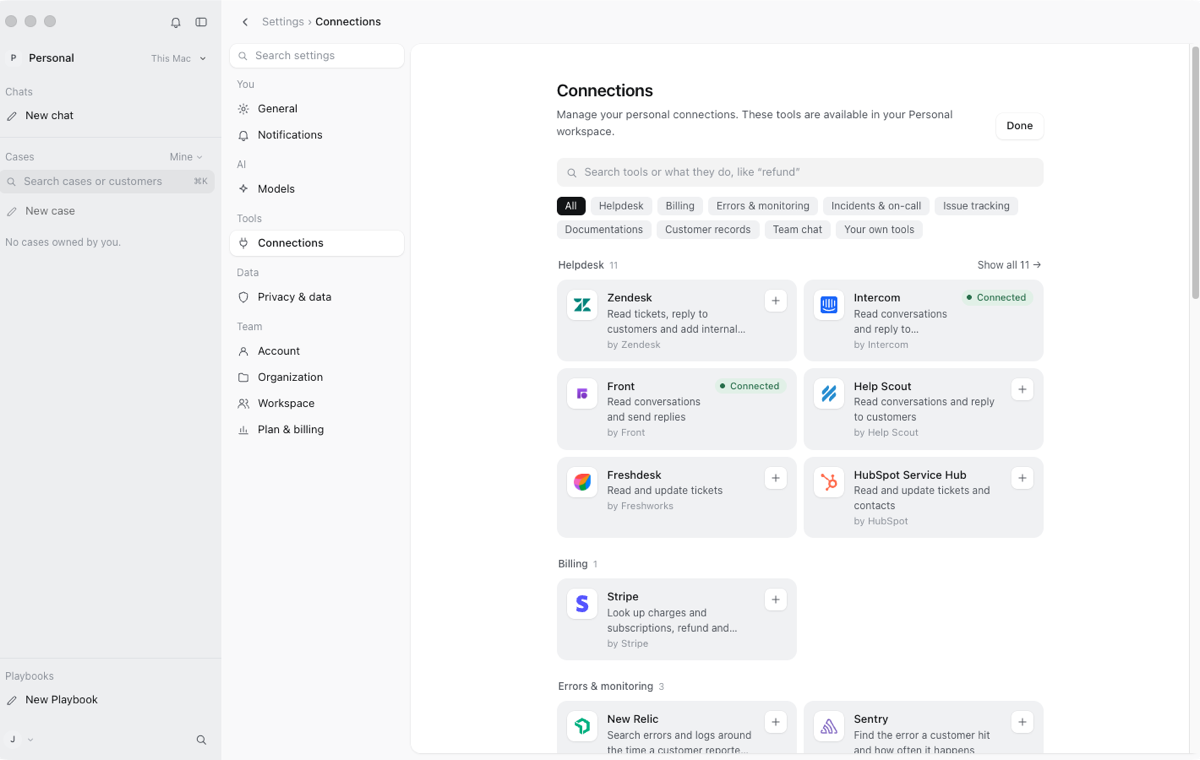
Open Settings, then Connections, choose Add connection and pick Front.
3. Sign in with Front in your browser
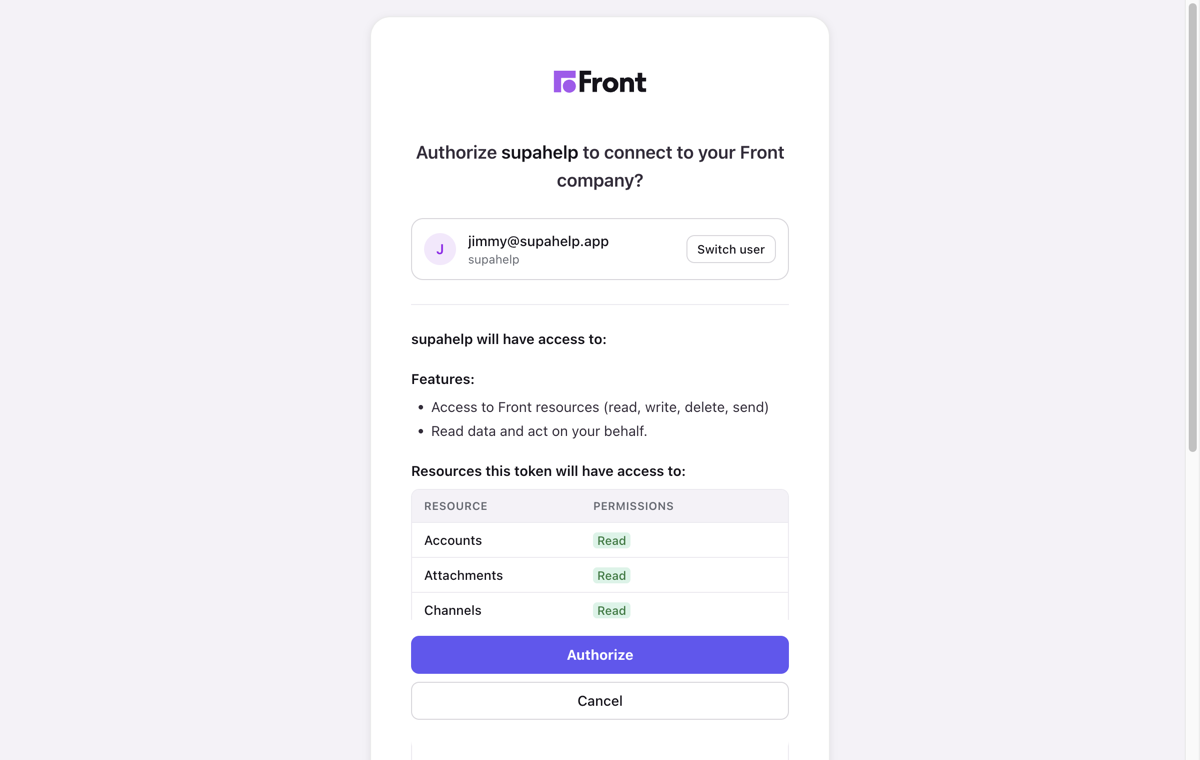
Your browser opens Front's own authorization page. If your company has not installed the Supahelp app in Front yet, a Front admin approves it once. Each teammate then authorizes their own account. Supahelp asks to read your Front data and to write drafts and comments and send messages as you. Choose Authorize.
4. Confirm it is connected
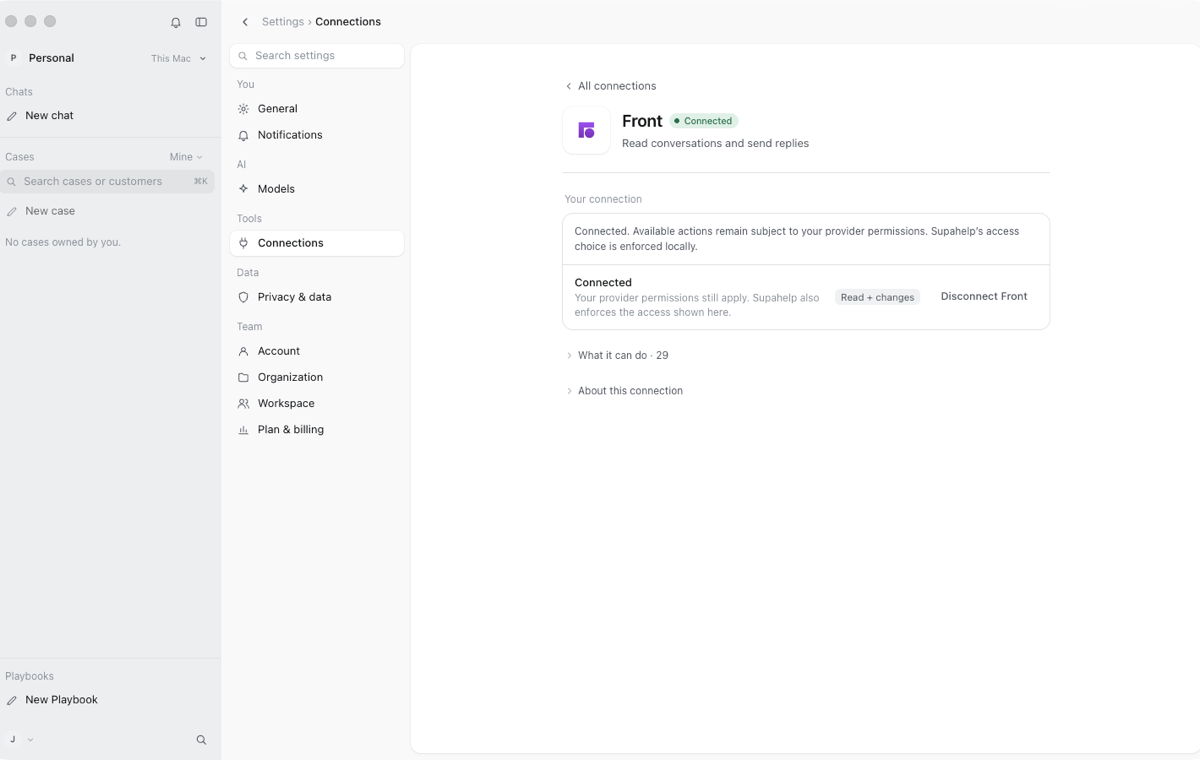
Back in Supahelp, Settings, then Connections shows Front as connected. Ask about a conversation or a customer and Supahelp searches Front for the answer.
5. Approve each reply before it is sent
Supahelp drafts the reply and shows it on an approval card with the exact words. Nothing is sent or changed until you choose Approve. You can edit the draft or cancel.
6. Disconnect any time
Remove the connection in Settings, then Connections. You can also remove Supahelp from your authorized apps inside Front.