
Instant answers with Supa
Customers ask Supa a question and get an answer from your published knowledge base, with a link to the source article.
Scale support over time without extra headcount.
A self-improving AI help center connects your data to deliver instant, accurate support.
What is Supahelp?
Customers ask Supa a question and get an answer from your published knowledge base, with a link to the source article.
Illustrative workflow: Supa retrieves context about the request and prepares an email draft for your approval before sending.
Connect compatible AI agents through MCP to read your knowledge articles, edit drafts, and publish with the permissions you grant.
Illustrative collaboration: a teammate and Supa work on shared request context and a reply draft.
Control workspace access with member roles, including Admin, Editor, and Member.
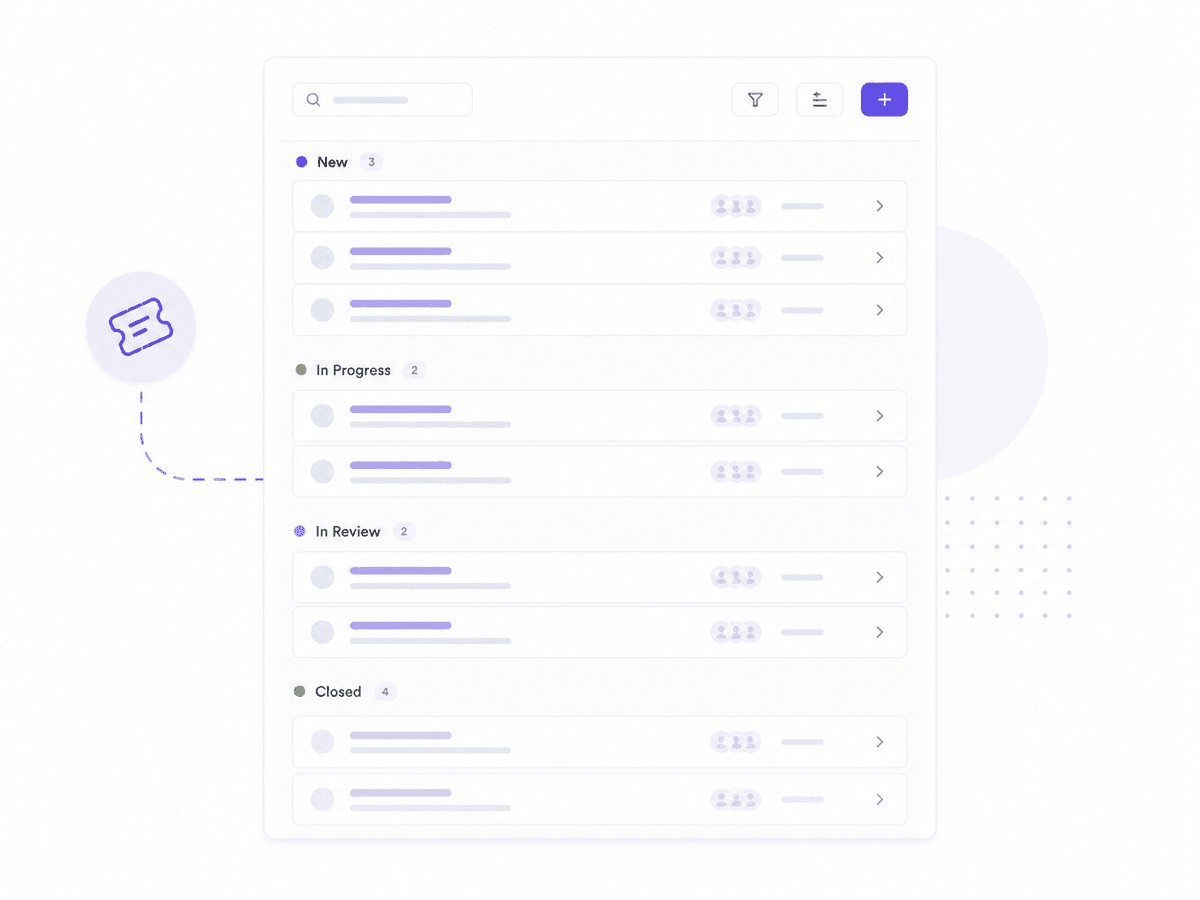
A management workspace brings support requests, contacts, and knowledge together. The illustrative screen shows request statuses and loading placeholders.
Getting started
Sign up and get onboarded.
Import or write articles in the Knowledge Base Editor, and publish them.
Add a knowledge base link in your product or website navigation so customers are taken to the help center when they need help.
Supahelp is an AI-native support platform for SaaS that resolves support requests from your support history. Customers get instant answers from your published knowledge base and submit complete support requests through customized forms. Supa, the built-in AI agent, uses past resolved requests to draft replies and updates that your team approves, so support scales without extra headcount.
Supa is the AI support agent in Supahelp. It answers customers from your published knowledge base, and uses your past resolved requests to draft replies and updates that your team approves before anything is sent.
Yes. Bring your existing articles over. You can upload PDF (.pdf), Word (.docx), and text (.txt) files, and you can also import them directly from a web URL.
Yes. You can use your own domain for your help center so it feels like part of your product.
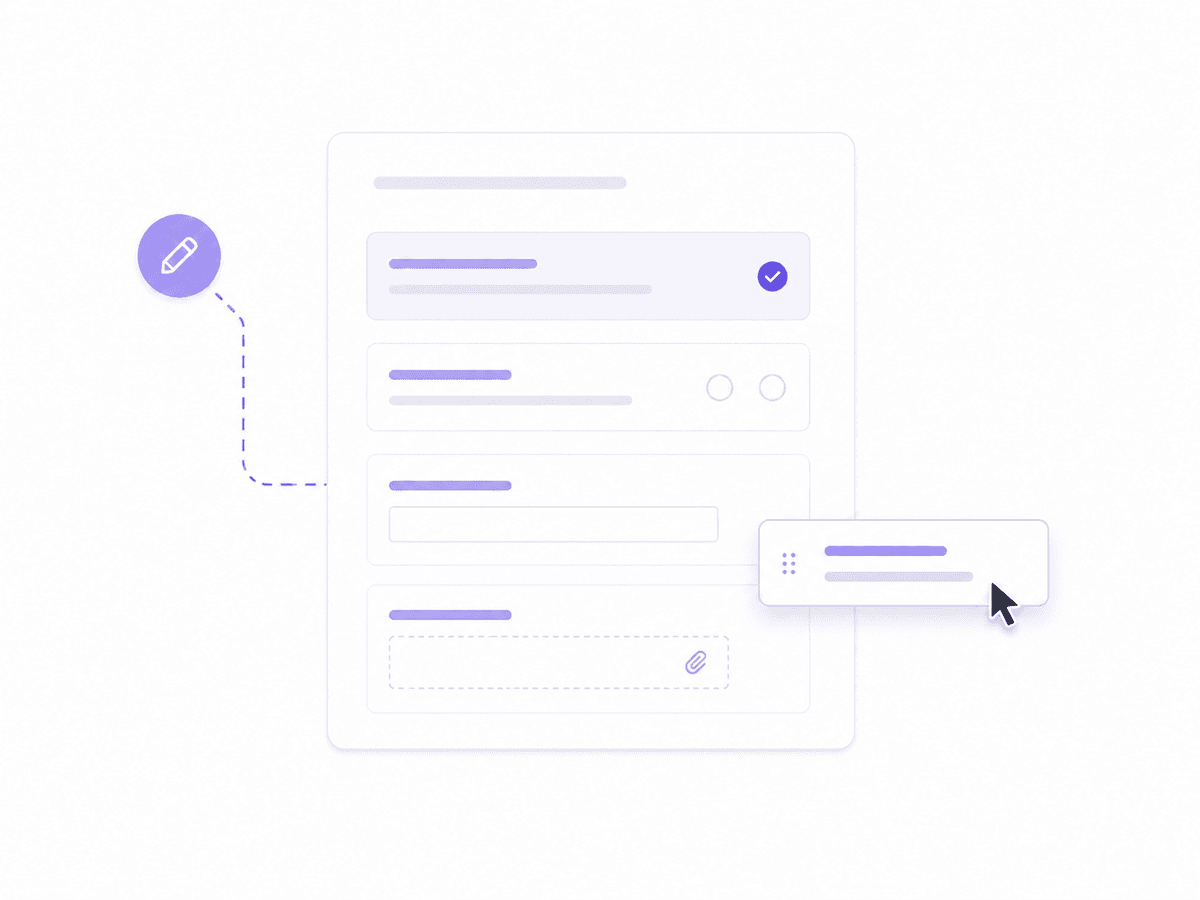
Customers can submit a help request via the 'Request for Help' button located at the bottom of the navigation panel in the Knowledge Base.
Supahelp is designed to keep each workspace separate and access-controlled. Other workspace owners cannot see your workspace or your customers' requests.
No. Support and product teams can launch and maintain the help center themselves, without waiting on engineering.
Yes. Supahelp supports MCP to help you manage content from your preferred AI agents.