
What is Helpjuice?
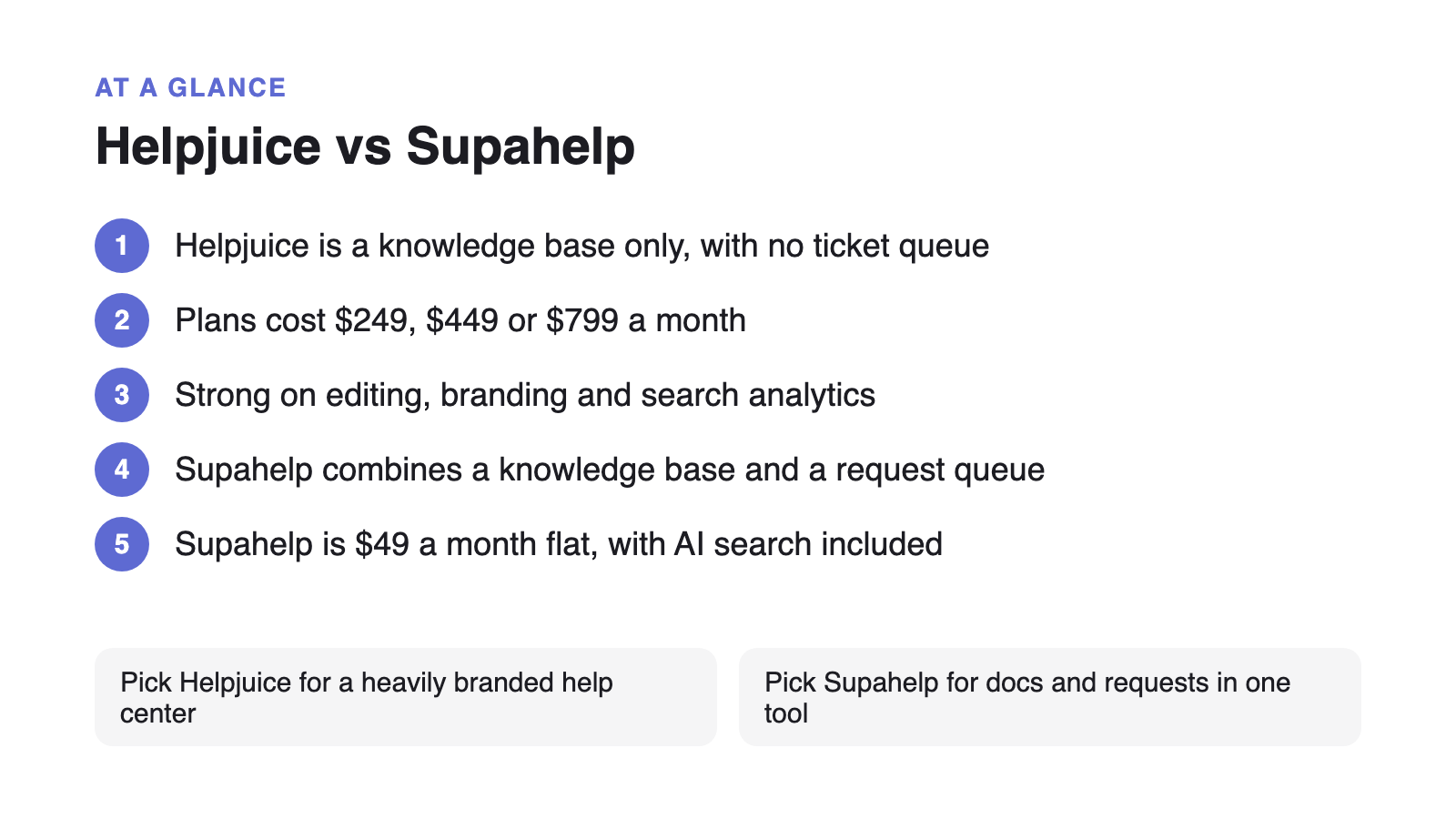
Helpjuice is a standalone knowledge base platform used to publish internal wikis and customer-facing help centers, priced from $249/month for up to 30 users. It is built for teams that want deep control over the look of their help center, down to CSS-level customization, and it does not include ticket or support-request management. It is a knowledge base with no helpdesk attached.
That last point matters more than it sounds. A knowledge base answers the questions customers already know to ask. It does not capture the ones that still need a person, which is why most teams end up running a knowledge base and a separate inbox or ticketing tool side by side, and paying for both.
Helpjuice vs Supahelp: feature and pricing comparison
The clearest difference is scope: Helpjuice sells a knowledge base, Supahelp sells a knowledge base and a support request queue in one flat-rate plan. The table below lines up pricing, AI access, and the features most teams compare before switching.
| Feature | Helpjuice | Supahelp |
|---|---|---|
| Starting price | $249/mo for up to 30 users | $49/mo flat, unlimited users |
| AI search & summaries | Gated behind the $449/mo tier | Included on every plan |
| Support request management | Not included. Knowledge base only | Included alongside the knowledge base |
| Pricing model | Seat-capped tiers ($249 / $449 / $799) | One flat rate, no per-seat math |
| Free trial | 14 days, no card required | Free forever, no card required |
| Deep CSS-level branding | Yes, with CSS knowledge or vendor help | Custom domain included, no CSS required |
How does Helpjuice pricing scale as a team grows?
Helpjuice prices in three seat-capped tiers rather than per user: $249/month covers up to 30 users, $449/month covers up to 100 and adds the AI suite plus SSO, and $799/month removes the seat cap entirely. Because the tiers jump in steps, a 5-person team still pays the full $249/month floor, while a 35-person team is forced up to the $449 tier for five extra seats.
Supahelp charges $49/month flat, regardless of how many people are on the team or how many articles and requests they handle. There is no seat count to plan around and no tier to jump when the team crosses a threshold.
Why gate AI search behind a higher tier?
Helpjuice’s AI Writer, AI-powered search, and chatbot are only available on its $449/month tier and above. A team on the base $249 plan gets none of it. That gap is expensive in practice: a June 2025 Gartner survey of 5,801 customers found that 60% of customer service agents fail to proactively promote self-service options, and when they do mention it, over a third of those mentions are neutral or negative. A knowledge base that cannot be searched well by AI compounds that problem instead of fixing it.
Supahelp includes Supa’s knowledge answers and AI summaries on its only paid plan, so a team of five gets the same search quality as a team of five hundred. That is worth having on day one: Zendesk Benchmark data puts the share of consumers who find AI bots helpful for simple issues at nearly 80%, so a knowledge base that answers well by AI search is doing real support work.
A knowledge base alone does not close the loop
Helpjuice’s own case studies measure success in onboarding time saved for end users, not in how many support conversations get resolved end to end, because Helpjuice has no queue to resolve them in. Every question a customer cannot self-serve still needs to land somewhere: an email inbox, a separate helpdesk subscription, or a Slack channel nobody owns.
Supahelp keeps the article a customer just read and the request they file next in the same place, so a team can see which articles are not answering the question well enough without switching tools. Read more on structuring a knowledge base so AI assistants can answer from it once the migration below is done.
This is not unique to Helpjuice. Notion-based tools carry the same gap (see how HelpKit compares if a Notion-powered help center is also on your shortlist), and so do AI documentation generators, covered in the InstantDocs comparison. A shared-inbox helpdesk closes that loop but charges per seat to do it, which the Help Scout comparison walks through.
Migrating from Helpjuice to Supahelp
Helpjuice does not offer a one-click export, so budget a short manual step before the switch.
- Export your Helpjuice articles
Helpjuice does not offer a one-click export, so pull article content and categories manually or through its API before you start the switch.
- Import into Supahelp
Use Supahelp's one-click import to bring articles in, then re-check any tables or embeds that used Helpjuice's editor formatting.
- Point your custom domain at Supahelp
Update the CNAME your help center domain uses so existing links keep working once you cut over.
- Turn on AI search
AI search is included on every Supahelp plan, so there is no separate upgrade tier to unlock it once articles are imported.