What does an AI-readable article actually mean?
An AI-readable article is one where any 200-word window of it still answers a real question. Assistants do not open your help center and read it. They pull passages that look relevant to a query, then write an answer from those passages alone.
That single mechanic explains most of what follows. If the answer to “can I export my tickets” lives in paragraph nine, under a heading called “Advanced”, after three paragraphs of setup, the passage containing it carries no signal that it is about exports at all.
Getting cited matters beyond politeness. An April 2026 Seer Interactive study of 53 brands across 5.47 million tracked queries found that when a Google AI Overview appears and does not cite the brand, organic click-through rate drops 67% compared to being the cited source. Structuring an article so an assistant can lift it cleanly now affects traffic as well as readability.
The five structural rules
Applied in order, these cover most of the gap between a help center people can search and one an assistant can quote.
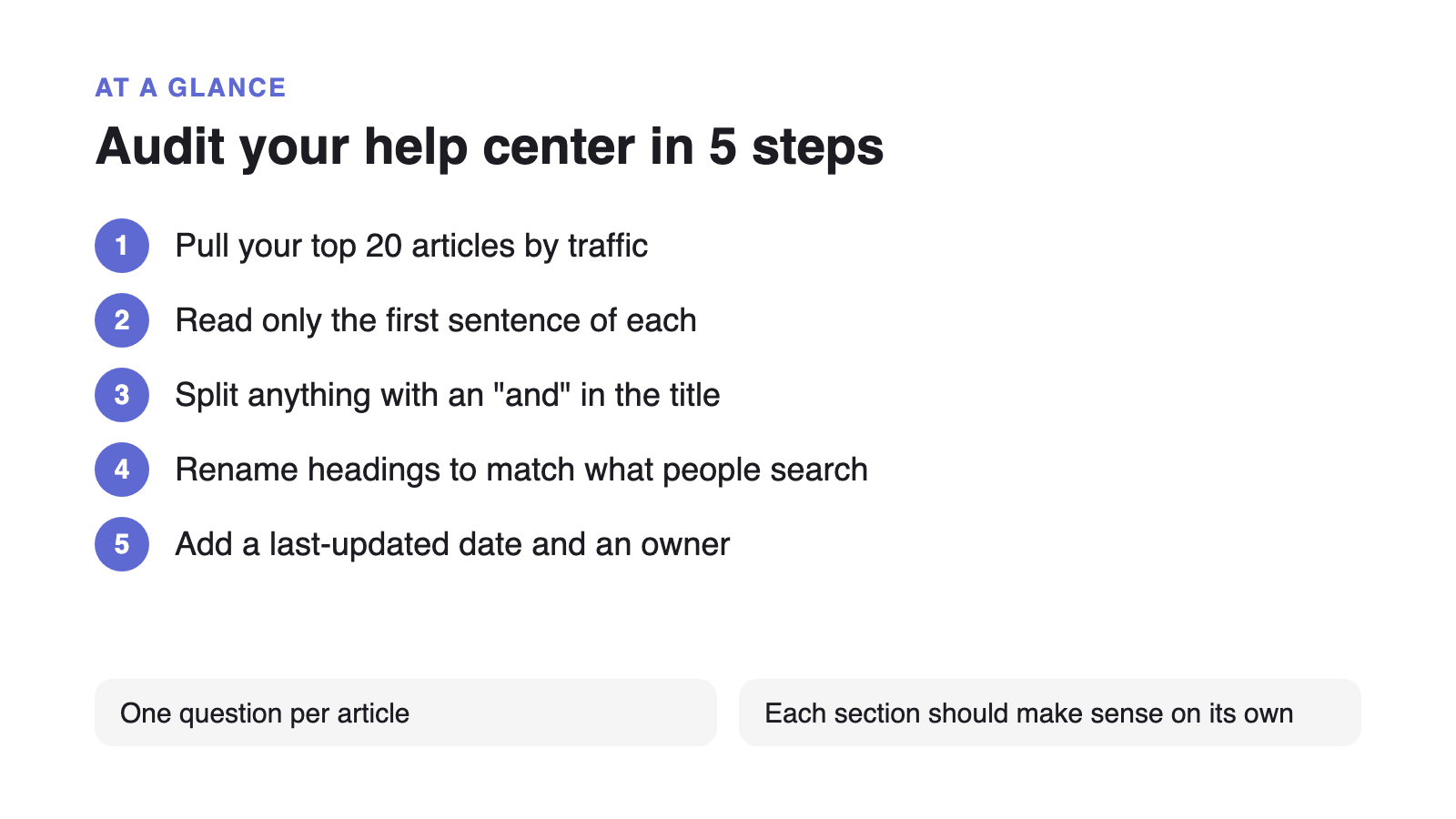
- One question per article. If the title needs an “and”, split it.
- Answer first. The opening sentence states the answer. Context, caveats and screenshots follow it.
- Headings in customer language. “Why is my invoice different this month” beats “Proration policy”.
- Self-contained sections. No “as described above”. Repeat the noun instead of using a pronoun.
- Explicit freshness. A visible last-updated date, and a version number where behaviour changes.
How retrieval sees your article
Most retrieval pipelines split documents into passages of roughly 200 to 500 words with a small overlap. The table below shows what survives that split.
| Pattern | Retrieved correctly | Why |
|---|---|---|
| One question per article | Yes | The whole document is on-topic, so every chunk carries the same intent. |
| Answer buried after setup steps | Rarely | The passage containing the answer has no keywords tying it to the question. |
| Long omnibus “Complete guide” | Partially | Chunks split mid-topic and the assistant quotes the wrong section. |
| Steps written as a numbered list | Yes | List items are usually kept intact and are easy to reproduce verbatim. |
| Answers relying on “as described above” | No | The referenced context is in a different chunk and is lost. |
How to audit an existing help center
You do not need to rewrite everything. Work through the twenty articles that carry most of your traffic and apply this pass. If the goal is fewer tickets rather than better citations, the same twenty articles are where deflection work should start.
- Pull your top twenty articles by traffic
Volume follows a steep curve. Fixing the top twenty usually covers more than two thirds of retrieved passages.
- Read only the first sentence of each
If it does not answer the title, rewrite it. This one change moves the most.
- Split anything with an “and” in the title
Two questions in one article means neither is retrieved cleanly. Cross-link the halves.
- Rename headings to match search queries
Check your help center search logs for the exact phrasing customers type.
- Add a last-updated date and an owner
Both are extractable signals, and the owner is what makes the review cycle stick.
Re-run the audit each quarter. Articles decay quietly: the product changes, the screenshot goes stale, and the passage keeps getting retrieved with confidence.
If this audit is turning up a knowledge base tool that cannot keep up, such as one that gates AI search behind a pricier tier, see how a flat-rate alternative to Helpjuice compares before you commit to a migration.