Can Notion be a knowledge base?
Notion works as a knowledge base for an internal audience, and Notion itself runs one this way. In a write-up of its own setup, the company reported a 73% increase in knowledge base usage after consolidating scattered docs into one Notion hub, but only alongside a database structure, an owning team, verification badges for freshness, and granular view-only permissions. The tool does not supply that discipline; you do.
Where Notion runs out of room is a customer-facing help center. It charges extra for a custom domain (a paid add-on on top of a paid plan), leaves analytics to a Google Analytics hookup rather than showing which articles fail to answer questions, has coarse external sharing, no support request queue behind it, and no built-in way to tell a reader a page is stale. This guide covers setting Notion up well for a team, then the signals that your audience has moved outside it.
How to set up a Notion knowledge base properly
Most Notion knowledge bases fail slowly, as nested pages pile up and nobody can find anything. These steps prevent that.
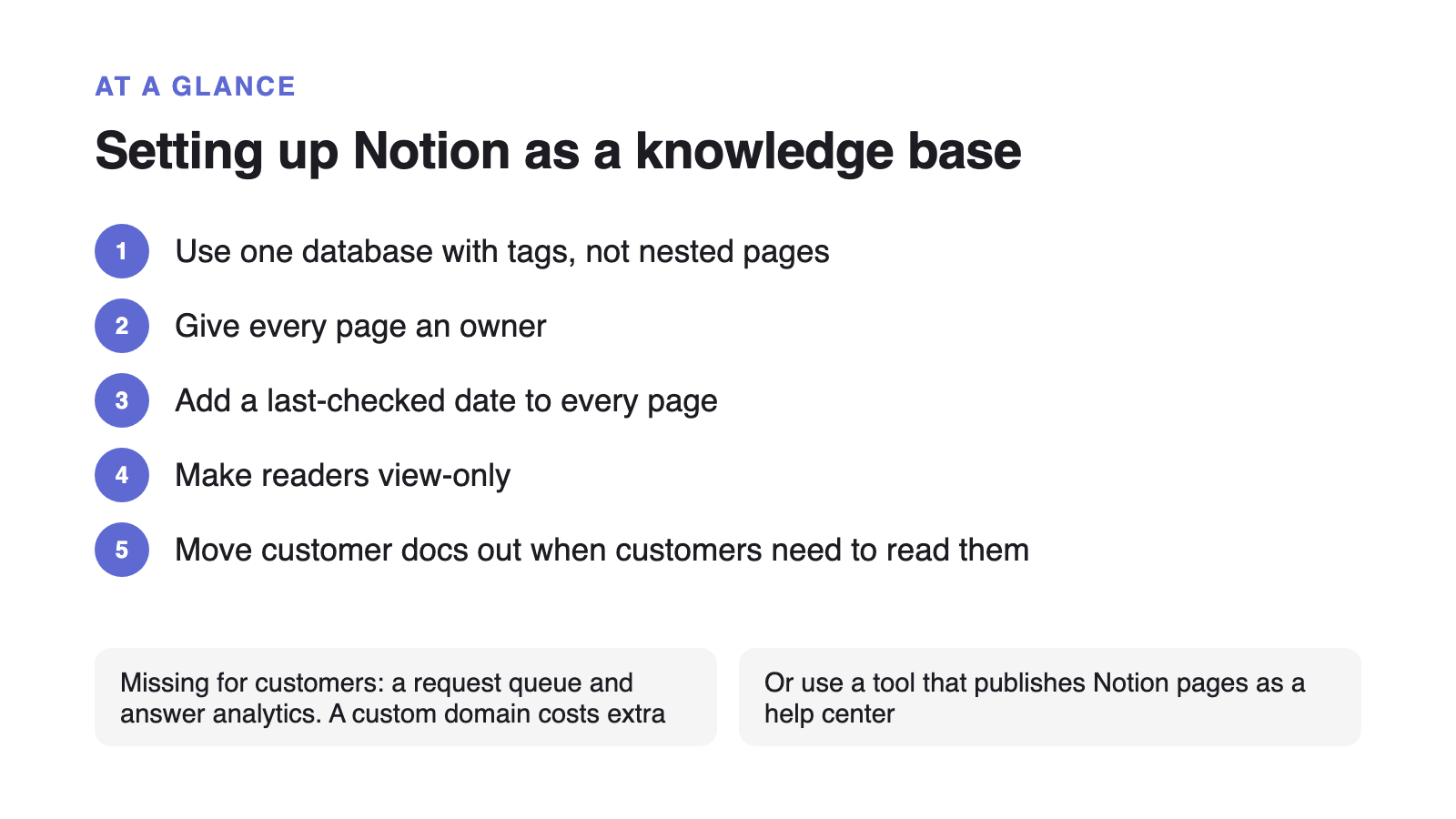
- Use one database, not a tree of nested pages
A database with a Category and an Owner property stays searchable and filterable as it grows. Nested pages get lost three levels down.
- One question per page, answer in the first lines
The same rule that makes an article findable for a person makes it retrievable for Notion AI and any assistant you connect later.
- Give every page an owner and a last-verified date
Notion's verification badge only means something if a named person is responsible for re-checking on a schedule.
- Set readers to view-only, and keep drafts in a separate space
Mixed edit access is how a knowledge base fills with half-finished pages nobody trusts.
- Build a short 'start here' index page
Link the ten pages that answer the most common questions. Most readers never use search if the entry point is good.
Where Notion falls short as a help center
For an internal wiki, the gaps below rarely matter. For a knowledge base customers read, each one becomes a support problem.
| Need | Notion | Dedicated knowledge base |
|---|---|---|
| A branded site on your own domain | Paid add-on: $10 a month ($8 billed annually), on a paid plan | Without it, customers land on a generic notion.site URL, and search engines treat it as someone else's domain. |
| Which articles get read, and where readers drop | Google Analytics hookup only (paid plans) | Page views alone do not show which articles fail to answer the question, so you cannot prioritise fixes. |
| Reader access without workspace access | Limited: a public page or a full share | Fine-grained external permissions are hard, so a public KB is usually all-or-nothing. |
| Telling a reader a page is out of date | Internal verification badges only | The freshness signal Notion shows staff is not visible to a customer reading a public page. |
| Showing up in Google and AI answers | Weak | Shared Notion pages render slowly for crawlers and carry little of the structured signal assistants look for. |
| A support request queue next to the articles | No | Questions the docs do not answer go to a separate tool, so the docs and the tickets never inform each other. |
The line that decides it: internal wiki or customer help center
If your readers are your own team, Notion set up with the steps above is genuinely fine, and moving would cost you more than it returns. If your readers are customers, you need publishing on your own domain, search that works for people who do not know your internal vocabulary, and analytics that show which articles are not answering the question.
There is a middle path: keep authoring in Notion and use a tool that renders it as a real help center. That is what HelpKit does, and where its limits are. If the docs themselves are the bottleneck rather than the publishing, an AI doc generator solves a different part of the problem.
Signs you have outgrown Notion as a knowledge base
Any one of these means the content has an audience Notion was not built to serve:
- You paste Notion links into support replies because customers cannot find pages on their own.
- You have no idea which articles get read, so you cannot tell which ones to fix.
- The same questions keep coming in even though “it’s in the docs”, because nobody can find the docs.
- You want the help center to show up in Google and in AI answers, and a shared Notion page does neither well.
The fix for the middle two is structural, and it doesn’t need a migration: one question per article, the answer first, customer-language headings. Once the content is in that shape, moving it to a tool that deflects the repeat questions is a much smaller job.