How we compared these platforms
Knowledge base software is a tool for writing help articles and publishing them where customers or your team can search them. Every platform below does that. The differences that matter to a small team are narrower: who the articles are for, what happens when an article does not answer the question, and how the price moves when you hire.
Prices come from each vendor’s own pricing page, checked in September 2026. We make Supahelp, which is on this list, so we have kept its entry to the same facts as the others and noted where another tool is the better fit.
| Platform | Best for | Starting price | Pricing model | Request queue? |
|---|---|---|---|---|
| Supahelp | Help center plus a request queue | $49/mo flat ($39 billed annually) | Flat rate, unlimited users | Yes |
| Help Scout | Email-first teams that want docs built in | $25/user/mo (monthly billing) | Per user | Yes, shared inbox |
| Zendesk | High-volume, multichannel support | $55/agent/mo for Suite Team (billed annually) | Per agent | Yes, full ticketing |
| Helpjuice | Heavily branded help centers and wikis | $249/mo | Tiers capped by user count | No |
| Document360 | Large technical documentation sites | Quote on request | Per project | No |
| HelpKit | Teams whose docs already live in Notion | $15/site/mo | Per site, capped articles and seats | No, forwards to another tool |
| InstantDocs | Teams that struggle to write docs at all | Free plan; Pro $79/mo billed annually | Per plan, AI billed in credits | No |
| Notion | Internal team knowledge | $8/seat/mo billed annually | Per seat, custom domain extra | No |
The eight platforms
1. Supahelp
Supahelp is a help center with a structured request queue behind it, so the question an article could not answer lands somewhere your team can assign and track. It costs $49 a month, or $39 billed annually, for unlimited users, articles and requests, with a custom domain, one-click import and 5,000 AI credits a month. Its built-in AI agent answers customers from your published articles. It does not offer live chat, phone or social channels, so it fits teams whose support is mostly repeat questions plus a manageable queue.
2. Help Scout
Help Scout is a shared inbox with a knowledge base (Docs) and a help widget (Beacon) on every plan. It suits teams whose support is mostly email and chat conversations. Paid plans start at $25 per user a month on monthly billing, and its customer-facing AI Answers is billed per resolution on top. See our Help Scout comparison for how the per-user price grows with a team.
3. Zendesk
Zendesk is an omnichannel support suite, and its help center comes with the Suite plans, starting at $55 per agent a month billed annually. It is the strongest option here for large teams that need phone, routing and multiple brands, and the heaviest to set up for a small one. AI features are priced separately. More detail is in our Zendesk comparison.
4. Helpjuice
Helpjuice is a dedicated knowledge base with deep branding control, a strong editor and search analytics. Plans start at $249 a month, with AI features on the $449 tier and above. It has no ticket queue, so unanswered questions need a separate tool. Our Helpjuice comparison covers the tiers.
5. Document360
Document360 is built for large, structured documentation sites with versioning and multiple languages. It no longer publishes prices, so you request a quote for each plan, and pricing is set per project, meaning per knowledge base. It suits technical product teams more than a two-person support desk.
6. HelpKit
HelpKit publishes a Notion workspace as a branded help center on your own domain, from $15 per site a month. You keep writing in Notion. The entry plan caps articles and seats, the AI chatbot is a $49 monthly add-on, and contact forms are forwarded to another help desk. See the HelpKit comparison.
7. InstantDocs
InstantDocs uses AI to write help articles from screen recordings and to find missing articles by reading your support tickets. It has a free plan without AI features, and Pro is $79 a month billed annually at launch pricing. It is still in early access and has no ticket queue of its own. Our InstantDocs comparison explains the credit model.
8. Notion
Notion is a good internal knowledge base if you set it up as a tagged database with page owners. Paid plans start at $8 per seat a month billed annually, and a custom domain for a public site is a separate add-on. As a customer help center it lacks per-article analytics and a place for unanswered questions to go. We cover the setup in using Notion as a knowledge base.
How to choose knowledge base software
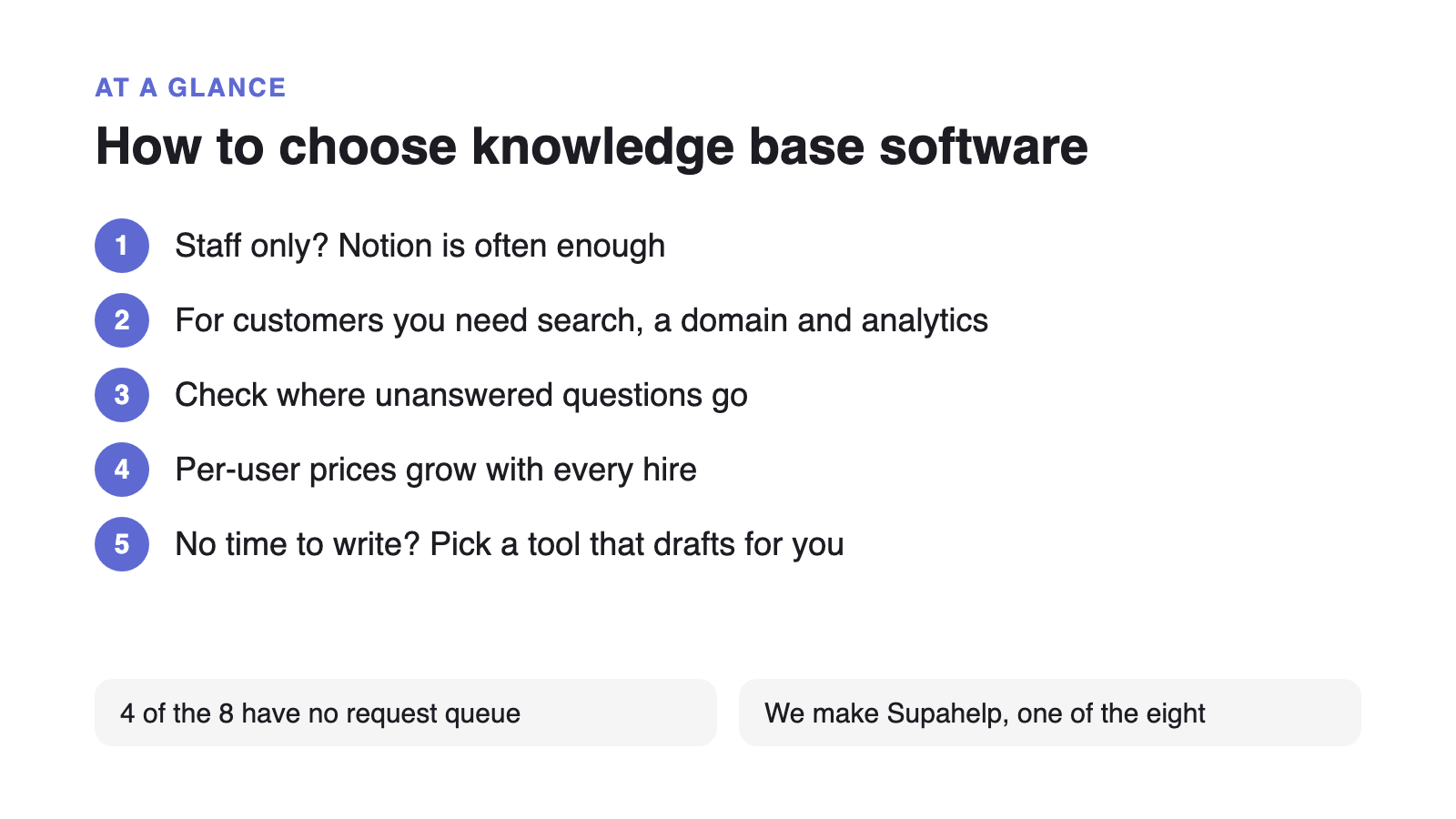
Four questions narrow the list quickly:
- Who reads it? For staff only, Notion is often enough. For customers, you need a public site with search, a custom domain and analytics.
- Where do unanswered questions go? Four of the eight have no request queue. If you pick one of those, budget for a second tool.
- How does the price move? Per-user and per-agent plans grow with every hire. Flat and per-site plans don’t, but check their article and seat caps.
- Who will write the articles? If nobody has time, a tool that drafts articles for you matters more than branding options.
Why the choice matters more than it looks
A knowledge base only helps if customers find their answer in it. In a Gartner survey of 5,728 customers, only 14% of service issues were fully resolved in self-service, and the most common reason for failure was that customers couldn’t find content relevant to their issue (43%). The platform you pick shapes how easy articles are to write, find and keep current. How you write them matters just as much, which is why we wrote a guide on structuring a knowledge base for AI answers.
If you are still deciding what a knowledge base should cover, start with what a knowledge base is, then come back to this list.