What does Zendesk specialize in?
Zendesk combines ticketing, messaging, voice, knowledge management and routing for support teams. It is a strong fit when you need several channels and detailed controls. A Zendesk alternative should cover the channels you actually use, with clear limits on seats, knowledge base access and AI usage.
Zendesk alternatives at a glance
These four options suit different support workflows. Prices below are USD/month before tax on annual billing, using a paid plan with a public knowledge base; free options are noted separately. Sources are linked in each row. We compared published plans on 17 October 2026, rather than running a hands-on product trial. Supahelp publishes this comparison.
| Alternative | Best for | Price with a public knowledge base | Main limitation |
|---|---|---|---|
| Supahelp | Public knowledge base and structured requests | Free; Essential $64/workspace | No live chat, voice or social inbox; AI/email allowances are limited |
| Freshdesk | Email ticketing, a customer portal and knowledge base | Growth $19/agent | Advanced routing needs Pro; Freddy AI usage and Copilot can cost extra |
| Help Scout | Shared inbox, live chat and Docs | Standard $25/user | Full users cost extra; AI Answers is $0.75/resolution |
| Zoho Desk | Lower-cost ticketing with Zoho CRM integration | Standard $14/agent | Public knowledge base needs Standard; native Zia needs Professional |
Which Zendesk alternative fits your team?
Supahelp: public knowledge base and structured requests
Supahelp fits small teams whose customers mainly need articles and a way to submit complete requests. Free includes unlimited public articles, one staff member and 100 requests/month. Essential includes unlimited staff for $64/month annually or $79 monthly, plus support email and shared AI credits. It does not replace Zendesk’s live chat, voice or social channels.
Freshdesk: email ticketing and a customer portal
Freshdesk Growth includes email ticketing, a shared inbox, customer portal, knowledge base and basic reporting at $19/agent/month billed annually. Pro adds more routing, SLA and reporting options. Freddy AI lists its first 500 sessions as included; additional sessions and Copilot can cost extra. Verify the current allowance before budgeting. See the Freshdesk comparison.
Help Scout: shared-inbox support
Help Scout is an option for teams that prefer a shared inbox with live chat and Docs. Standard includes unlimited articles at $25/user/month annually or $30 monthly. Its Free plan has five users, 100 contacts/month and 10 articles. AI Answers costs $0.75 per resolution. Compare Help Scout alternatives.
Zoho Desk: lower-cost ticketing and CRM integration
Zoho Desk Standard includes a public knowledge base at $14/agent/month annually or $20 monthly. Professional adds departments, Blueprint automation and native Zia AI at $23 annually. It is especially relevant if your team uses Zoho CRM. Check each routing and AI requirement against its edition, rather than assuming feature parity. See the Zoho Desk comparison.
How does Zendesk pricing scale?
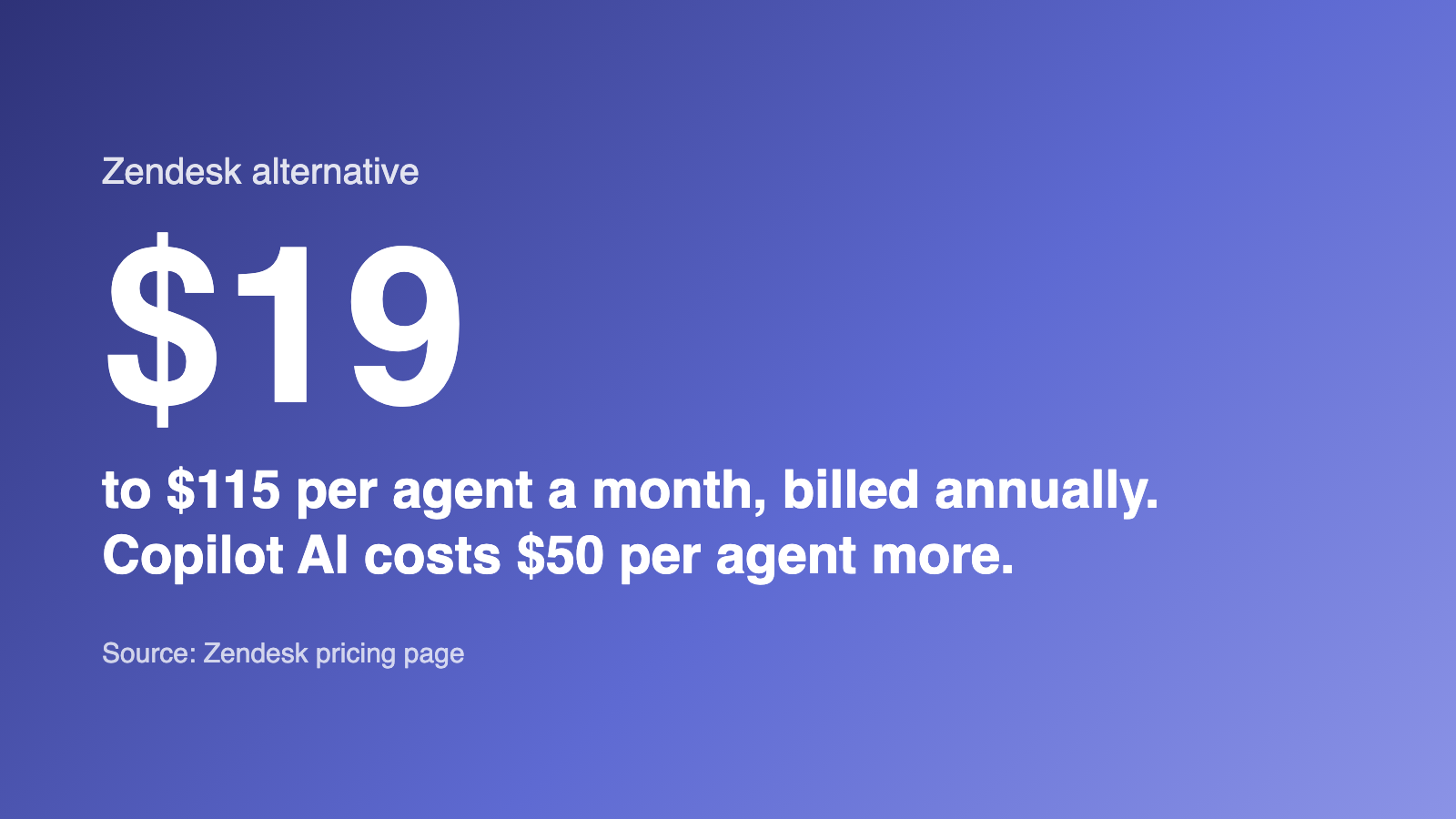
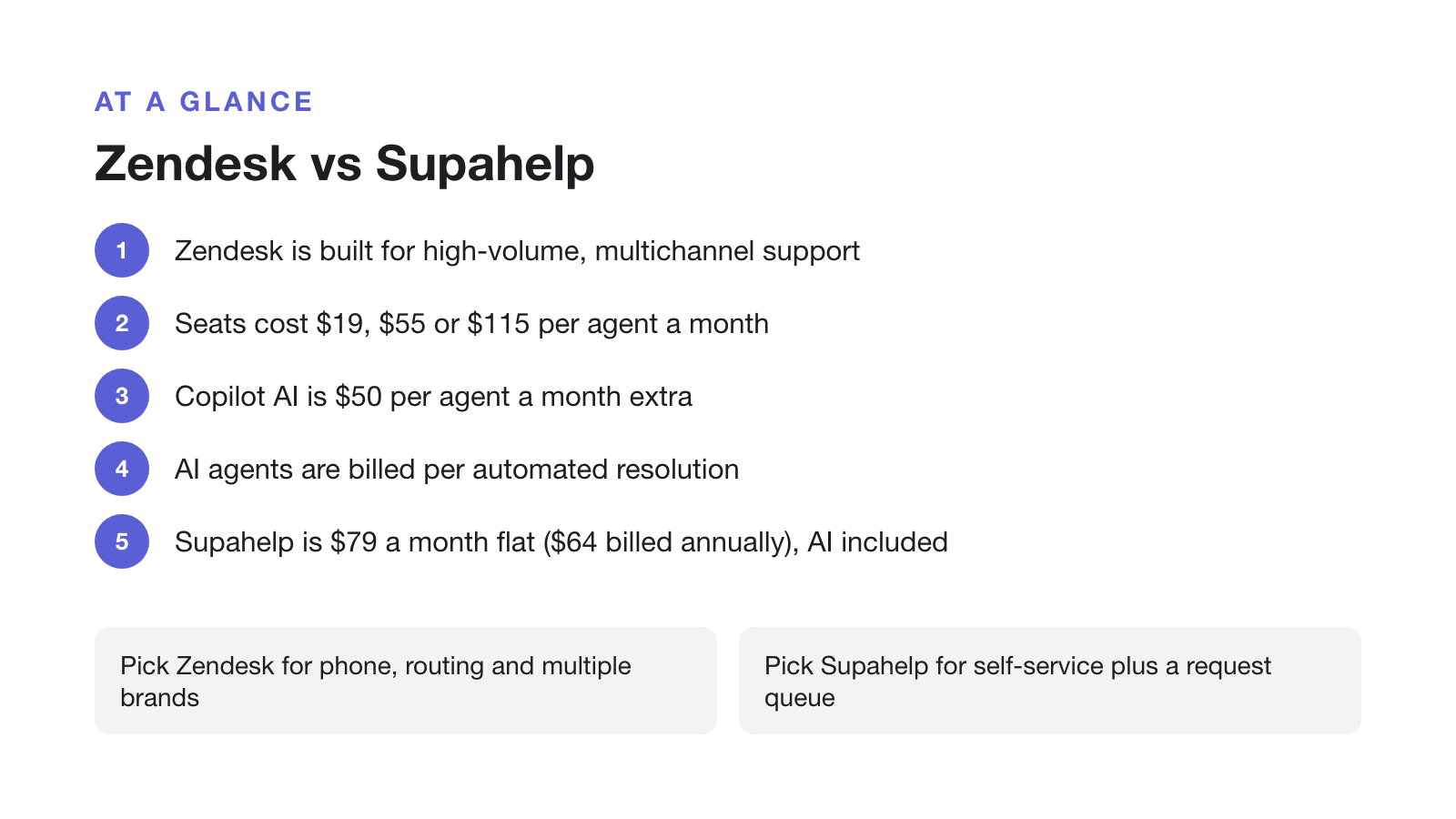
Zendesk Support Team starts at $19/agent/month annually, but a public knowledge base requires Suite Team at $55. Compare the Suite plan your workflow needs. Prices below are USD before tax, checked 17 October 2026; annual prices are monthly equivalents paid yearly.
| Plan | Annual billing / month | Monthly billing | Main features included |
|---|---|---|---|
| Zendesk Support Team | $19/agent | $25/agent | Email ticketing, routing, macros, customer context, automations and basic reporting. No public knowledge base. |
| Zendesk Suite Team | $55/agent | $69/agent | Public knowledge base, messaging, live chat, voice, omnichannel routing, AI agents and Action Builder. |
| Zendesk Suite Professional | $115/agent | $149/agent | Suite Team plus multiple and conditional ticket forms, SLAs, multilingual content, skills routing, custom reporting, Admin Copilot and limited AI writing/summary uses. |
| Zendesk Suite Enterprise + Copilot | Contact sales | Contact sales | Professional plus advanced AI assistance, approval workflows, sandbox and custom roles. |
| Supahelp Free | $0 | $0 | Unlimited public articles and customers, 1 staff member, 1 team, 100 requests/month and 500 one-time AI credits. |
| Supahelp Essential | $64 total | $79 total | Unlimited staff, teams and requests; custom domain, email conversations, 5,000 AI credits and 2,000 outbound emails/month. |
Some AI usage is included: Team plans list 5 automated resolutions per agent/month and Professional lists 10, capped at 10,000 included resolutions/year. Extra resolutions cost $1.50 committed or $2 pay-as-you-go. Professional includes limited writing, summary and similar-ticket uses. Full Copilot costs another $50/agent/month annually, from Professional. Ten Professional agents with Copilot cost $1,650/month before extra usage. See Zendesk’s pricing and feature matrix.
| Team size (agents) | Zendesk monthly cost | Supahelp monthly cost |
|---|---|---|
| 3 | $165 | $64 |
| 10 | $550 | $64 |
| 25 | $1,375 | $64 |
| 50 | $2,750 | $64 |
Supahelp Essential is $64/workspace/month annually ($768/year) or $79 monthly, with unlimited staff. Its 5,000 shared AI credits cover up to 500 successful answers when used only for chat; summaries and related requests share the allowance. It also includes 2,000 outbound emails/month. Credits, sessions and resolved conversations are different billing units, so compare them against your actual usage.
Zendesk vs Supahelp: feature and pricing comparison
| Feature | Zendesk | Supahelp |
|---|---|---|
| Starting price | Support Team $19/agent/mo; Suite Team $55/agent/mo (billed annually) | $79/mo flat, unlimited users ($64/mo annually) |
| Pricing model | Per agent, per month, across Support and Suite tiers | One flat rate, no per-seat math |
| AI assistance | Professional, $115/agent/month annually, includes limited summary/similar-ticket uses; full Copilot add-on $50/agent/month, Professional or higher | Supa answers and AI summaries included, 5,000 credits/mo |
| Customer-facing AI answers | Included resolution allowances; extra resolutions $1.50 committed or $2 pay-as-you-go | Free: 500 one-time AI credits. Essential: 5,000/month, shared across AI features |
| Multiple request forms | Suite Professional, $115/agent/month annually ($149 monthly), including conditional fields | Custom forms on Free, 100 requests/month; unlimited requests on Essential |
| Primary shape | Omnichannel ticketing suite (email, voice, chat, social) | Supa knowledge answers + support requests |
| Knowledge base | Suite Team, $55/agent/month annually ($69 monthly); multilingual content from Professional, $115 | Unlimited public articles on Free; custom domain on Essential, $64/workspace/month annually ($79 monthly) |
| Live chat, voice & social channels | Live chat, messaging, voice/IVR, social | Not offered |
| Free tier | No free plan. 14-day trial only | Permanent Free plan; Essential $79/mo |
How should you choose a Zendesk alternative?
Choose Supahelp for self-service and structured requests with unlimited paid staff. Choose Freshdesk for email ticketing and a customer portal, Help Scout for shared-inbox support, or Zoho Desk for its CRM integration and lower entry price. Stay with Zendesk when you need its voice channels, routing, reporting or enterprise controls.
Compare the full bill: the required plan multiplied by paid agents, plus AI usage, channel fees and add-ons. A cheaper entry plan is useful only if it includes your required features. Read our customer service software guide for small businesses for a broader checklist.
What should you check before switching from Zendesk?
- List what must move
Record the articles, conversations, contacts, attachments, forms and channels you need to keep. Check the destination's actual import formats and plan limits before buying.
- Test a small sample
Export or copy a few articles and requests. Check formatting, files, search, customer history, permissions and reply routing. Keep an archive of anything the destination cannot import.
- Plan URLs and cutover
Map old article URLs to new ones and verify redirects, email delivery and integrations. A CNAME change alone does not preserve article paths. Keep the old platform available until the new workflow is tested.