What does Freshdesk specialize in?
Freshdesk, from Freshworks, is a multichannel helpdesk built around ticketing. Email, a web form, phone through the built-in Freshcaller telephony, live chat, and social messages feed one ticket queue, with automations, SLAs, a knowledge base, and reporting on top. It is a mature product. Freshworks reports tens of thousands of businesses using it, and it is usually pitched as the more affordable, faster-to-set-up alternative to Zendesk.
It is cheaper than Zendesk at the entry tier, but the model is the same one: a per-agent monthly price, with the AI sold separately on top. The question for a smaller team is whether a multichannel ticketing tool, priced by headcount, matches support that is mostly self-service plus a queue of structured questions.
Full feature list
Freshdesk covers a broad helpdesk surface across its Growth, Pro, and Enterprise plans:
- Ticketing from email, web form, and API, with a team inbox, collision detection, and canned responses
- Multichannel: phone via Freshcaller, live chat, WhatsApp, and social, folded into the ticket queue on higher tiers
- A hosted, brandable knowledge base with multi-language articles and a help widget
- Automations, ticket dispatch and routing, SLA management, and business hours
- Freddy AI Copilot: agent-side suggested replies, summaries, and rephrasing (paid add-on)
- Freddy AI Agent: a customer-facing bot that answers from your content, billed by session
- Analytics and curated reports, with custom reports on Pro and above
- Customer portal, community forum, and CSAT surveys
- 1,000+ marketplace apps and a developer platform
- iOS and Android apps
- SSO/SAML, IP allowlisting, and audit logs, with the strongest controls on Enterprise
That is a broader surface than Supahelp covers. Supahelp does not offer a shared email inbox, phone, live chat, or social channels. Supa answers customers from published knowledge, with requests managed in the same platform. Supa also completes team tasks once you approve them. Where the two overlap is self-service: both give you a hosted, searchable help center on your own domain, with AI search over your articles.
Freshdesk vs Supahelp: feature and pricing comparison
Freshdesk starts from a multichannel ticketing queue and Supahelp connects Supa’s knowledge answers with support requests, so this comparison is mostly about pricing model and scope. The table lines up the specifics.
| Feature | Freshdesk | Supahelp |
|---|---|---|
| Starting price | Growth $19/agent/mo; Pro $55/agent/mo (billed annually) | $79/mo flat, unlimited users ($64/mo annually) |
| Pricing model | Per agent, per month: Growth, Pro or Enterprise | One flat rate, no per-seat math |
| AI features | Freddy AI Copilot $29/agent/mo add-on on Pro and up; Freddy AI Agent $49 per 100 sessions after 500 free sessions (once per account) | Supa answers and AI summaries included, 5,000 credits/mo |
| Primary shape | Multichannel ticketing helpdesk (email, phone, chat, social) | Supa knowledge answers + support requests |
| Knowledge base | Included on every plan | Published knowledge for customers and Supa |
| Phone & live chat | Freshcaller telephony and live chat, metered | Not offered |
| Free tier | Free program: up to 2 agents, for 6 months | Permanent Free plan; Essential $79/mo |
| Setup | Multichannel config and routing automations to set up | Live the same day, no engineering queue |
How does Freshdesk pricing scale?
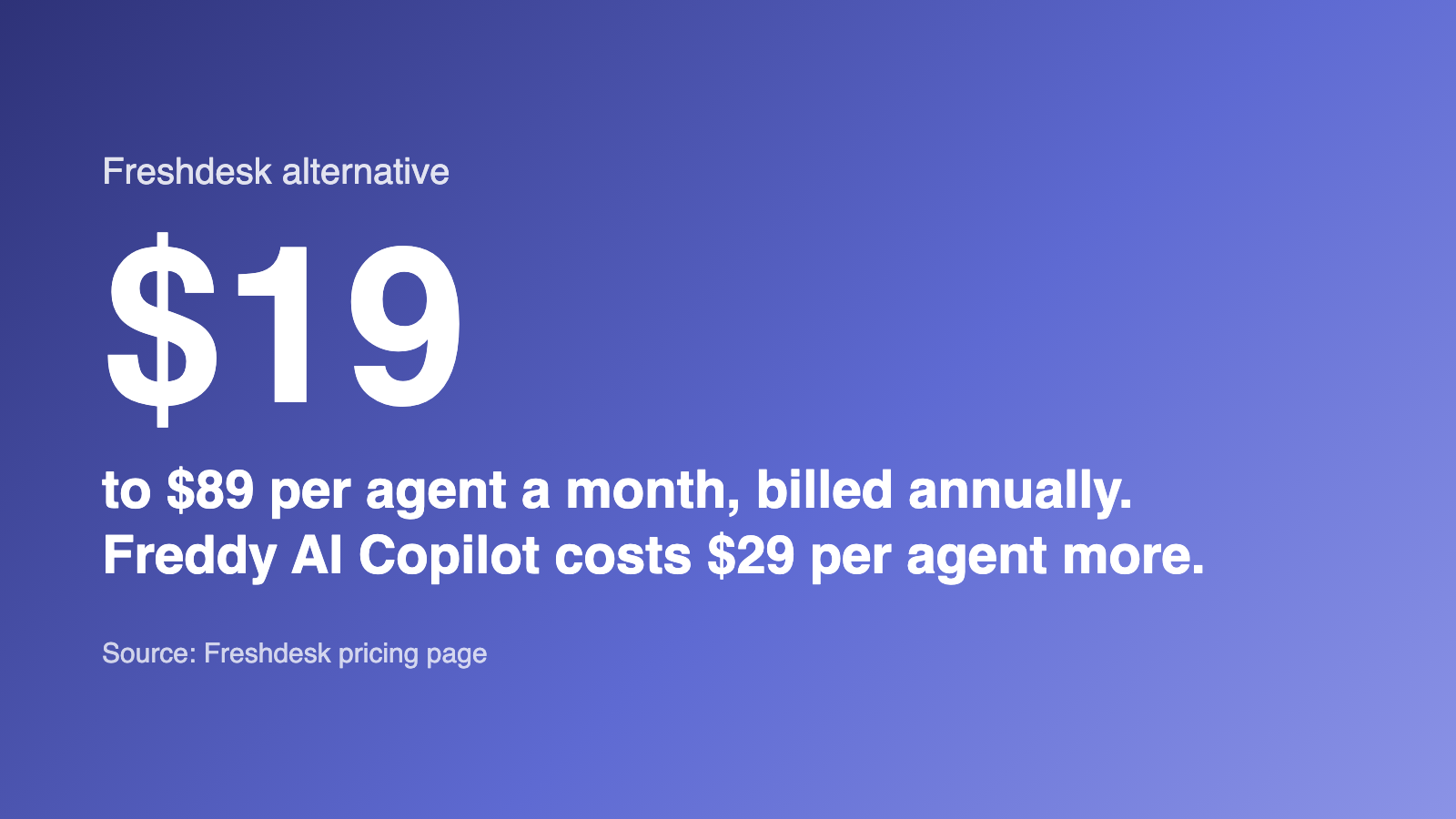
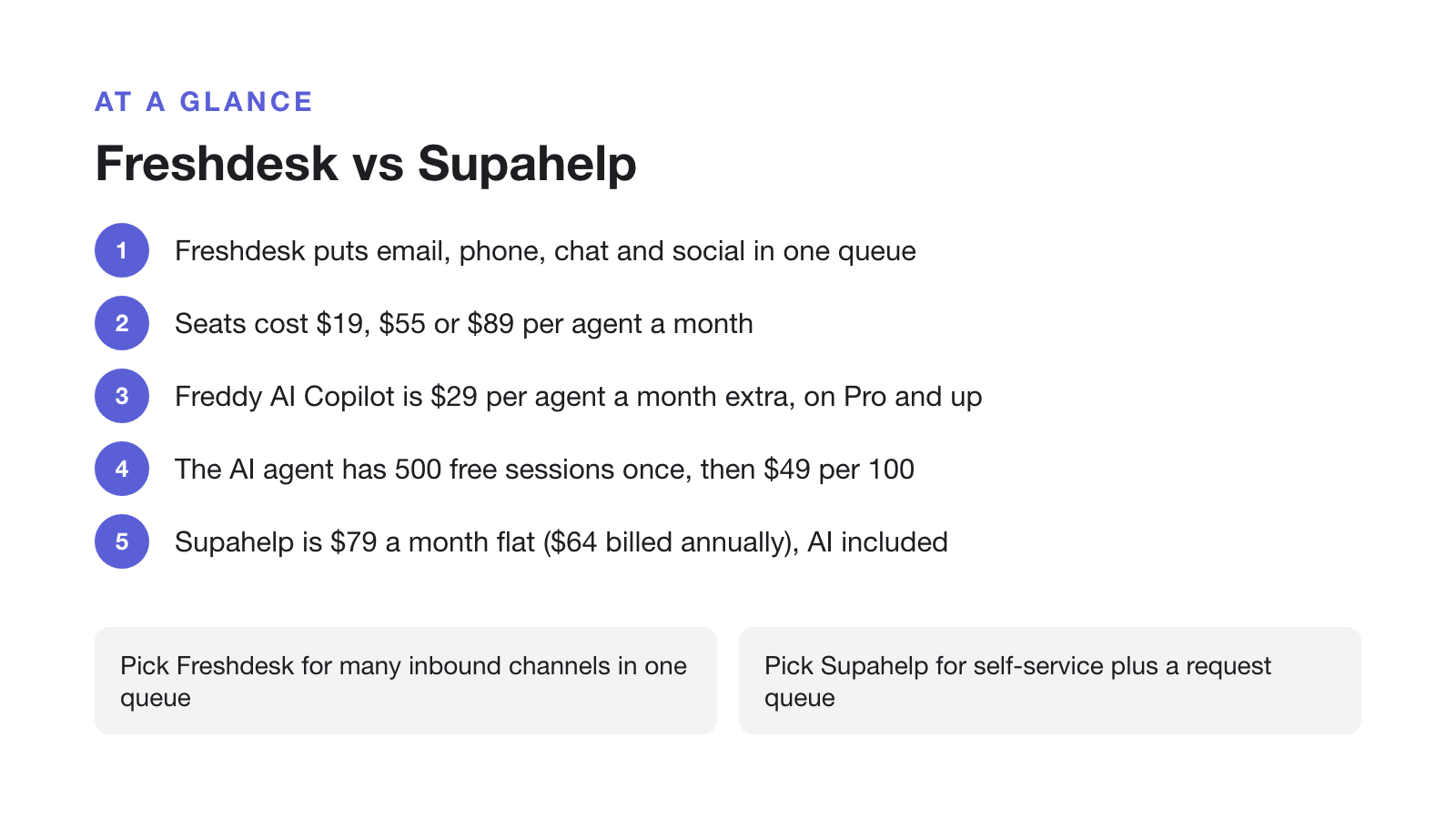
Freshdesk prices per agent, per month, billed annually, across three paid tiers: $19 for Growth, $55 for Pro, and $89 for Enterprise. Monthly billing runs higher. There is also a free program for up to two agents, but it only lasts six months, so most teams start on Growth or move to Pro for automations and custom reports.
The AI is a separate line item. Freddy AI Copilot, the agent-side assistant, is a $29 per agent, per month add-on on the Pro and Enterprise plans. Freddy AI Agent, the customer-facing bot, comes with 500 free sessions once per account, then bills $49 per 100 sessions. So, like Zendesk, the cost of answering customers with AI grows with the number of customers you answer.
| Team size (agents) | Freshdesk monthly cost | Supahelp monthly cost |
|---|---|---|
| 3 | $57 | $64 |
| 10 | $190 | $64 |
| 25 | $475 | $64 |
| 50 | $950 | $64 |
Supahelp Essential costs $79/month for your whole team, or $64/month billed annually, with no separate AI add-on. Its 5,000 monthly AI credits cover 500 successful AI answers if used only for chat. Summaries and related-request searches share that allowance. Supahelp counts individual answers; Freshdesk counts sessions, which can include multiple answers.
Why per-agent pricing and metered AI work against deflection
Most support teams are trying to answer more questions with self-service so the team can stay small. Zendesk’s 2025 CX Trends report found that 75% of CX leaders expect 80% of customer interactions to be “resolved without human intervention in the next few years.” That happens through a knowledge base and an AI answer layer, structured so assistants can retrieve from it.
A per-agent plan bills you by headcount for the tool meant to keep headcount down, and a per-session AI charge adds cost right when deflection is working. A flat rate lines the pricing up with the goal instead: the better your help center gets, the less you pay per answer. That is why a team whose support is mostly self-service plus a manageable request queue, instead of a busy multichannel inbox, usually comes out ahead on a flat plan.
Choose Freshdesk if / choose Supahelp if
Freshdesk is a solid, affordable helpdesk, and for a team that lives in a ticket queue it is a reasonable pick. Whether it fits comes down to how your support actually flows.
Choose Freshdesk if: most of your support is inbound tickets across email, phone, and chat that you want in one queue; you need built-in telephony, SLA management, or dispatch and routing automations; you want a large app marketplace; and a per-agent bill of $19 to $89, plus the Freddy AI add-ons, fits the budget.
Choose Supahelp if: your support is mostly self-service backed by a queue of structured product questions rather than a busy multichannel inbox; you want one flat rate that does not climb every time you hire; you want AI search included rather than metered by session; and you do not need phone, live chat, or social channels. Supahelp keeps the article a customer just read and the request they file next in the same place, so the team writing the docs can see which ones are not answering the question.
Migrating from Freshdesk to Supahelp
A move from Freshdesk to Supahelp is a partial migration by design: the knowledge base comes across, the multichannel ticket queue does not have a like-for-like home, so plan for both.
- Export your knowledge base articles
Freshdesk's solution articles can be pulled through its API or exported by category. Take article content and folder structure before you start the switch.
- Import into Supahelp
Use Supahelp's one-click import to bring articles in, then re-check tables, images, and formatting that used Freshdesk's editor.
- Re-point your help center domain
Update the CNAME your help center domain uses so existing links keep working once you cut over from Freshdesk.
- Decide where tickets land
Freshdesk's multichannel ticket queue has no like-for-like home in Supahelp. Keep email, phone, and chat in a dedicated inbox tool, and use Supahelp's request queue for the structured product questions your team tracks and assigns.
If you are weighing more than one option, see how the enterprise omnichannel suite compares in Zendesk Alternative: A Per-Agent Support Suite vs a Flat-Rate Help Center, how shared inboxes compare in our roundup of Help Scout alternatives, or how an AI-first support platform priced per seat plus per resolution compares in Intercom Alternative: A Per-Seat AI Support Platform vs a Flat-Rate Help Center.