Why do teams look for Help Scout alternatives?
A Help Scout alternative is any support tool that replaces Help Scout’s shared inbox, its Docs knowledge base, or both. Help Scout itself is a good product: an email-first shared inbox with live chat, social channels and a hosted knowledge base on every plan, rated 4.4 stars on G2 across more than 430 reviews. Teams usually start comparing Help Scout competitors for one of three reasons:
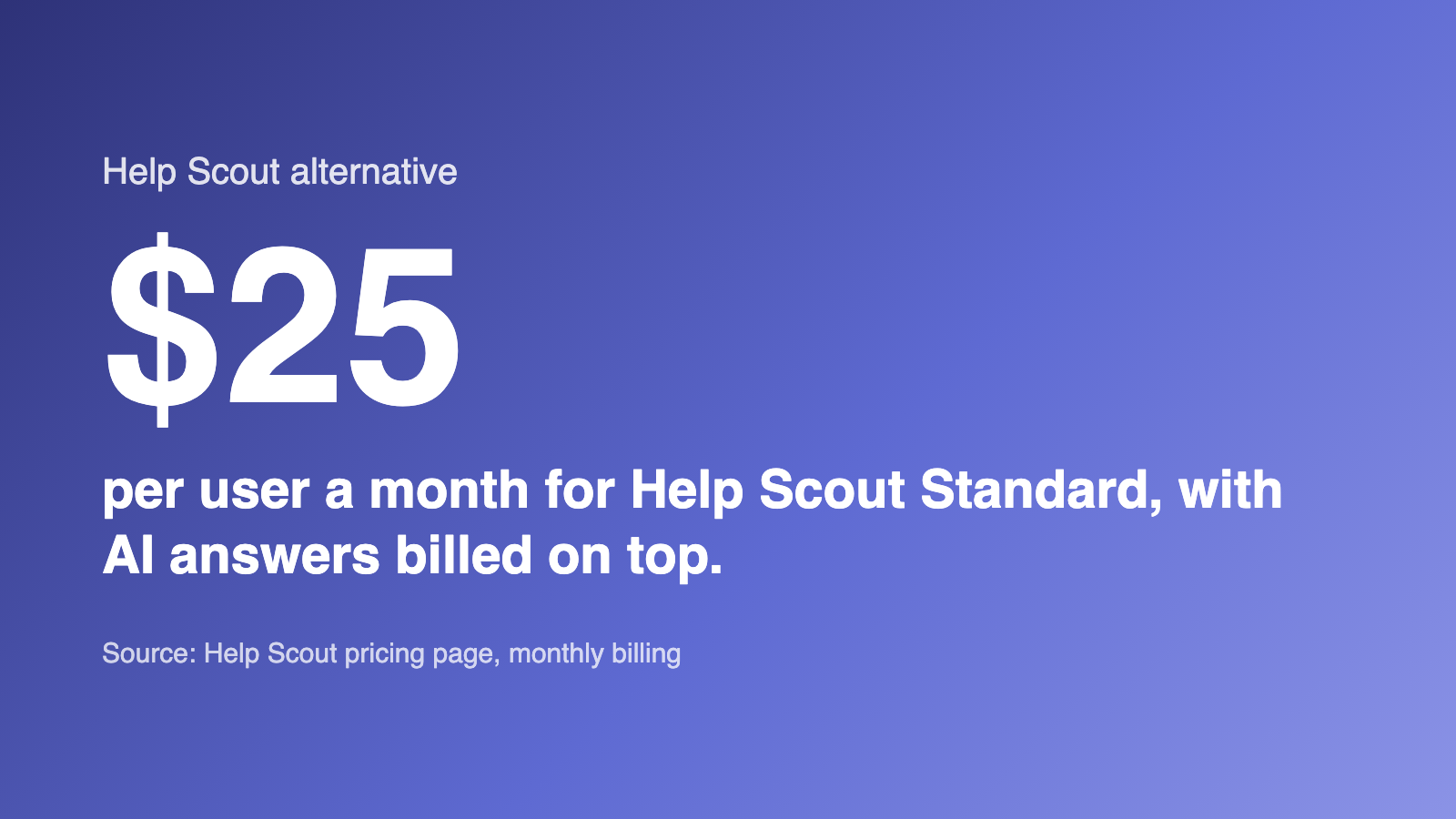
- Per-user pricing. Paid plans cost $25, $45 or $75 per user a month on monthly billing, so the bill grows with every hire.
- User caps. Standard stops at 25 users and Plus at 50, so headcount alone can force a more expensive tier.
- Metered AI. AI Answers, the customer-facing chatbot, costs $0.75 per resolution after a three-month free trial, on top of the seat price.
Help Scout’s own post on its alternatives is candid that it is not the answer for solo operators, enterprise teams with developers to build on a bigger platform, or support handled by engineers in a tool like Jira or Linear. The seven options below cover those cases and the ones in between.
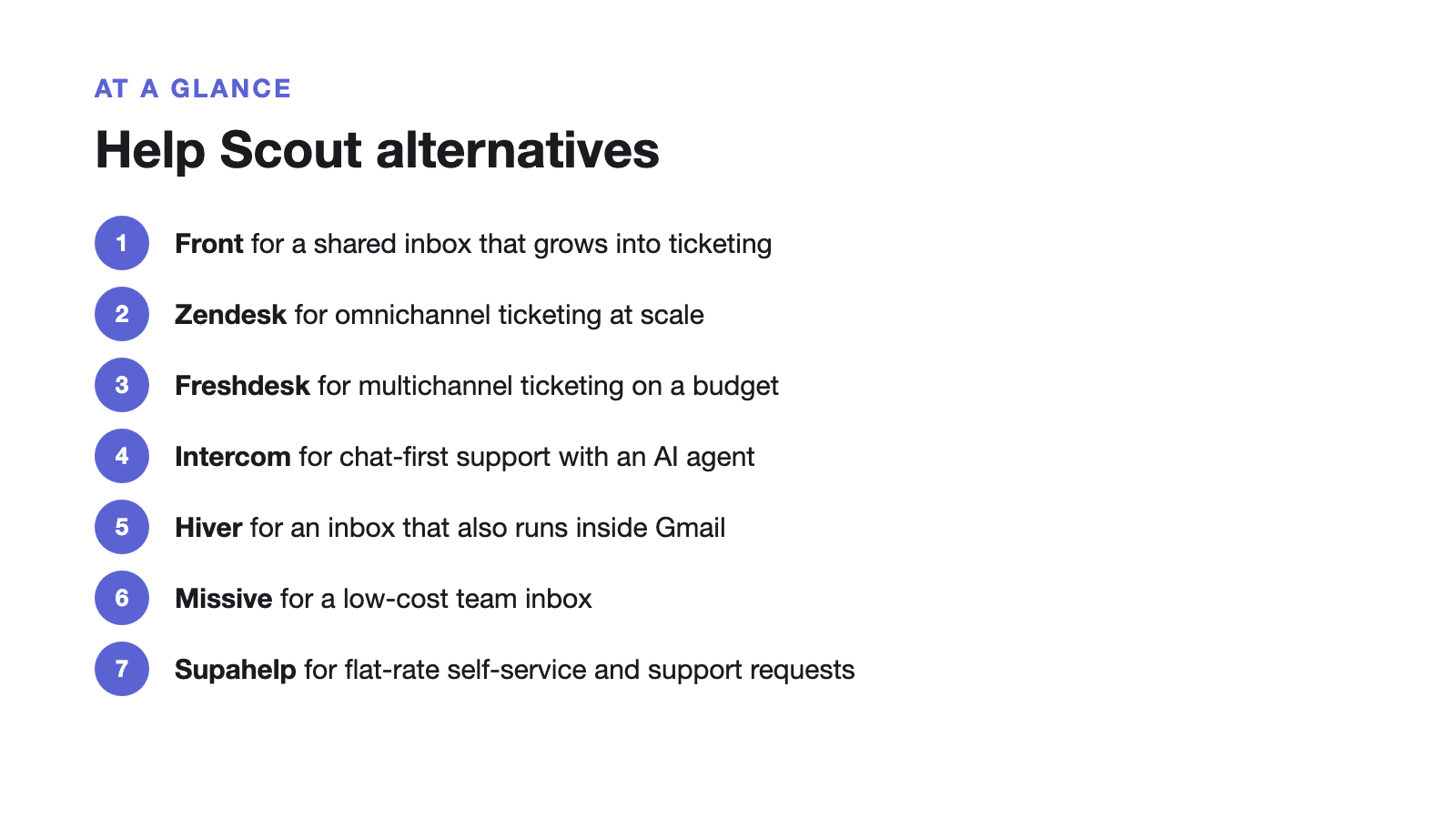
Help Scout alternatives at a glance
Every price below comes from the vendor’s own pricing page, checked in September and October 2026. Starting prices are the cheapest paid tier; annual billing is noted where the page lists it by default.
| Tool | Best for | Starting price | Pricing model |
|---|---|---|---|
| Front | Shared inbox that grows into ticketing | $25/seat/mo, billed annually | Per seat |
| Zendesk | Omnichannel ticketing at scale | $19/agent/mo, billed annually | Per agent, AI extra |
| Freshdesk | Multichannel ticketing on a budget | $19/agent/mo, billed annually | Per agent, AI extra |
| Intercom | Chat-first support with an AI agent | $29/seat/mo, billed annually ($19 for new customers) | Per seat + $0.99 per AI resolution |
| Hiver | Shared inbox, including inside Gmail | $25/user/mo | Per user |
| Missive | Low-cost team inbox | $14/user/mo, billed yearly | Per user |
| Supahelp | Self-service plus a support request queue | Free: 1 staff; Essential: $79 monthly or $768 yearly | Essential: unlimited staff |
1. Front: a shared inbox that grows into ticketing
Front is the closest like-for-like Help Scout alternative: a shared inbox and ticketing system where teams assign, comment on and draft replies to customer messages together. Its pricing is per seat, billed annually: Starter is $25 a seat for up to 10 seats and one channel type, Professional is $65 a seat for up to 50 seats with email, SMS, social and WhatsApp in one place, and Enterprise is $105 a seat. Every plan includes a public knowledge base. AI is mostly extra: Copilot is $20 a seat a month on Starter and Professional, and the Autopilot AI agent starts at $0.05 per conversation.
Choose Front if your team lives in the inbox and you want deeper routing, rules and analytics than Help Scout offers at a similar starting price.
2. Zendesk: omnichannel ticketing at scale
Zendesk is a ticketing suite built for large, high-volume teams that run email, chat, voice and social support side by side. Support Team starts at $19 per agent a month and Suite Team at $55, both billed annually, and the Copilot AI add-on is $50 per agent a month more. There is no free plan, only a 14-day trial. Our Zendesk pricing breakdown shows how that adds up as a team grows.
Choose Zendesk if you need phone support, complex routing or several brands, and have someone to administer it.
3. Freshdesk: multichannel ticketing on a budget
Freshdesk pulls email, phone, chat and social messages into one ticket queue, with a knowledge base on every plan. Growth starts at $19 per agent a month and Pro at $55, billed annually. Its AI is sold separately: Freddy AI Copilot is a $29 per agent add-on on Pro and above, and the Freddy AI Agent is metered by session. Read the full Freshdesk comparison for the details.
Choose Freshdesk if you want Zendesk-style ticketing across many channels at a lower entry price.
4. Intercom: chat-first support with an AI agent
Intercom is built around an in-app messenger and its Fin AI agent, with a shared inbox and help center included. Seats cost $29, $85 or $132 a month on annual billing ($19 on Essential for new customers), and Fin is billed at $0.99 per resolution on every plan. The Intercom comparison walks through what that costs at different team sizes.
Choose Intercom if live chat inside your product is your main support channel and you want proactive messages and product tours from the same tool.
5. Hiver: a shared inbox, including inside Gmail
Hiver offers a shared inbox and ticketing in two forms: Hiver Omni, a standalone omnichannel platform, and Hiver in Gmail, which runs inside the Gmail interface your team already uses. Hiver Omni’s pricing page lists Growth at $25, Pro at $55 and Elite at $85 per user a month, with AI agents and AI Copilot included from Growth. The customer portal, SLAs and CSAT surveys start on Pro.
Choose Hiver if your team runs on Google Workspace and does not want to learn a separate help desk.
6. Missive: a low-cost team inbox
Missive is a collaborative team inbox for email, SMS and social accounts, with conversations and tasks in one place. It is the cheapest option here on a per-user basis: Starter is $14, Productive $24 and Business $36 per user a month, billed yearly, according to its pricing page. Starter is limited to five users, and rules, integrations and analytics start on Productive. It is a team inbox rather than a help desk, so plan for a separate knowledge base.
Choose Missive if you mainly need a shared inbox for a small team and want the lowest per-user price.
7. Supahelp: flat-rate self-service and support requests
Supahelp takes a different approach from the inbox tools above: it starts from the help center. Your knowledge base is published on your own domain, Supa (the AI support agent) answers customers from those articles, and anything Supa cannot answer becomes a support request in a queue your team assigns and tracks. On the Essential plan, emails sent to your support address also become requests, and your team replies from the request. Supahelp has no live chat widget or social channels.
Pricing is flat rather than per user. The Free plan includes one staff member, unlimited articles and 100 requests a month. Essential is $79 a month, or $64 a month billed annually, for unlimited staff, a custom domain, email support and 5,000 AI credits a month, with no per-resolution AI charge.
Choose Supahelp if most of your answers should come from self-service, your team is growing, and you want one price that does not change every time you hire.
Unlimited staff does not mean unlimited usage
Supahelp Essential costs $79 billed monthly or $768 billed yearly ($64 a month equivalent). The price includes unlimited staff, teams and custom requests, so inviting an engineer or a customer success teammate does not add a seat fee. It includes 5,000 AI credits and 2,000 outbound emails each month; those allowances are not unlimited AI or email usage. The AI allowance covers 500 successful AI answers if used only for chat. Summaries and related-request searches share that allowance. The Free plan includes one staff member, 100 requests per month and 500 one-time AI credits.
Supahelp has no separate AI add-on or per-resolution fee. Help Scout AI Answers charges $0.75 per resolved conversation after its AI trial. One conversation can include multiple answers; Supahelp counts each successful AI answer. See the current Help Scout pricing.
Check the current plans and allowances. For the actual workflows, see request management, the Supa approval guide and MCP setup and permissions. Choose a shared inbox instead if live chat or social channels are your main support channels.
How does Help Scout pricing scale?
Help Scout prices per user, per month, across three paid tiers: $25 for Standard, $45 for Plus and $75 for Pro on monthly billing, with annual billing about 16% cheaper. A free plan covers five users, one inbox and one Docs site. Five agents on Standard is $125 a month, fifteen is $375, and passing the 25-user cap moves the whole team to Plus.
| Team size (agents) | Help Scout monthly cost | Supahelp monthly cost |
|---|---|---|
| 3 | $75 | $79 |
| 10 | $250 | $79 |
| 25 | $625 | $79 |
| 25 | $1,125 | $79 |
| 50 | $2,250 | $79 |
Per-seat pricing works against the thing most support teams are trying to do: answer more questions through self-service so the team can stay small. Zendesk’s 2025 CX Trends report found that 75% of CX leaders expect 80% of customer interactions to be “resolved without human intervention in the next few years.” That only happens with a knowledge base structured so AI can answer from it, and on a per-seat plan with metered AI you still pay more as both the team and the AI usage grow.
Which Help Scout alternative should you choose?
Start with how support reaches you today, then match the tool to it:
- Mostly email, with some chat: Front, Hiver or Missive, or stay on Help Scout if the per-user cost is comfortable.
- Many channels including phone: Zendesk or Freshdesk.
- Live chat inside your product: Intercom.
- Repeat questions your docs should answer: Supahelp, which keeps the article a customer read and the request they file next in the same place.
If you are still deciding between an inbox and a help center in the first place, read what to look for in a shared inbox, and when a help center fits better.
Migrating from Help Scout
Moving off Help Scout has two parts: the Docs knowledge base and the conversations. Plan for both before you cancel.
- Export your Docs articles
Help Scout's built-in import tool moves conversations, not knowledge base content, and there is no bulk article export in the UI. Pull article content through the Docs API or copy it out before you switch.
- Import into your new tool
Supahelp's import turns existing documents into editable pages. Whichever tool you pick, re-check tables, callouts, and embedded media that used Help Scout's editor formatting.
- Re-point your help center domain
Update the CNAME your Docs site domain uses so existing help-center links keep working once you cut over.
- Move your support address
Forward your support address to the new tool and run both in parallel for a week. In Supahelp, forwarded emails become support requests your team replies to from the request (Essential plan).
Comparing knowledge base tools as well? See how a seat-capped knowledge base compares in our Helpjuice alternative guide, or how a Notion-powered help center compares in the HelpKit alternative guide.