What is a shared inbox for customer support?
A shared inbox for customer support is a tool that turns a team email address like support@ into a queue the whole team can see, assign, and reply from, with collision detection so two people do not answer the same message. It sits between a plain forwarding alias and a full ticketing system: more structure than Gmail, less overhead than a helpdesk suite.
Over a shared Gmail or Outlook mailbox, it adds assignment, private internal notes, a status for each conversation beyond read and unread, saved replies, and reporting on how fast the team responds. The best one for you depends less on the feature list than on what your incoming questions look like.
What to look for in a shared inbox
Most shared inboxes cover the same core. These are the things worth checking before you commit.
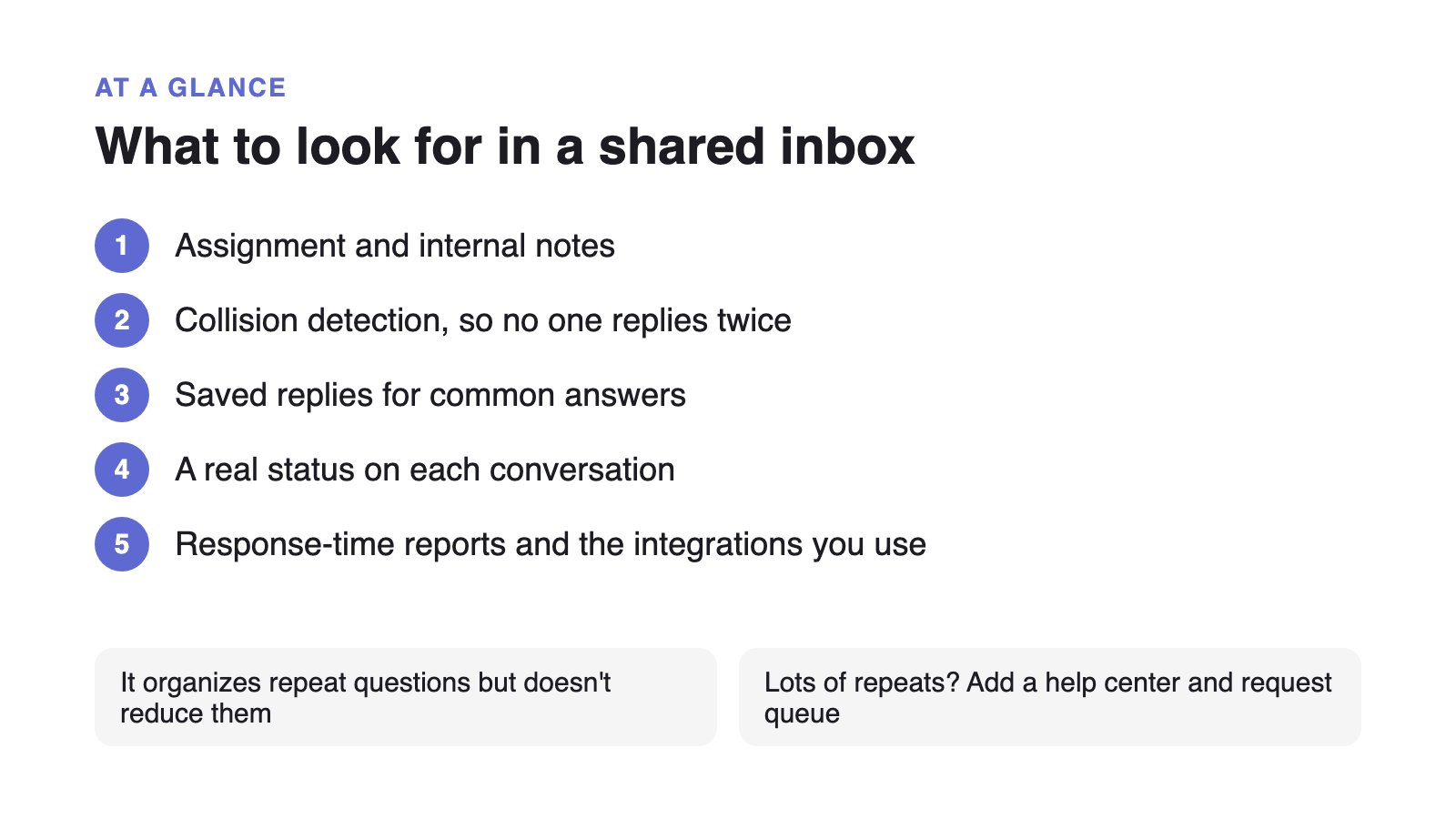
- Assignment and collision detection
The two features that separate a shared inbox from a forwarding alias. Without them you get double replies and dropped messages.
- Private internal notes and @mentions
Discussing a reply without CCing the customer or moving to Slack keeps the context on the conversation where the next person can see it.
- Saved replies or macros
Even conversational support has recurring phrasing. A shared snippet library is where consistency and speed come from.
- A real status for each conversation, beyond read and unread
Open, waiting on customer, and resolved are the minimum. Without them you cannot tell what actually needs action.
- Response-time reporting
First-reply and resolution time, per person and overall. If you cannot measure it you cannot set an expectation with customers.
Shared inbox, helpdesk, or help center?
A shared inbox is one of three shapes a support tool can take, and the right one follows from where your questions come from.
| Your situation | Best-fit shape | Why |
|---|---|---|
| Mostly email, back-and-forth, every case a bit different | Shared inbox | Conversational support needs ownership and history, not formal tickets or deflection. |
| The same 15 questions on repeat | Help center + request queue | Organising repeat questions does not reduce them; answering them once, findably, does. |
| High volume across email, chat, phone, and social | Helpdesk with ticketing | Multichannel routing, SLAs, and automations earn their overhead once volume is genuinely high. |
| Pre-sale questions from buyers on your website | Live chat | Intent is time-sensitive; a synchronous channel converts where a queue would lose the visitor. |
| A small team, mixed bag, unpredictable growth | Help center + queue on a flat rate | Deflects the repeats, keeps the rest in one queue, and the bill does not move as you hire. |
When a shared inbox is the right tool
If your support is conversational, with back-and-forth email threads where every case is a little different and needs judgement more than a lookup, a shared inbox is the right fit and a ticketing suite would only add overhead. It gives you ownership, response-time visibility, and a shared history without turning every reply into a formal ticket.
For a like-for-like comparison of a well-regarded shared inbox against a support platform, see Help Scout Alternative.
When a help center deflects more than an inbox organizes
A shared inbox makes repetitive work tidy; it does not make it smaller. If the same handful of questions drives most of your volume, the higher- leverage move is a help center that answers them before they reach the queue at all. A Gartner survey of 5,728 customers, published in August 2024, found 73% of customers try self-service, so the demand is there; the low 14% that fully resolve points to a findability problem.
Supahelp isn’t a shared inbox. It pairs a knowledge base with a structured request queue for the questions that still need a person, with AI search included so more near-misses resolve on their own. If your support is mostly repeat questions plus a manageable queue rather than a busy email thread, that combination cuts volume in a way an inbox cannot. If it is genuinely conversational, pick the shared inbox.