Why doesn’t a knowledge base alone reduce tickets?
Ticket deflection is the share of customer questions answered by self-service (a help article, an in-app hint, an AI search result) before they ever become a support conversation. Most advice on reducing tickets stops at “build a knowledge base,” and then teams are surprised when volume barely moves.
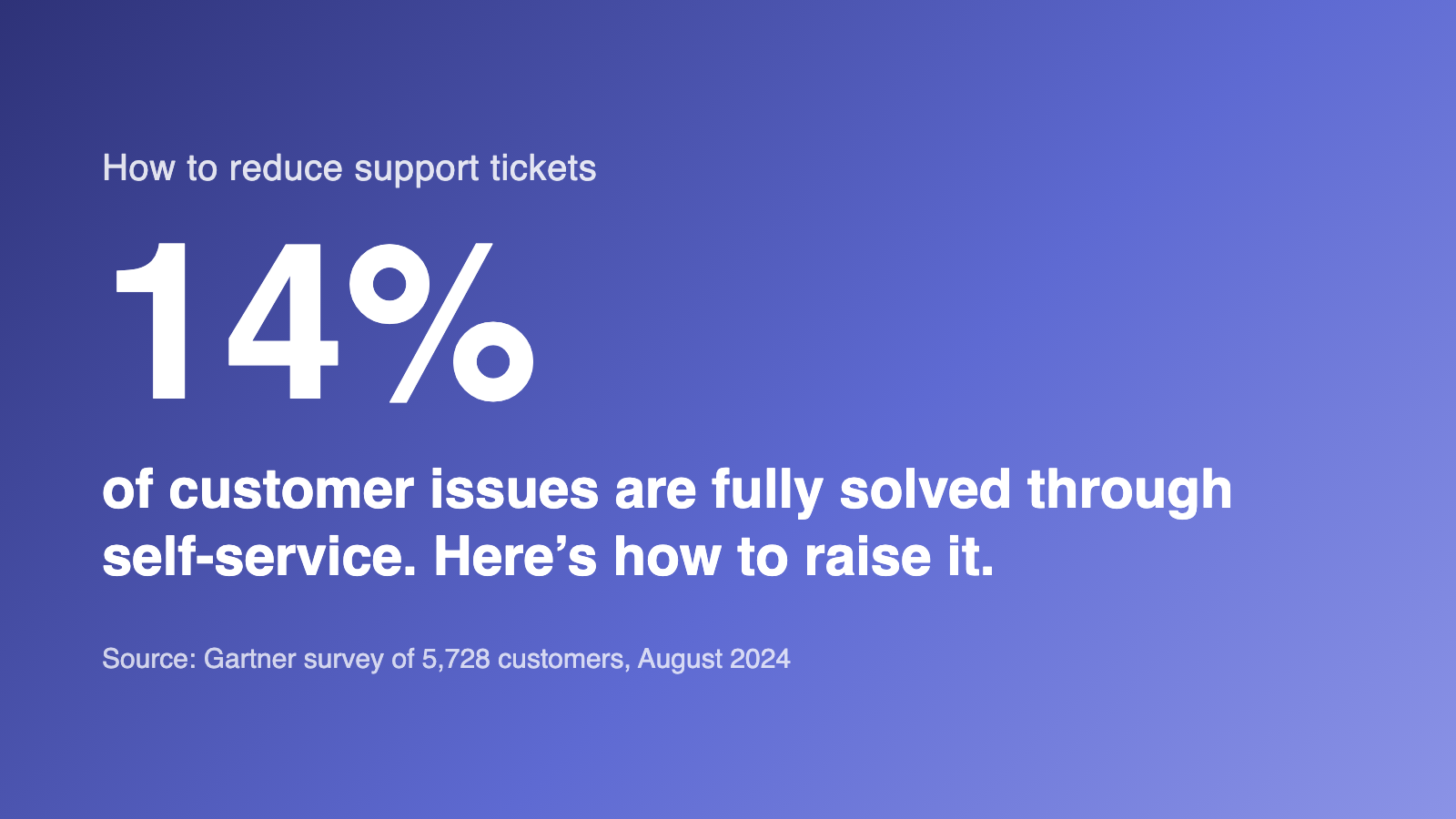
The data explains why. A Gartner survey of 5,728 customers, published in August 2024, found that 73% of customers use self-service at some point in their journey, but only 14% of issues are fully resolved there. Even for issues customers describe as “very simple,” the resolution rate is 36%. The problem is findability. The five changes below close that gap in order of impact.
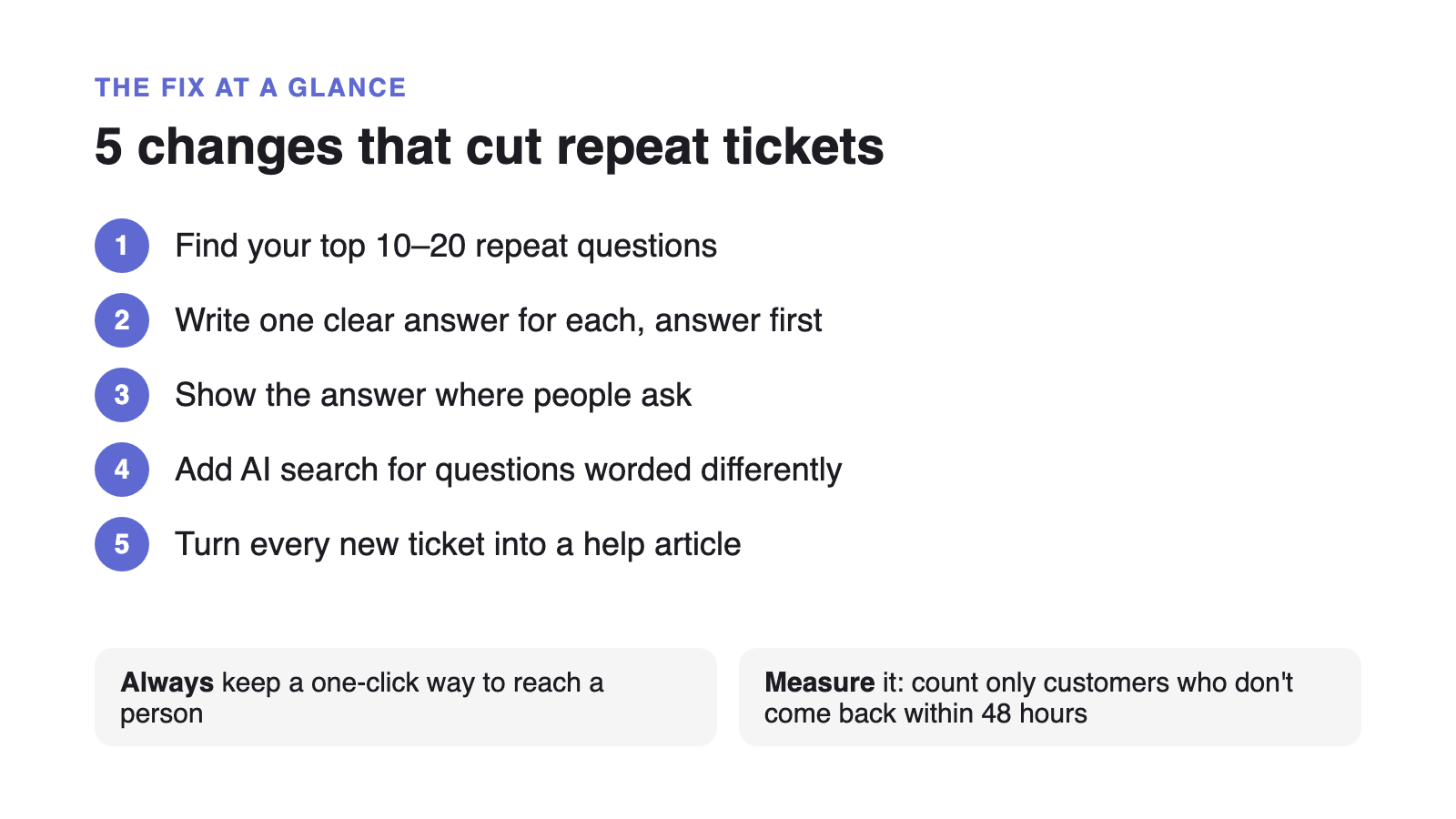
Step 1: Find the tickets worth deflecting
Tag every incoming ticket for a month with a rough topic. When you sort the result by frequency, a short list, usually ten to twenty questions, will account for the majority of your volume. Those are the only articles that matter at first. Writing a thorough guide to a feature three customers a year ask about is a poor use of the same hour.
Not every frequent question is deflectable, though. Sort the list into what a good article can end and what needs a person.
| Question | Deflectable? | Why |
|---|---|---|
| How do I reset my password | Yes | One answer, never changes, asked constantly. The first article to write. |
| Why was I charged this amount | Usually | A clear article on billing cycles and proration handles most of these; genuine billing errors still come through. |
| Where do I export my data | Yes | A feature-location question. One article with a screenshot ends it. |
| Your app broke after today's update | No | A real incident. Deflecting here just delays the report you need to see. |
| Can you build this feature for us | No | This needs a conversation. Route it to the right person instead of deflecting it. |
Step 2: Rewrite the answers so they are findable
An article only deflects a ticket if the customer lands on it and sees the answer fast. Three rules do most of the work:
- One question per article. If the title needs an “and,” split it into two.
- The answer in the first 40 words. Context, caveats, and screenshots come after it, not before.
- Headings in customer language. “Why is my invoice higher this month” beats “Proration policy.” Check your help-center search logs for the exact phrasing people type.
This also happens to be what makes an article quotable by AI assistants, which retrieve passages rather than pages. The full structural checklist is here, including how retrieval splits your articles and which patterns survive it.
Step 3: Put the answer where the question is asked
A customer about to file a ticket is looking at your contact form or your app, not your help center. Move the answer to them:
- Make the contact form search your articles as the customer types, and show matches before the submit button.
- Link the specific article from the screen where the question comes up, such as the billing page, the export dialog or the integration settings.
- Answer the top onboarding questions in the onboarding emails themselves, so new users never need to ask.
None of this requires new tooling if your help center and your request queue are the same product, because the contact form already knows the articles.
Step 4: Add AI search for the near-misses
Keyword search fails when the customer and the article use different words for the same thing, like “can’t log in” versus “authentication error.” AI search matches on meaning, so those near-misses resolve instead of turning into tickets. It only works on top of good content: if the answer is not written down, or is buried mid-article, there is nothing for it to retrieve.
The ceiling for this is high. Zendesk’s 2025 CX Trends report, which surveyed customer-experience leaders, agents, and technology buyers across 22 countries, found that 75% of CX leaders expect 80% of customer interactions to be resolved without human intervention within a few years. Supahelp includes Supa’s knowledge answers on every plan rather than metering it per resolution, so improving your content lowers your cost per answer instead of raising it.
Step 5: Turn every new ticket into a doc
Deflection decays. The product changes, a screenshot goes stale, a new question starts trending. The teams that keep ticket volume flat treat the help center as an ongoing process instead of a one-time launch.
- Log the gap every time a ticket has no article
One line in a shared list: the question, and the article that should have answered it. This is your writing backlog.
- Batch the writing once a week
Thirty minutes against the top of that list beats an ambitious documentation sprint that never gets scheduled.
- Give every article an owner and a last-updated date
The date is an extractable freshness signal. The owner is what makes the review actually happen.
- Re-check your top 20 articles each quarter
Traffic follows a steep curve, so 20 articles cover most of your deflection. Read the first sentence of each and fix the ones that no longer answer the title.
When the article a customer read and the request they file next live in the same tool, this loop is much shorter. The person writing the docs can see exactly which articles are not ending the question. That is the core of what a small team should look for in a help desk.
Keep a one-click way out to a human
Deflection only helps when the customer’s problem actually ends. Every self-service answer, and especially every AI answer, needs a clear path to a person that carries the conversation with it, so nobody has to start over. Zendesk’s CX Trends 2026 report, a vendor survey of more than 11,000 consumers and business leaders across 22 countries, found that 85% of CX leaders say one unresolved issue is enough to lose a customer, and 74% of consumers get frustrated when they have to repeat information.
Klarna shows why volume alone is the wrong goal. In February 2024 it announced that its AI assistant had handled 2.3 million conversations, two-thirds of its customer service chats, in its first month. By May 2025 it was hiring human agents again, and its CEO said the focus on cost had led to lower quality. The volume numbers were real; they just did not show whether customers left happy.
Set the handoff rules before launch, not after the first complaint:
- Topics. Billing disputes, cancellations, security questions, and anything involving money or personal data go straight to a person.
- Signals. The customer rephrases the same question twice, asks for a human, or sounds angry.
- Confidence. If no article matches, say so and offer a person instead of guessing.
- Context. Whoever picks up the request sees what the customer searched, read, and asked.
For a week-by-week version of this, including the handoff rules to set before launch, see how to deploy an AI help desk in 30 days.
How do you measure ticket deflection honestly?
Count a deflection only when the customer does not come back about the same issue within 48 hours. Many dashboards count every session that ends without a ticket, including customers who gave up and emailed you an hour later. Voiceflow’s analysis of deflection metrics (a vendor source) notes that under most conventions, a customer who abandons an unhelpful bot conversation still counts as deflected. It also helps to keep three terms apart:
| Term | What it measures | Means the problem was solved? |
|---|---|---|
| Deflection | The customer used self-service and did not open a ticket | Not necessarily |
| Containment | The conversation stayed inside the bot or help center | No, only that it did not escalate |
| Resolution | The customer's problem was actually fixed | Yes |
Real deflection rate = (sessions that ended without a ticket − those that came back within 48 hours) ÷ all help-seeking attempts. A help-seeking attempt is any help-center search, widget conversation, or contact-form visit. With illustrative numbers: 1,000 attempts in a month, 400 end without a ticket, and 90 of those customers come back within two days. The real rate is (400 − 90) ÷ 1,000 = 31%, not the 40% a simple count would report. The 48-hour rule will not catch customers who gave up silently, so track three numbers next to it:
- Re-contact rate. If it rises while deflection rises, you are deflecting people, not solving problems.
- Satisfaction on self-served answers compared with answers from your team.
- Searches with no good answer. These go straight onto the gap list from Step 5.
Set expectations with the same care. In Salesforce’s 2025 State of Service report, vendor research surveying 6,500 service professionals in 39 countries, respondents estimated AI handles 30% of service cases today and expected 50% by 2027. That measures something different from Gartner’s 14%, which is customers’ own report of issues fully resolved in self-service. Neither is your deflection rate: the only baseline that matters is the one you measure, compared month over month.