
What does deploying an AI help desk actually involve?
An AI help desk is a support tool where AI answers some customer questions directly, usually from your help articles, and passes the rest to your team. Deploying one is less about switching the AI on and more about three things around it: the content it answers from, the rules for when it hands over to a person, and the numbers that tell you it is working.
Most teams are at this stage now. In a Gartner survey of 187 customer service leaders, 85% said they would explore or pilot customer-facing conversational AI in 2025. The same survey found 61% of leaders had a backlog of articles to edit, and more than a third had no formal process for revising outdated ones. That backlog is the first thing an AI help desk exposes.
Are you ready? A quick check
Before week one, check where you stand. Each “no” is work the plan below has to cover first.
| Question | If no | Why it matters |
|---|---|---|
| Do written answers exist for your top 20 questions? | Write them in week one | The AI can only answer from content that exists. |
| Does each article have an owner and a last-updated date? | Assign owners before launch | Stale articles turn into confident wrong answers. |
| Can a customer reach a person in one click? | Add a visible handoff | Customers' top worry about AI is not being able to reach a person. |
| Do you know your current ticket volume and CSAT? | Record a baseline first | Without one you can't tell whether the AI helped. |
| Has someone checked what data the AI can read? | Run a security review in week one | Security concerns are a common reason AI rollouts stall. |
The 30-day rollout plan
This plan assumes a small team with an existing help center or a pile of saved replies. Each week has one goal, and you don’t move on until it is met.
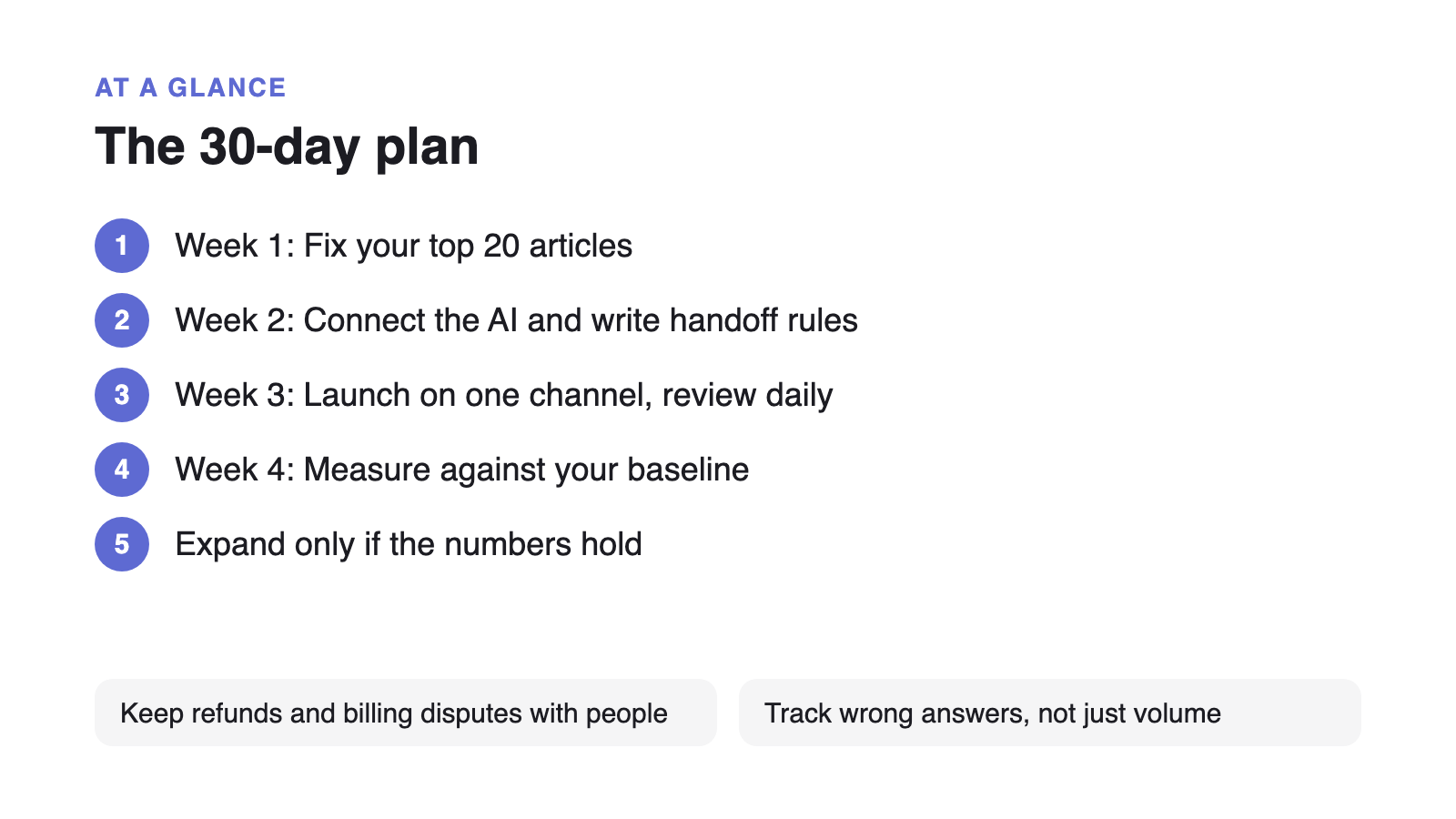
- Week 1: Fix the content
Tag the last month of requests, pick the 20 most common questions, and make sure each has one current article with the answer first. Record your baseline ticket volume and CSAT.
- Week 2: Connect the AI and write the rules
Point the AI at published articles only, write the handoff rules, and test it yourself against 50 real past questions. Fix every article behind a wrong answer.
- Week 3: Launch on one channel
Turn it on in one place, such as the contact form or help center search. Read every AI conversation daily and keep a list of missing articles.
- Week 4: Measure and expand
Compare against the baseline: real deflection, CSAT on AI answers, handoff rate and wrong answers. Expand to the next channel only if the numbers hold.
Set the handoff rules before launch
Customers worry most about being stuck with a bot. In a Gartner survey of 5,728 customers, 60% said their concern about AI in customer service was that it would make it harder to reach a person. Write these rules down before the AI answers its first customer:
- Always hand off: billing disputes, cancellations, security questions, and anything involving money or personal data.
- Hand off on signals: the customer asks for a person, rephrases the same question twice, or sounds upset.
- Hand off when unsure: if no article matches, the AI says so and offers a person instead of guessing.
- Pass the context: whoever picks up sees the whole conversation and the articles the AI used.
Accuracy is your responsibility, not the vendor’s. In 2024 a Canadian tribunal held Air Canada liable after its chatbot gave a customer the wrong refund policy (American Bar Association summary). Policies, prices and refunds are exactly the topics to keep on the always-hand-off list until you trust the articles behind them.
Clear security questions early
Security reviews are a common reason rollouts stall. In Salesforce’s 2025 State of Service survey of 6,500 service professionals, 51% of service leaders said security concerns had delayed or limited their AI plans. Ask your vendor three things in week one: which content the AI can read, whether customer conversations are used to train models, and where the data is stored.
How to tell if it is working
Don’t judge the rollout by how many conversations the AI handled. Track these instead, starting from the baseline you record in week one:
- Real deflection: AI answers where the customer didn’t come back about the same issue within 48 hours.
- Satisfaction: a one-question rating on AI answers, compared with answers from your team.
- Handoff rate: how often the AI passes to a person, and whether the reason was a missing article.
- Wrong answers: every one you find in the daily review, traced back to the article that caused it.
The 48-hour rule and the other deflection numbers are explained in how to reduce support tickets. If you haven’t decided between a chatbot and a better help center yet, read AI chatbot vs knowledge base first.