What is the difference between an AI chatbot and a knowledge base?
A knowledge base is a library of help articles customers search and read. An AI chatbot is a chat window that answers questions in conversation. Most AI support chatbots answer from a knowledge base, so you usually need both. The decision is which one to fix first and how to connect them.
| Knowledge base | AI chatbot | |
|---|---|---|
| What it is | A searchable library of help articles | A chat window that answers in conversation |
| Where answers come from | Articles your team wrote and checked | Whatever content it is connected to, often your knowledge base |
| How it fails | The customer doesn't find the article | The bot gives a confident wrong answer |
| Who can check an answer | Anyone, by reading the article | Only by reading each conversation |
| Search engines and AI assistants | Can index and quote your articles | Can't see what the bot says |
Why a chatbot is only as good as your articles
An AI chatbot does not know your product. It retrieves passages from the content you connect it to and writes an answer from them. If the right article is missing, out of date or buried halfway down a long page, the bot either says it can’t help or makes up something plausible.
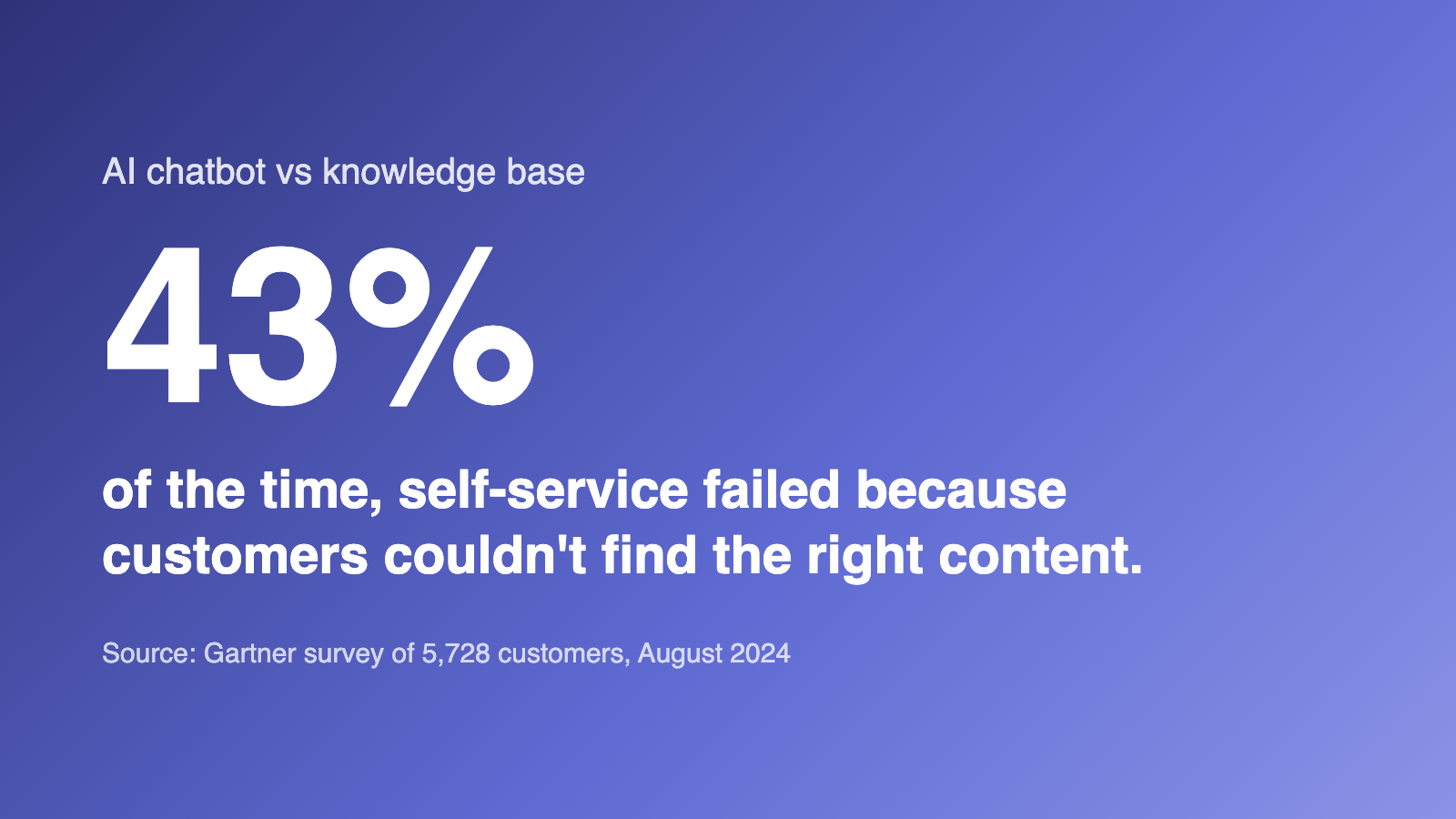
The missing article is already the most common problem. Gartner’s survey of 5,728 customers found only 14% of service issues were fully resolved in self-service, and the most common reason for failure was that customers couldn’t find content relevant to their issue (43%). A chatbot on top of the same content hits the same gap, just in a friendlier window.
What goes wrong when a chatbot answers on its own
A wrong answer from a bot is still your answer. In February 2024 a Canadian tribunal ordered Air Canada to compensate a customer after its website chatbot told him he could claim a bereavement fare after travelling, which the airline’s actual policy did not allow. The tribunal found the airline had not taken reasonable care to make sure its chatbot was accurate (American Bar Association summary).
Customers are wary too. In a Gartner survey published in July 2024, 64% of customers said they would prefer companies didn’t use AI for customer service. Their top worry was that it would make it harder to reach a person (60%), followed by AI giving wrong answers (42%). A help article doesn’t raise either worry: the customer can read the source, and the contact link is right there.
Which questions each one handles best
Neither tool is right for every question. Sort your most common ones like this:
| Question | Best handled by | Why |
|---|---|---|
| How do I reset my password? | Knowledge base | One stable answer. An article with steps and a screenshot ends it. |
| Why was I charged twice? | A person | It depends on this customer's account and may need a refund. Don't let a bot guess. |
| Can your product do X? (in the customer's own words) | Chatbot, answering from articles | Customers rarely use your article titles. A bot can find the right page by meaning. |
| What's your refund policy? | Knowledge base, linked by the chatbot | Policy wording must be exact. Link the article instead of paraphrasing it. |
| Your app broke after the update | A person | It is an incident report. You want to see it, not deflect it. |
How to use a chatbot and a knowledge base together
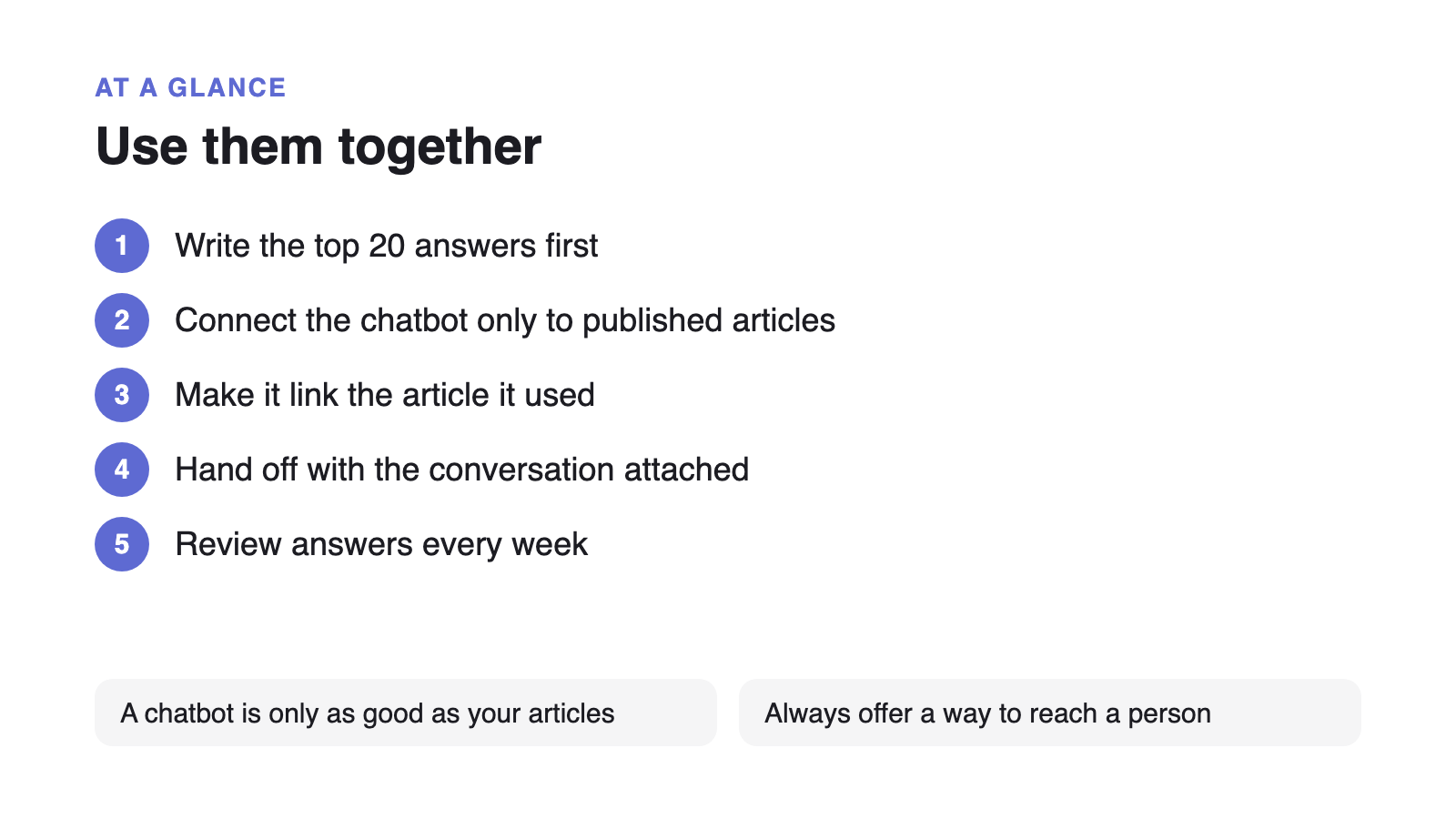
The setup that holds up is a knowledge base first, with a chatbot that only answers from it and hands off cleanly when it can’t:
- Write the top 20 answers first
Tag a month of requests, find the questions that repeat, and write one article per question with the answer in the first paragraph.
- Connect the chatbot only to published articles
Keep internal notes and drafts out of what the bot can read, so it can't quote something you haven't checked.
- Make it link its source
Every bot answer should link the article it came from, so the customer can read the exact wording.
- Hand off with the conversation attached
When no article matches or the customer asks for a person, pass the whole transcript to your team.
- Review answers every week
Read a sample of bot conversations. Every wrong answer points to an article to fix.
This order also protects you from the Klarna problem. Klarna’s AI assistant handled two-thirds of its customer service chats in its first month, and a year later the company was hiring human agents again after its CEO said the focus on cost had led to lower quality. Volume handled by a bot is easy to count. Whether the answer was right is the number to watch.
Which should you start with?
- Start with a knowledge base if you don’t yet have written answers to your top 20 questions, your articles are out of date, or you want Google and AI assistants to quote your answers.
- Add a chatbot when those articles exist and are current, customers ask in their own words that don’t match your titles, and you have a person ready to take handoffs.
For the article side, our guide to structuring a knowledge base for AI answers shows how to write articles a bot can quote correctly. For the rollout, see how to deploy an AI help desk in 30 days.