What does InstantDocs specialize in?
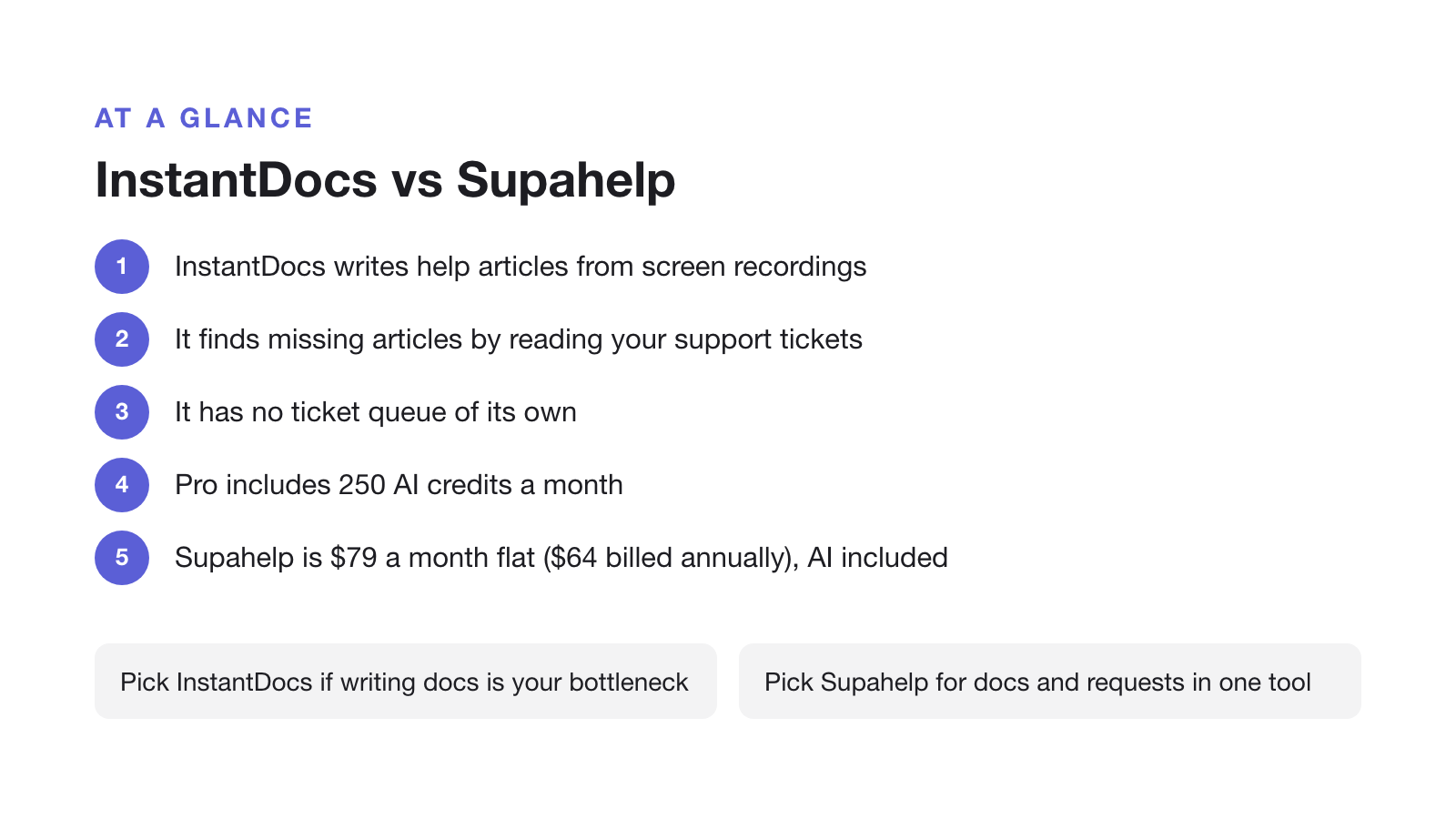
InstantDocs, which many people search for as “Instadocs”, is an AI knowledge base that writes help articles for you, from two sources: screen recordings and the support tickets you already receive. Record a walkthrough with its Chrome extension or desktop app and it returns a step-by-step article plus a narrated video. Connect your help desk and its Knowledge Gap Finder reads real tickets, flags the articles you are missing or that have gone stale, and drafts them for you to approve. Its tagline is blunt about the pitch: “Never write a support article again.”
It comes from Groove Networks, the company behind the Groove help desk, and it replaced Groove’s own built-in knowledge base, which Groove retired in February 2026. That lineage is worth knowing: Groove has run a well-reviewed customer support product for more than a decade. InstantDocs itself is much newer. It is in early access, with a public launch scheduled for November 2026, so there are no independent InstantDocs reviews yet and its headline price is a time-limited promotion.
The boundary matters as much as the pitch: InstantDocs is a knowledge base without a help desk. It connects to Zendesk, Intercom, Front, or Crisp to read your tickets, but the tickets themselves stay in those tools. There is no queue, shared inbox, or request tracking inside InstantDocs. Its sister product, Helply, is the help desk half. If you do not already run one of those, InstantDocs covers only the self-service side of support.
Full feature list
Underneath the AI, InstantDocs is a complete modern knowledge base. The published feature set covers:
- AI Recorder: a Chrome extension plus native Mac and Windows apps that turn a screen recording into a step-by-step article and an on-brand video with an AI voiceover
- AI Video Editor: timeline editing, trimming, intro and outro, on-screen elements, zoom and highlight, and export
- Knowledge Gap Finder: connects to your help desk, groups recurring tickets, and drafts the missing or outdated articles for review
- Support-ticket analysis, up to 1,200 tickets a month on the Pro plan
- A Notion-style block editor: callouts, toggles, accordions, tables, code snippets, steps, card groups, annotated screenshots, and TLDR and FAQ blocks
- Multiple knowledge bases from one workspace (the “Knowledge Hub”)
- Custom domain with SSL, redirects, and per-article SEO controls
- Predictive, semantic search
- Analytics for article performance, search terms, and ticket deflection
- Public or private knowledge bases, link sharing, member roles, and a review-before-publish workflow
- Multi-language articles via a Translate action
- Import from Zendesk, Intercom, Notion, Confluence, Coda, Front, HelpJuice, GitBook, HelpDocs, and Google Docs
- A public API
Two things sit outside the standard plan. SSO is Enterprise-only. And every AI feature (the Recorder, the Gap Finder and the voiceovers) requires a paid plan and is metered by credits; the free plan has none of it.
InstantDocs vs Supahelp: feature and pricing comparison
The two tools overlap on the knowledge base and diverge everywhere else: InstantDocs automates writing the docs, Supahelp runs the docs and the support-request queue together on a flat rate. The table lines up the specifics.
| Feature | InstantDocs | Supahelp |
|---|---|---|
| Starting price | $79/mo billed annually ($99 monthly), launch promo | $79/mo flat ($64 annually), unlimited users |
| Free plan | $0 for 1 KB, 50 articles, 2 editors and no AI features | Permanent Free plan; Essential $79/mo |
| AI features | Paid tiers only, metered (250 credits/mo, $10 per 50 extra) | Supa answers & AI summaries included, 5,000 credits/mo |
| Support request management | Not included. Reads tickets from Zendesk, Intercom or Front | Included alongside the knowledge base |
| Content creation | AI Recorder: screen recording to article plus narrated video | Native editor and one-click import |
| Availability | Early access, with public launch set for November 2026 | Generally available |
| Free trial | 14-day AI trial, no card required | Free forever, no card required |
How does InstantDocs pricing scale?
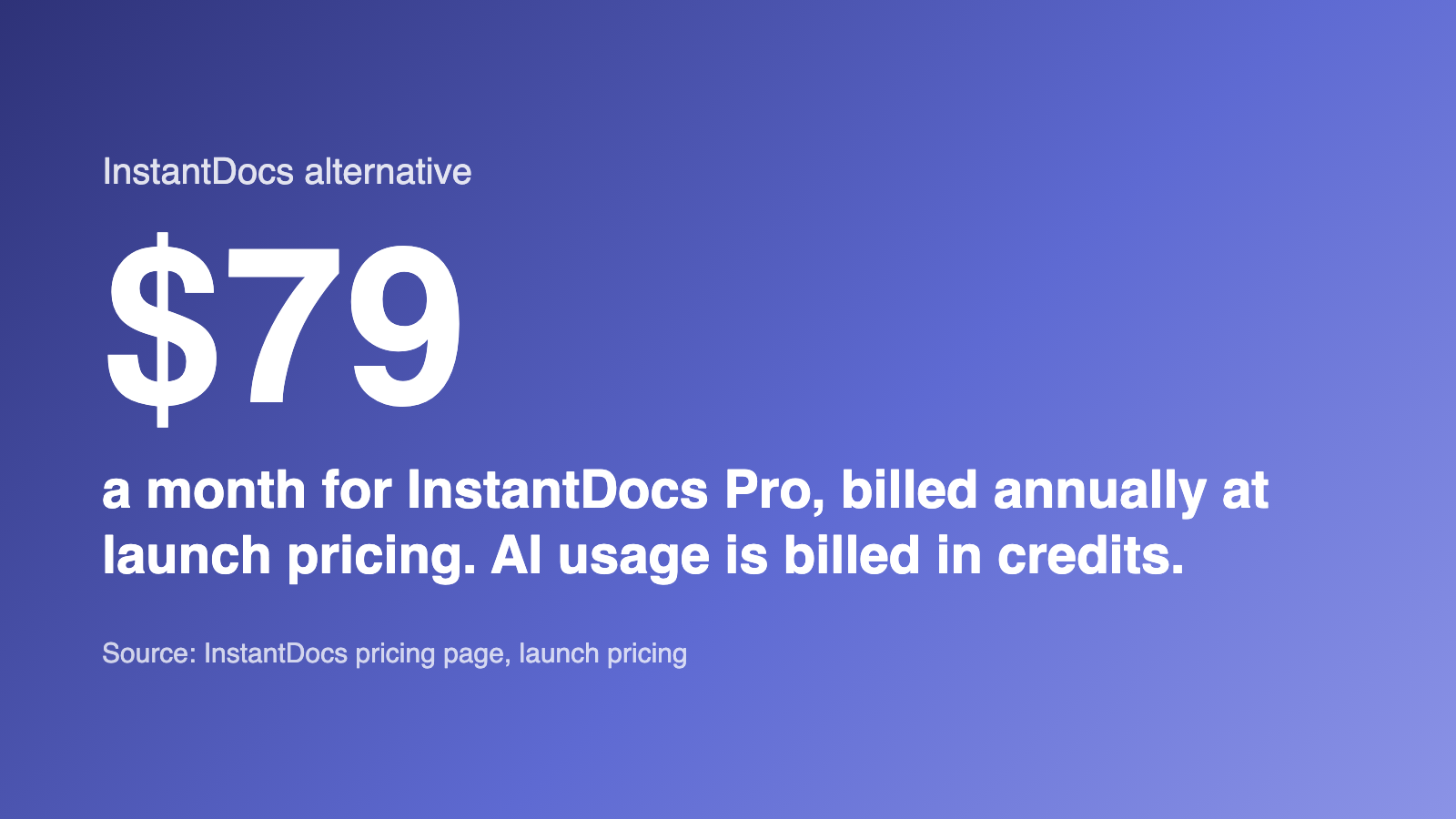
InstantDocs has three tiers: a free plan with no AI, a Pro plan whose price is currently a launch promotion, and a custom-priced Enterprise plan. The free plan is capped at one knowledge base, 50 articles, and two editors, it shows a “Powered by InstantDocs” badge, and it includes no AI features at all. Pro removes those limits and turns the AI on: $79/month billed annually, or $99/month billed monthly, during the launch period. InstantDocs states that once it launches publicly in November 2026, the standard price becomes $119 and $149 respectively, and that early customers keep the launch rate “for as long as you remain a customer”, which is what the countdown on its pricing page is for.
Pro’s AI is metered. You get 250 credits a month, and each action spends them: one credit per recording or per minute of standard voiceover, two per minute of premium voiceover or per article the Gap Finder generates. Past 250, credits are $10 for 50. A team that records a lot of walkthroughs, or clears a large documentation backlog in one month, can run through the allowance quickly, and the overage is hard to predict in advance.
Supahelp charges $79/month billed monthly, or $64/month billed annually, flat, for unlimited users, unlimited articles, unlimited help requests, and 5,000 AI credits a month, with AI search and summaries in the base price. There is no separate AI tier and no per-recording metering on search.
A doc generator is not a help desk
InstantDocs improves the articles customers read; it does nothing with the questions those articles fail to answer. That is by design. The whole model is that the ticket queue lives in Zendesk, Intercom, Front, or its sister product Helply, and InstantDocs reads from that queue to find documentation gaps. But it means every question your knowledge base cannot answer still needs somewhere to land, and that somewhere is a second subscription.
Self-service does not cover everything. A June 2025 Gartner survey of 5,801 customers found that 60% of customer service agents fail to proactively promote self-service options, so even a well-maintained help center needs a working handoff to a person for the questions it cannot resolve. Supahelp keeps that handoff in the same product as the articles, so the team writing the docs can see which requests the docs are not deflecting.
Choose InstantDocs if / choose Supahelp if
InstantDocs is a focused, well-built product with an unusual strength: it genuinely removes most of the work of writing and maintaining docs. Whether it fits depends on what the rest of your support stack already has.
Choose InstantDocs if: your bottleneck is producing and updating documentation rather than handling conversations, you want narrated product videos alongside written articles, you already run a help desk (or plan to use Helply) for the ticket side, and you are comfortable being an early customer of a product that has not launched yet, with AI usage metered by credits.
Choose Supahelp if: you want one flat-rate tool that covers both the knowledge base and the support-request queue, you want AI search included and not metered per action, you need more than two editors or a product that is live today rather than in November, or you would rather not stack a separate help desk subscription next to your knowledge base.
Migrating from InstantDocs to Supahelp
Because InstantDocs is still in early access, most teams reading this are choosing between the two rather than switching. If you are moving off it, the steps are short.
- Export your articles and videos while the plan is active
InstantDocs can export individual docs. Pull your published articles and download any videos you want to keep before a paid plan lapses, because AI features and editor access stop when it does.
- Import into Supahelp
Supahelp's one-click import brings in article content and structure. Re-check annotated screenshots and embedded videos that used InstantDocs' block editor.
- Re-point your custom domain
Update the CNAME your help center domain uses so existing links keep working once you cut over.
- Turn on support request management
Questions InstantDocs used to route to a separate help desk now land in a queue your team can assign and track next to the articles themselves.
If you are comparing more than one knowledge base tool, see how a seat-capped platform stacks up in Helpjuice Alternative: A Cheaper, All-in-One Knowledge Base, how a Notion-powered help center compares in HelpKit Alternative: A Notion Help Center vs an All-in-One Platform, or how shared inboxes compare in our roundup of Help Scout alternatives.