What does Zoho Desk specialize in?
Zoho Desk is a per-agent ticketing suite, and it is strongest as the support module of the wider Zoho stack. Email, web forms, social, and telephony feed one ticket queue, with automations, SLAs, Blueprints for multi-step processes, a knowledge base, community forums, and the Zia assistant layered on top. If you already run Zoho CRM or Zoho One, it is the obvious pick and the integration work is close to zero.
It is also, on paper, the cheapest serious helpdesk on the market. That reputation is earned at the top of the price list and complicated further down it. Most comparisons skip that part, and it is worth reading carefully before you pick a tier.
The consistent knocks, across review sites, are the learning curve, how much configuration the tool expects before it feels finished, and an agent experience that trails Freshdesk and Help Scout. None of that is disqualifying. It does mean the cheapest sticker price is not automatically the cheapest setup.
Full feature list
Across its five editions, Zoho Desk covers a broad helpdesk surface:
- Multichannel ticketing: email, web forms, social, chat, and telephony integrations on the upper tiers
- Knowledge base and community forums, with multilingual publishing from Professional and multi-brand help centers on Enterprise
- Automations, SLAs, escalation rules, round-robin and skill-based assignment, and Blueprints for multi-step workflows
- Zia, Zoho’s AI assistant, for reply suggestions, sentiment, and the Answer Bot, with availability and limits varying by tier
- Deep integration with Zoho CRM and the rest of Zoho One, plus a marketplace of third-party extensions
How does Zoho Desk pricing scale?
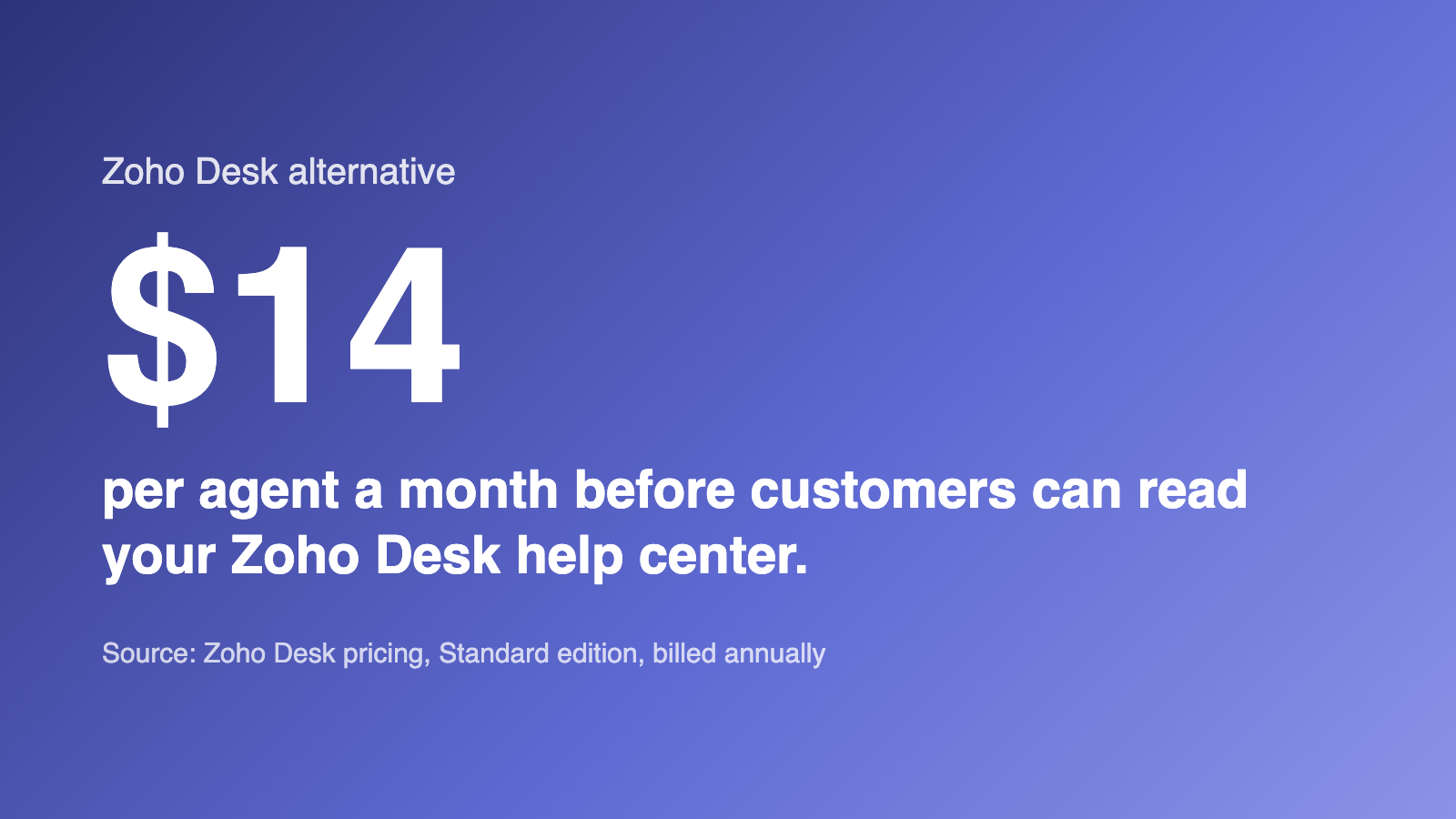
Start with the fact that changes the whole comparison: Zoho Desk’s public, customer-facing knowledge base starts on the Standard plan. The Free edition and the $7 Express edition give you a private, agent-only article store, closer to an internal wiki than a help center. Customers cannot read it.
That matters because “Zoho is the cheap one” is usually quoted off the free tier or the $7 tier, and neither of those publishes anything. On Zoho’s own pricing page, the knowledge-management row first appears against Standard, described as a repository of help articles “so customers can find assistance anytime.” Below Standard, they cannot.
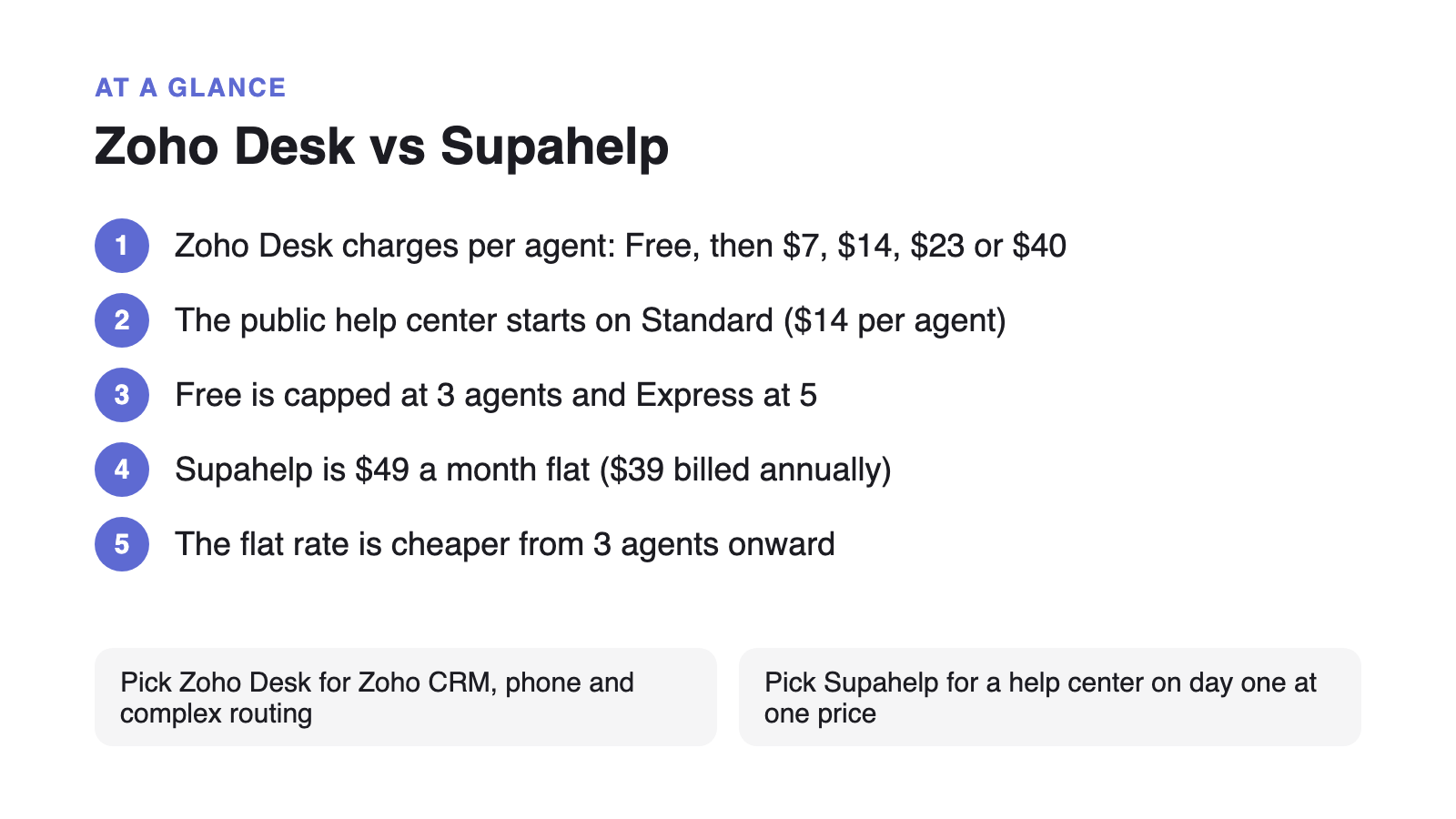
Billed annually, the editions run $0 for Free (three agents), $7 per agent for Express, $14 for Standard, $23 for Professional, and $40 for Enterprise. Two further details do real damage to the headline price: Express carries a hard cap of five agents, so the sixth hire forces an upgrade, and monthly billing costs 29% more on Express, 33% more on Standard, and 56% more on Professional, the tier Zoho marks as most popular. Light agents are an extra charge on the upper tiers.
So the honest comparison for a team that wants a help center is Supahelp against Zoho Standard at $14 per agent, not against the free tier. At that price, a flat rate is cheaper from three agents onward.
| Team size (agents) | Zoho Desk Standard monthly cost | Supahelp monthly cost |
|---|---|---|
| 3 | $42 | $39 |
| 10 | $140 | $39 |
| 25 | $350 | $39 |
| 50 | $700 | $39 |
Supahelp charges $49 a month flat, or $39 a month billed annually, for unlimited users, unlimited articles, unlimited requests, and 5,000 AI credits a month with AI search included. The help center is public on day one, because publishing is the product rather than a tier upgrade.
Zoho Desk vs Supahelp: feature and pricing comparison
Zoho Desk starts from a configurable ticketing suite and Supahelp starts from the knowledge base, so the useful comparison is about pricing model, tier gating, and scope rather than a feature count.
| Feature | Zoho Desk | Supahelp |
|---|---|---|
| Starting price | Free (3 agents); Express $7/agent/mo; Standard $14/agent/mo (billed annually) | $49/mo flat, unlimited users ($39/mo annually) |
| Pricing model | Per agent, per month, across five editions from Free to Enterprise | One flat rate, no per-agent math |
| Public help center | Starts on Standard ($14/agent/mo). Free and Express only have a private, agent-only article store | Included on day one as the core of the product |
| Agent limits | Free capped at 3 agents; Express capped at 5 | Unlimited users on every plan |
| Monthly billing penalty | 29% more on Express, 33% on Standard, 56% on Professional | $49 monthly vs $39 annually, 26% more |
| AI features | Zia and Answer Bot, availability and limits vary by tier | AI search and summaries included, 5,000 credits/mo |
| Primary shape | Configurable multichannel ticketing suite | Knowledge base + structured support-request queue |
| Phone & social channels | Telephony integrations and social channels on upper tiers | Not offered |
| Setup | Configuration-heavy; known learning curve | Live the same day, no engineering queue |
Why per-agent pricing and tier-gated publishing work against deflection
Most support teams are trying to answer more questions with self-service so the team can stay small. Zendesk’s 2025 CX Trends report found that 75% of CX leaders expect 80% of customer interactions to be “resolved without human intervention in the next few years.” That happens through a knowledge base and an AI answer layer, structured so assistants can retrieve from it.
A per-agent plan bills you by headcount for the tool meant to keep headcount down. Zoho’s variation on the theme is subtler than a metered AI add-on, and in one way more awkward: the thing sitting behind the upgrade is publishing itself. The single feature that reduces ticket volume is the feature you have to move up a tier to switch on, and then pay for per agent, forever.
A flat rate lines the pricing up with the goal instead: the better your help center gets, the less you pay per answer. Closing the gap between a repeated question and a published article is the whole game, and it should not sit behind a price tier.
Choose Zoho Desk if / choose Supahelp if
Zoho Desk is a capable, genuinely inexpensive helpdesk, and for a team already inside the Zoho ecosystem it is hard to argue against. Whether it fits comes down to what you need published and how many people are answering.
Choose Zoho Desk if: you already run Zoho CRM or Zoho One and want support in the same account; you need telephony, multi-department routing, Blueprints, or skill-based assignment; you want deep customization and have the time to configure it; or you are a team of three who genuinely only needs an internal article store and email ticketing, in which case the free edition costs nothing and you should take it.
Choose Supahelp if: you want a public help center live on day one rather than gated behind Standard; you have three or more people answering and would rather not multiply a per-agent price by every hire; you want AI search included rather than tier-dependent; and you do not need telephony, social channels, or a configurable multi-department ticketing engine. Supahelp keeps the article a customer just read and the request they file next in the same place, so the team writing the docs can see which ones are not answering the question.
Migrating from Zoho Desk to Supahelp
A move from Zoho Desk is a partial migration by design: the knowledge base comes across, and the multichannel ticket queue does not have a like-for-like home, so plan for both.
- Export your knowledge base articles
Zoho Desk exports KB articles through its Data Administration import and export tools, as CSV or through the API. A full data backup includes articles alongside tickets and contacts. Take the article content and the category structure before you start.
- Import into Supahelp
Use Supahelp's one-click import to bring articles in, then re-check tables, images, and any formatting that relied on Zoho's editor.
- Re-point your help center domain
Update the CNAME your help center domain uses so existing links keep working once you cut over from Zoho Desk.
- Decide where tickets land
Zoho Desk's multichannel queue, telephony, and Blueprints have no like-for-like home in Supahelp. Keep email and phone in a dedicated inbox tool if you need them, and use Supahelp's request queue for the structured product questions your team tracks and assigns.
If you are weighing more than one option, see how the other affordable per-agent helpdesk compares in Freshdesk Alternative: A Per-Agent Helpdesk vs a Flat-Rate Help Center, how the enterprise omnichannel suite compares in Zendesk Alternative: A Per-Agent Support Suite vs a Flat-Rate Help Center, or work out whether the tool you actually need is a help desk at all in CRM vs Help Desk Software.