What is the difference between CRM and help desk software?
CRM software manages the ongoing relationship with a customer. Help desk software resolves the individual requests that customer sends. The usual way to draw the line is that a CRM is proactive and pre-sale while a help desk is reactive and post-sale, and that is true enough, but it does not tell you which one you need or why running support out of the wrong one hurts.
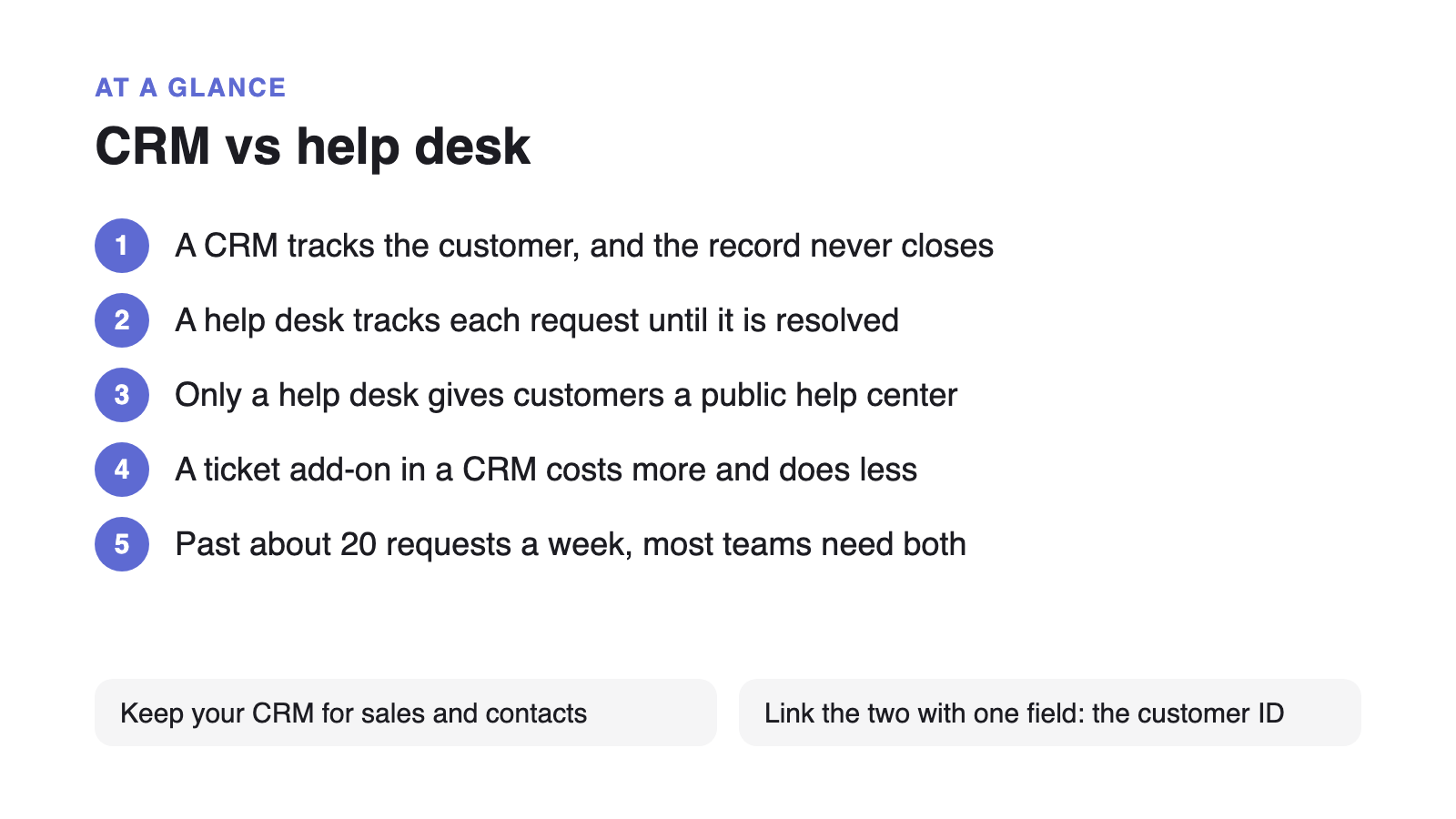
The sharper difference is the unit of work. A CRM’s unit is a relationship: one record per customer, persistent, with no terminal state. A help desk’s unit is a request: many per customer, short-lived, and it has to reach a resolution. Every other difference between the two categories falls out of that one mismatch.
- How many per customer: a CRM keeps one record forever. A help desk expects dozens of requests against that same customer.
- Does it close: a contact record never closes. A request that never closes is a failure.
- What success means: a CRM is measured in revenue over time. A help desk is measured in time to resolution, and in the question never being asked again.
- Who reads it: a CRM record is internal. A help desk has a public face, because the fastest resolution is the one the customer finds without you.
Why a contact record cannot do the job of a support request
A support request is a unit of work with a beginning, an owner, and an end. A CRM contact record has none of those. When teams push support through a CRM anyway, the same four things break, in roughly this order.
- No terminal state. Deal stages describe progress toward a sale, not resolution. Nothing tells you what is still outstanding at the end of the week.
- No response clock. You cannot report first-response time on a pipeline stage, so the thing customers actually judge you on goes unmeasured.
- No collision detection. Two people reply to the same customer because nothing marks a request as claimed.
- No memory of the answer. The reply lives in one record. The next person to get the same question writes it again from scratch.
The first three are annoying. The fourth is the expensive one, and it is the one that compounds. It is the same failure mode a shared inbox runs into once more than one person is answering.
But my CRM has a ticket pipeline. Is that not a help desk?
A CRM ticket pipeline is a deal pipeline with renamed stages. It moves records through columns, which is genuinely useful, but moving a record is not the same as resolving a question.
To be fair about what it does well: the customer’s full history sits right there on the record, there is no integration to maintain, your team has one login instead of two, and for a low volume of requests that is a perfectly reasonable setup. If you are fielding five questions a week, stop reading and keep what you have.
What it does not give you is everything on the customer’s side of the glass: a public help center, search that answers before anyone writes in, request forms that arrive complete instead of as “it’s broken,” and any way for an answer you have already written to do the work a second time. A CRM has no customer-facing surface at all. That was never its job.
What does the CRM service upsell actually cost?
This is the decision most people are really making. Almost nobody chooses between buying a CRM and buying a help desk. They already own a CRM, and their CRM vendor is selling them a service tier on top of it. That tier is priced per seat, on top of the CRM you already pay for, plus a one-off onboarding fee and a per-resolution charge for AI answers.
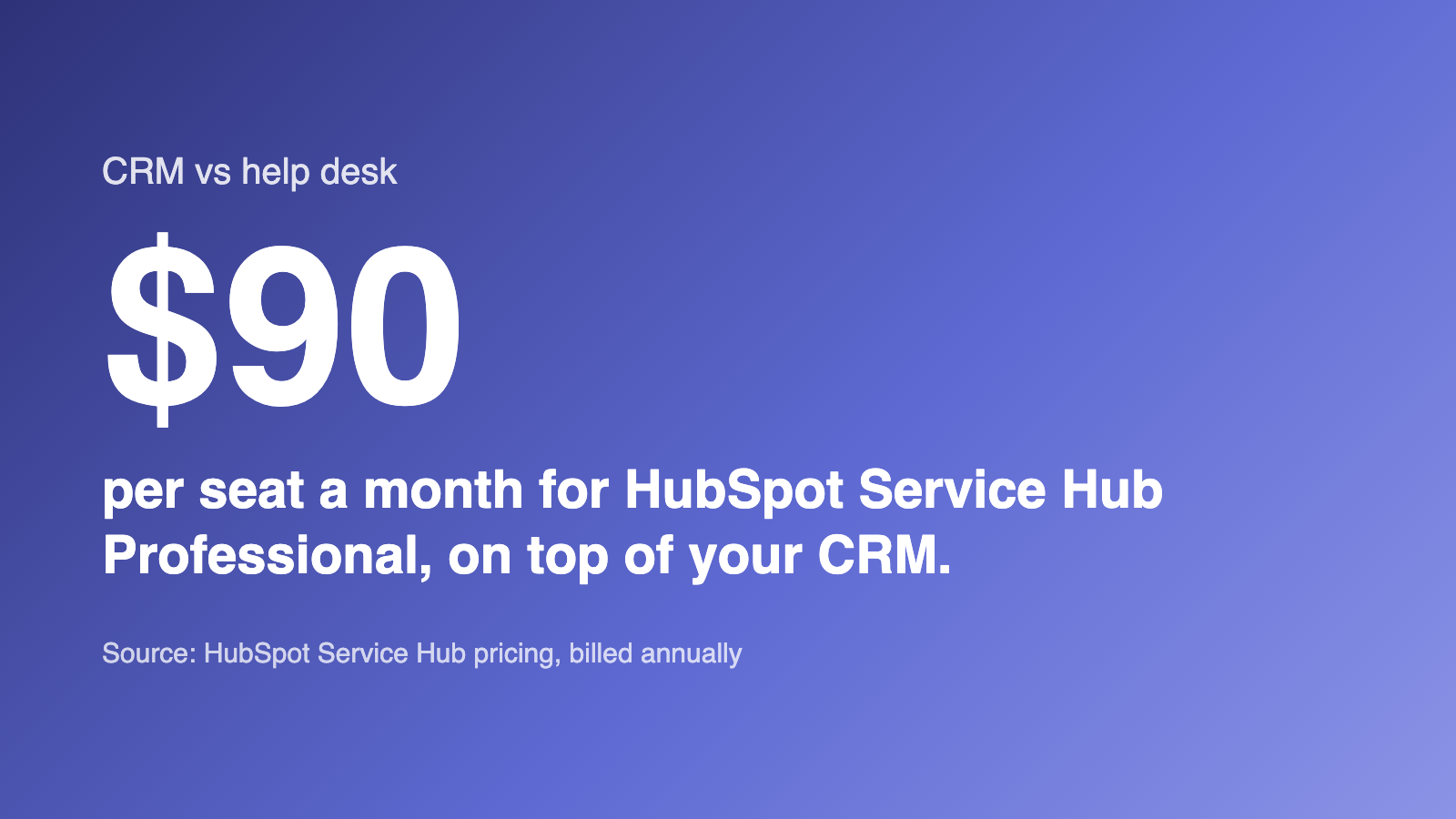
Taking HubSpot as the worked example, because its pricing is public and typical of the category: Service Hub starts at $7 per seat per month on Starter, $90 on Professional, and $150 on Enterprise, billed annually. Professional carries a mandatory one-time onboarding fee of $1,500; Enterprise carries $3,500. Monthly billing costs more across the board. There is a free tier, capped at two users.
On top of the seats, AI answers are metered. HubSpot’s Customer Agent moved to outcome-based pricing in April 2026, billing 50 credits ($0.50) per resolved conversation, where “resolved” means the agent handled it and no human picked it up within 72 hours. Professional includes 3,000 credits a month, which is 60 resolved conversations before the meter starts. Credits reset monthly and do not carry over.
For a ten-person team on Professional, that is $900 a month, or $10,800 a year, plus $1,500 of onboarding in year one: $12,300 before anyone counts credits.
| Team size (agents) | HubSpot Service Hub Professional monthly cost | Supahelp monthly cost |
|---|---|---|
| 3 | $270 | $39 |
| 10 | $900 | $39 |
| 25 | $2,250 | $39 |
| 50 | $4,500 | $39 |
A CRM service tier next to a flat-rate help center
| Feature | HubSpot Service Hub | Supahelp |
|---|---|---|
| Starting price | Starter from $7/seat/mo; Professional $90/seat/mo (billed annually) | $49/mo flat, unlimited users ($39/mo annually) |
| Pricing model | Per seat, on top of the CRM you already pay for | One flat rate, no per-seat math |
| Onboarding fee | $1,500 one-time on Professional; $3,500 on Enterprise | None |
| AI answers | Customer Agent bills 50 credits ($0.50) per resolved conversation; 3,000 credits included on Professional | AI search included, 5,000 credits/mo |
| Unit of work | Contact record and deal-style ticket pipeline | Support request with a status, an owner, and a resolution |
| Public help center | Knowledge base on upper tiers, secondary to the CRM | Included, and the core of the product |
| Sales pipeline & deals | Full CRM: contacts, deals, marketing automation | Not offered. Keep your CRM for this |
| Free tier | Free plan: up to 2 users | 14-day full trial, then $49/mo |
The thing neither a CRM nor its ticket pipeline gives you: deflection
Deflection is the share of questions answered by your published documentation before anyone opens a request. It is the only lever that makes support cheaper as you grow rather than more expensive, and a CRM has no way to pull it.
The consequence is worth stating plainly: with support living in a CRM, your request volume is a straight function of how many customers you have. It has no mechanism to bend. Every answer you write disappears into a single record instead of becoming an article that answers the next forty people. Zendesk’s 2025 CX Trends report found that 75% of CX leaders expect 80% of customer interactions to be resolved without human intervention in the next few years. None of that happens from a contact record.
The fix is simple: log the gap every time a request has no article behind it, then structure what you write so assistants can retrieve from it. It just needs somewhere to publish to.
This is also why per-seat-plus-per-resolution pricing sits awkwardly with the goal. Charging by headcount bills you for the tool meant to keep headcount down, and charging per resolved conversation adds cost at exactly the moment deflection starts working. It is the same shape as an AI support platform priced per seat plus per resolution, wearing a CRM’s clothes.
When you need both, and when you do not
The honest threshold is the point where the cost of retyping answers exceeds the cost of a tool. For most teams that is somewhere between twenty and thirty requests a week, or earlier if more than one person is answering.
- CRM only: under about ten requests a week, one person handling them, no real need for public docs. You do not have a tooling problem.
- CRM plus its service tier: your support sits close to sales (account management, renewals, onboarding calls) and the seat cost is not the constraint. One system is worth paying for.
- CRM plus a dedicated help desk: you answer the same questions repeatedly, more than one person answers them, and your customers would happily self-serve if you gave them somewhere to look.
If you are still working out what that second tool needs to do, the shorter version is in customer service software for small business and when a startup actually needs a help desk.
How the two work together once you split them
A CRM and a help desk integrate on one field: the customer identifier. The help desk needs to know who is asking; the CRM needs to know the customer has open requests. Almost nothing else has to sync, and teams who try to mirror everything end up maintaining a second database for no return.
The objection here is usually “but then I will have two systems.” You already have two systems. One of them is a CRM doing a job it was not built for, and the reason it feels like one system is that the second one is your team’s memory.
Moving support requests out of your CRM
Splitting support out of a CRM is a smaller job than it sounds, because the contact records do not move. You are moving two things: the requests that are open right now, and the answers you have already written.
- Export the open requests, not the contacts
Pull the tickets currently sitting in your CRM's service pipeline. Contact records, deals, and company data stay exactly where they are. This is a partial migration on purpose.
- Turn your saved replies into articles
The canned responses and email templates your team leans on are already your knowledge base, written badly. Take the twenty you use most and publish each one as an article.
- Point your support address at the new queue
Forward the address customers already write to, so nothing changes on their side while requests start landing somewhere they can be assigned and closed.
- Leave the CRM alone
Keep the CRM for what it is good at. The only field the two systems need in common is the customer identifier, so resist the urge to mirror everything.
A CRM knows who the customer is. It was never built to answer what they asked, and no amount of renaming pipeline stages changes that. If your CRM is coping, keep it. If you are retyping the same answer every week, the thing you are missing is somewhere to publish it once.