
 PagerDuty MCP
On this page
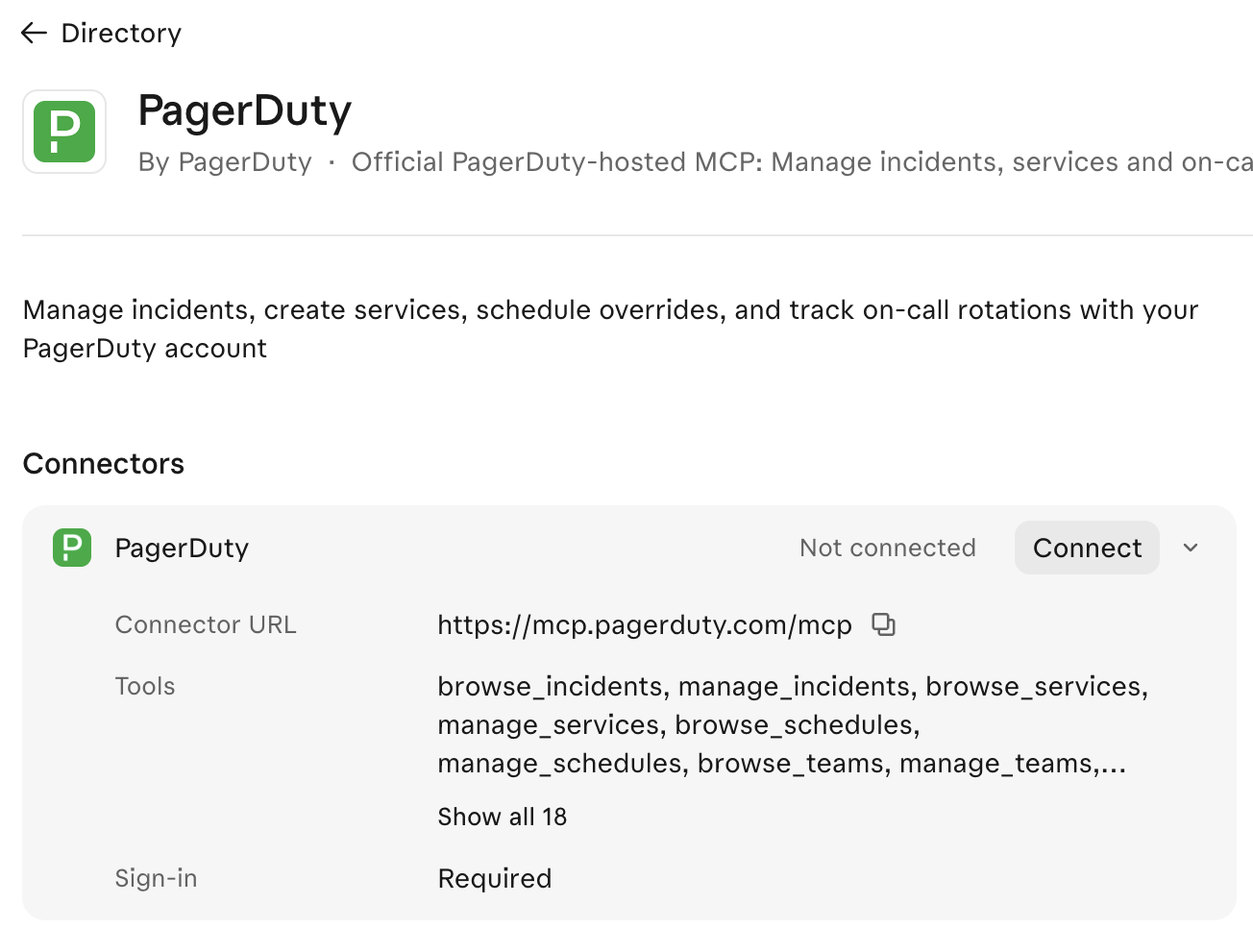
Yes. PagerDuty runs a remote MCP server at https://mcp.pagerduty.com/mcp that lets AI clients fetch and manage information in your PagerDuty account. It supports the same authentication as PagerDuty's REST API, including API tokens and OAuth. For support, the first question is always "is there an incident?", and this answers it without a Slack ping.
In this guide, I'll cover setup, support prompts and safe access. 👇
Key takeaways
- Remote and hosted:
https://mcp.pagerduty.com/mcp. - Same auth as the REST API: API tokens or OAuth.
- List tools with
list/toolsto see exactly what your client can do. - Read before you write: support rarely needs to acknowledge or resolve incidents.
- ✨ Supahelp is another option: it is built to check PagerDuty next to your helpdesk and logs, on your own Claude plan, and to ask before any change.
What is the PagerDuty MCP server?
PagerDuty's MCP server lets agent-based clients discover and use tools for working with your PagerDuty account through its API.
PagerDuty's docs include a sample VS Code configuration that passes an API token in an Authorization: Token token=… header, and an OAuth metadata URL for clients that support OAuth.
Test tip: use a read-only API token for support. Then ask the assistant to acknowledge an incident; it should fail.
4 PagerDuty prompts for support
- "Are there any open incidents for the export service right now?"
- "Who's on call for Platform this evening?"
- "When did the last incident on the webhooks service resolve?"
- "Summarise today's incidents in two sentences each for the support team."
Where PagerDuty stops
PagerDuty knows there's an incident. It doesn't know which of today's 40 tickets it explains, or what to tell each customer. Support still matches tickets to incidents by hand.
Using PagerDuty with Supahelp
Supahelp is built to connect to PagerDuty's remote MCP server with a user API token (US or EU region), next to your helpdesk, logs and errors.
It's a desktop app for Mac and Windows that runs on your own Claude or ChatGPT plan, or an API key. On a ticket, it's built to check for a related open incident, link it in the case and draft a reply that matches the incident status, for your approval.
Pricing: free for personal use. Team plans and current prices are on the pricing page.
Conclusion
PagerDuty's remote MCP server lets support check incidents and on-call without paging anyone. Use a read-only token for support. When you need to match many tickets to an incident and reply consistently, Supahelp is built to do the matching. 👇
Sources (checked 2026-11-20): PagerDuty Developer Docs, "MCP Tooling & Remote Server".
Questions
Does PagerDuty MCP support OAuth?
It supports the same authentication methods as the REST API, including API tokens and OAuth.
What's the PagerDuty MCP server URL?
https://mcp.pagerduty.com/mcp.
How do I see which PagerDuty tools are available?
Call the MCP list/tools method; PagerDuty's docs point to it for the full list.
Founder of Supahelp, the desktop app built to check your helpdesk, billing, logs and code for a support ticket and to ask before it changes anything.
 Ticket 48213

 Attio MCP
 Connectors