What is a help desk MCP server?
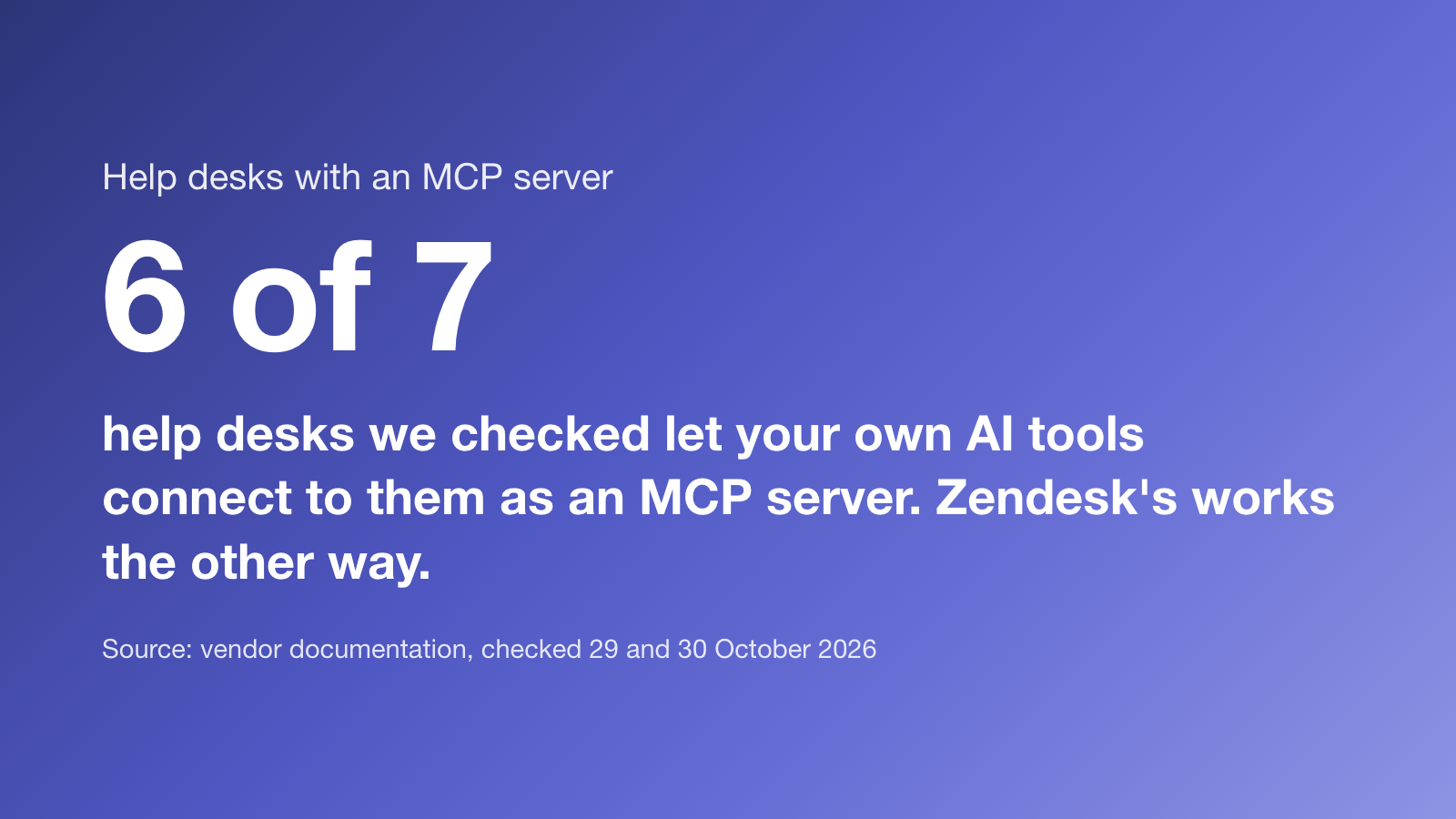
A help desk MCP server lets an AI tool you already use, such as Claude Code, Cursor, Codex or ChatGPT, read and change your help desk through the Model Context Protocol. You can ask your coding agent to update a help article after a release, or file a bug report without leaving the terminal. MCP support comes in two directions, and vendors use the same word for both:
- Help desk as a server. Your AI tool connects to the help desk and uses its data. This is what most people mean.
- Help desk as a client. The help desk’s own AI connects out to other MCP servers, such as your order system, to take actions.
We checked each vendor’s documentation and pricing on 29 and 30 October 2026. We make Supahelp, which is on this list.
| Tool | Direction | What it lets you do | Plan or price |
|---|---|---|---|
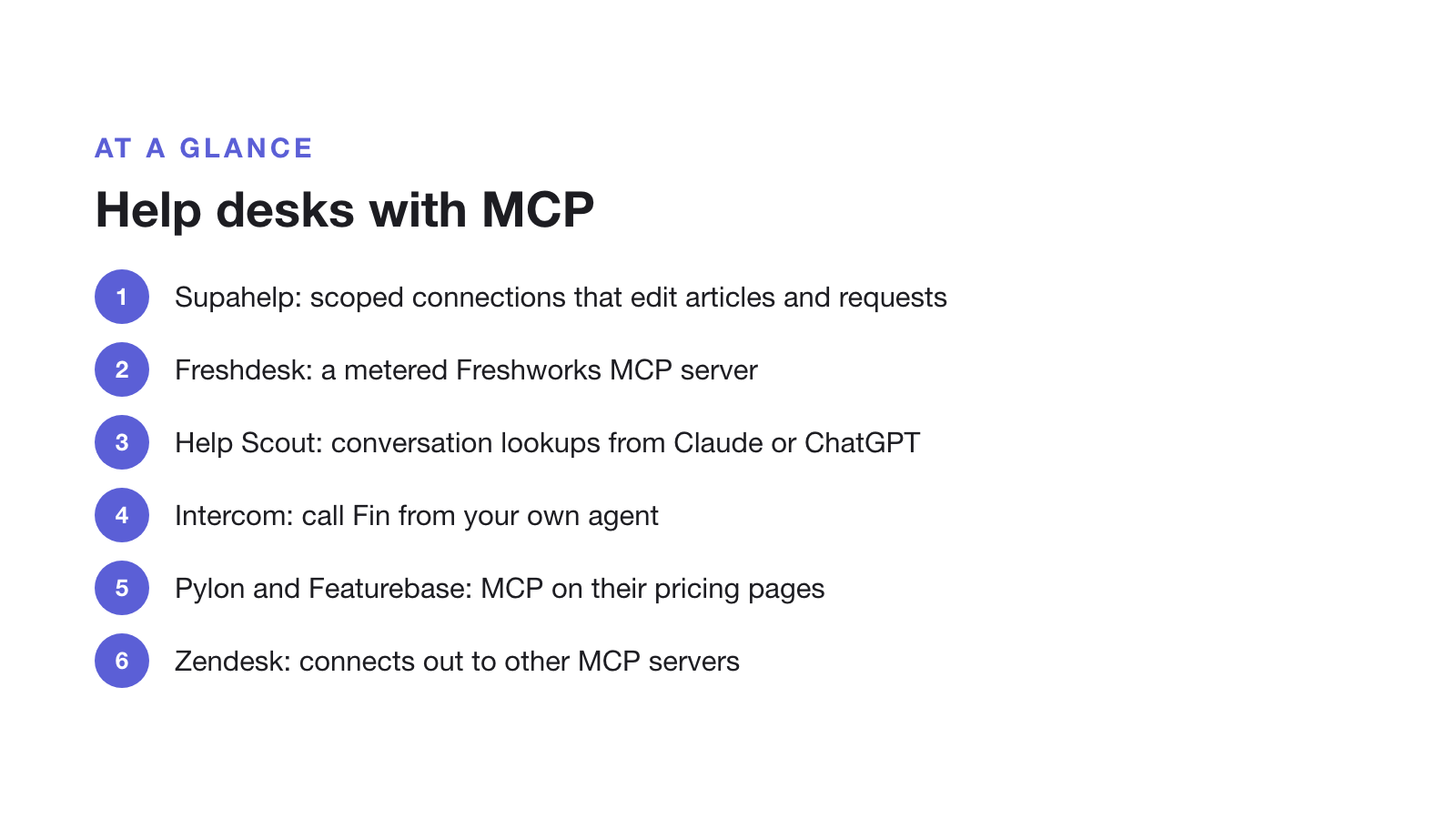
| Supahelp | Server | Search, read and import help articles, edit drafts, publish the help center, and create, read or close support requests | Every plan, including Free |
| Freshdesk | Server (Freshworks MCP) | Work with Freshdesk tickets and data from Cursor, Claude and other MCP clients; API key only | Unified Omni plans; MCP actions metered with a yearly allowance |
| Help Scout | Server | Pull up conversations and Help Scout data from Claude, ChatGPT, Cursor or internal tools | Plan not checked |
| Intercom | Server (Fin Agent API) and client | Call Fin from your own agent; let Fin use other systems through MCP connectors | Fin $0.99 per outcome |
| Pylon | Server | Pylon MCP server and coding agent connectors | From $89/seat on an annual contract |
| Featurebase | Server | API, MCP and webhooks | Growth, $29/seat billed yearly |
| Zendesk | Client | Use tools from other MCP servers inside action flows | Not a server for your own agent in the docs we checked |
The options in more detail
- Supahelp gives each coding agent its own connection with the permissions you pick: read articles (always on), edit drafts, create support requests, close support requests, and publish the whole site. Connections expire after 7, 30 or 90 days, and every change is written to the audit log.
- Freshdesk made its Freshworks MCP server generally available on 10 September 2026 for its Unified Omni plans. It authenticates with an API key only, and each successful tool call counts as a metered MCP action.
- Help Scout offers an official MCP connection for Claude, ChatGPT, Cursor and internal AI tools to look up conversations and customer data.
- Intercom exposes Fin through a remote MCP server in its Fin Agent API, and lets Fin call other systems through MCP connectors. Both are about Fin rather than your team’s inbox.
- Pylon and Featurebase list MCP on their pricing pages: Pylon an MCP server and coding agent connectors, Featurebase MCP alongside its API on the Growth plan.
- Zendesk documents MCP as a client: admins connect Zendesk to external MCP servers and use their tools in action flows.
How to connect Claude Code, Cursor or Codex to Supahelp
- In your workspace settings, open Coding agent connections.
- Pick the agent (Codex, Claude Code or Cursor), name the connection, tick the permissions it needs and choose when it expires.
- Create the connection. Supahelp shows a ready-made configuration block with the server address and an access token.
- Paste it into the agent’s config file:
~/.claude.jsonfor Claude Code,~/.cursor/mcp.jsonfor Cursor, or~/.codex/config.tomlfor Codex. - Restart the agent and ask it something, such as “find our article on SSO setup and update step 3 for the new settings page”. Without the publish permission, its edits stay as drafts for you to review.
What teams use it for
- Docs that ship with the code. Ask the agent that wrote a feature to update the help article in the same session.
- Bug reports from the terminal. Create a support request with the error and steps while they are in front of you.
- Closing the loop. After a fix ships, read the request and close it with a resolution note.
- Importing old docs. Point the agent at an existing page and import it as a draft.
What to check before you connect an agent
- Scopes. Start read-only and add write or publish permission only where you need it.
- Expiry and revocation. Use one connection per machine so you can revoke one without breaking the others.
- Audit trail. Make sure you can see which connection changed what.
- Cost. Some vendors meter MCP calls. Check whether an agent that loops could run up a bill.
If you are choosing how much your AI should do on its own, read AI help desks that require human approval.