What is an approval-first AI help desk?
An approval-first AI help desk lets AI write the reply, but nothing reaches a customer until a person approves it. It is also called human-in-the-loop support. Tools do this in two different ways, and the difference matters more than any feature list:
- Draft-only copilots. The AI writes a draft into the agent’s editor and the agent sends it. The AI has no way to send on its own.
- Approval-gated agents. The AI prepares the reply, or an action like changing a field, and holds it. A teammate clicks approve and the system sends it. These save more time, but check whether the hold is the default or a rule you have to write.
We checked each vendor’s own documentation and pricing on 29 October 2026. We make Supahelp, which is on this list.
| Tool | How approval works | Can the AI send without a person? | Price of the AI part |
|---|---|---|---|
| Zendesk auto assist | Suggested replies and actions wait for an agent to approve | No | Copilot add-on, $50/agent/mo |
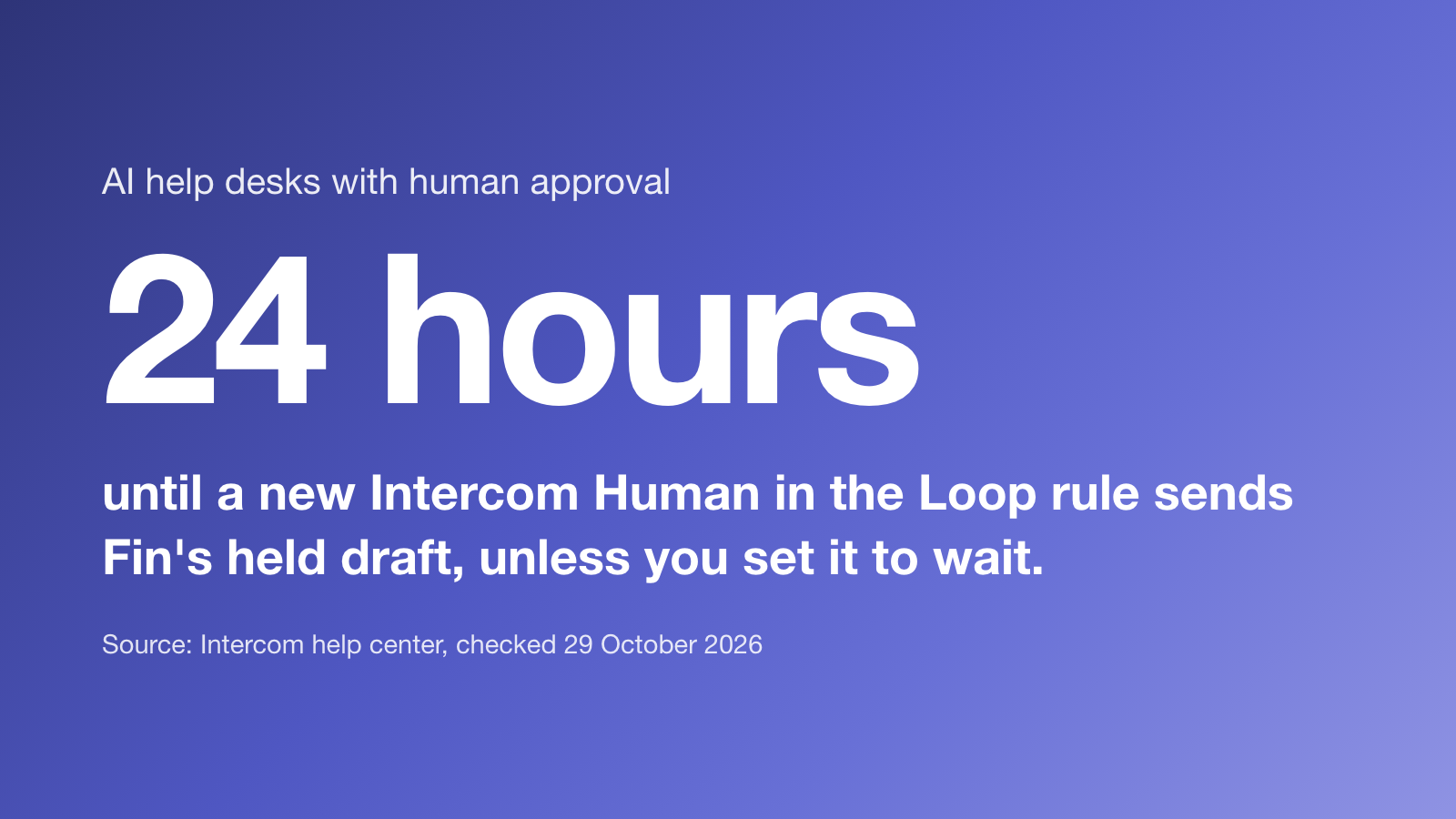
| Intercom Fin, Human in the Loop | Fin holds matching answers below your confidence threshold for a teammate | Yes: outside your rules, and after 24 hours by default | No extra charge; Fin is $0.99 per outcome |
| Supahelp (Supa) | Email replies and request updates wait as proposals until a teammate approves | No, for replies to requests | Included: 5,000 AI credits/mo on Essential |
| Arlo | Drafts in Slack, WhatsApp or iMessage, and asks before it sends | Only if you tell it to | Not listed on the page we checked |
| Freshdesk Reply Suggester | Draft appears in the agent's editor with its sources | No, the agent sends | Freddy AI Copilot, $29/agent/mo on Pro and up |
| Help Scout AI Drafts | Drafts from past conversations and Docs articles | No, the agent sends | Unlimited on Plus, $45/user/mo |
The six tools
1. Zendesk auto assist
Auto assist is part of Zendesk’s Copilot add-on. It suggests replies and actions based on your procedures, help center articles and similar solved tickets. Zendesk’s documentation says agents review and approve suggestions before they reach customers. Copilot costs $50 per agent a month on top of a Zendesk Suite plan. Zendesk also sells AI agents that answer customers on their own, so approval applies to auto assist, not to every AI feature.
2. Intercom Fin, Human in the Loop
Fin is Intercom’s AI agent, billed at $0.99 per outcome. Human in the Loop lets you write rules: when a conversation matches and Fin’s confidence is below your threshold, Fin holds its answer and asks a teammate to approve it, add information or take over. It costs nothing extra and works on email and chat. Two details matter. Conversations outside your rules are answered without review. And a new rule sends Fin’s draft after 24 hours unless you change it to wait indefinitely. Intercom’s own advice is to start narrow, because a rule on every conversation turns Fin into a triage inbox.
3. Supahelp
Supa, Supahelp’s built-in AI agent, works on support requests as proposals. It can draft an email reply, an internal comment or a change to a request’s fields and labels, using the request, your knowledge base and similar past requests. Each proposal waits until a teammate approves it, and only then is the email sent. It is included in Essential, $64 a month billed annually, with 5,000 AI credits a month. One limit to know: the AI answer box in the help center replies to customers from your published articles without review. Approval applies to replies on requests.
4. Arlo
Arlo is an AI assistant that works where your team already talks: Slack, WhatsApp and iMessage. It triages incoming messages, drafts a reply from your docs and past resolutions, and shows it to a person before it sends. Every approval is kept in an audit trail. Its page says it auto-sends only if you tell it to.
5. Freshdesk Reply Suggester
Reply Suggester is part of Freddy AI Copilot, an add-on of $29 per agent a month on the Pro and Enterprise plans. It writes a draft as ghost text in the reply editor, grounded in solution articles, similar resolved tickets and canned responses, and shows the sources so the agent can check them. The agent sends. Freshdesk says the improved version is in early access for some customers.
6. Help Scout AI Drafts
AI Drafts writes replies from your past conversations and Docs articles, and the agent edits and sends them. It is unlimited on the Plus plan at $45 per user a month. Help Scout’s separate AI agent answers customers on its own at $0.75 per resolution.
Two flat-rate help desks also include AI drafts an agent sends: HelpCanvas (500 a month on its $29 plan) and erelo Desk (unmetered on its $99 plan). We compare them in flat-rate help desks.
Why approval is hard to find
Most AI support tools are sold on how much they resolve without a person, so approval is often a setting rather than the design. When we asked Google this exact question in October 2026, its AI Overview explained the idea but named no vendor that does it. ChatGPT named Zendesk and Intercom. Both are real options, and both come with the conditions above.
How to roll out approval-first AI support
- Start with every reply held. For the first month, the AI drafts and a person approves everything.
- Track what gets edited. Note which drafts are approved as written and which need changes.
- Fix the source, not the draft. A wrong draft usually means a missing or outdated article. Our guide to structuring a knowledge base for AI answers covers this.
- Loosen one topic at a time. Only let the AI answer alone on topics where drafts have been approved unchanged for weeks.
- Keep the audit trail. You should be able to see who approved each reply and what the AI used.
Which one should you choose?
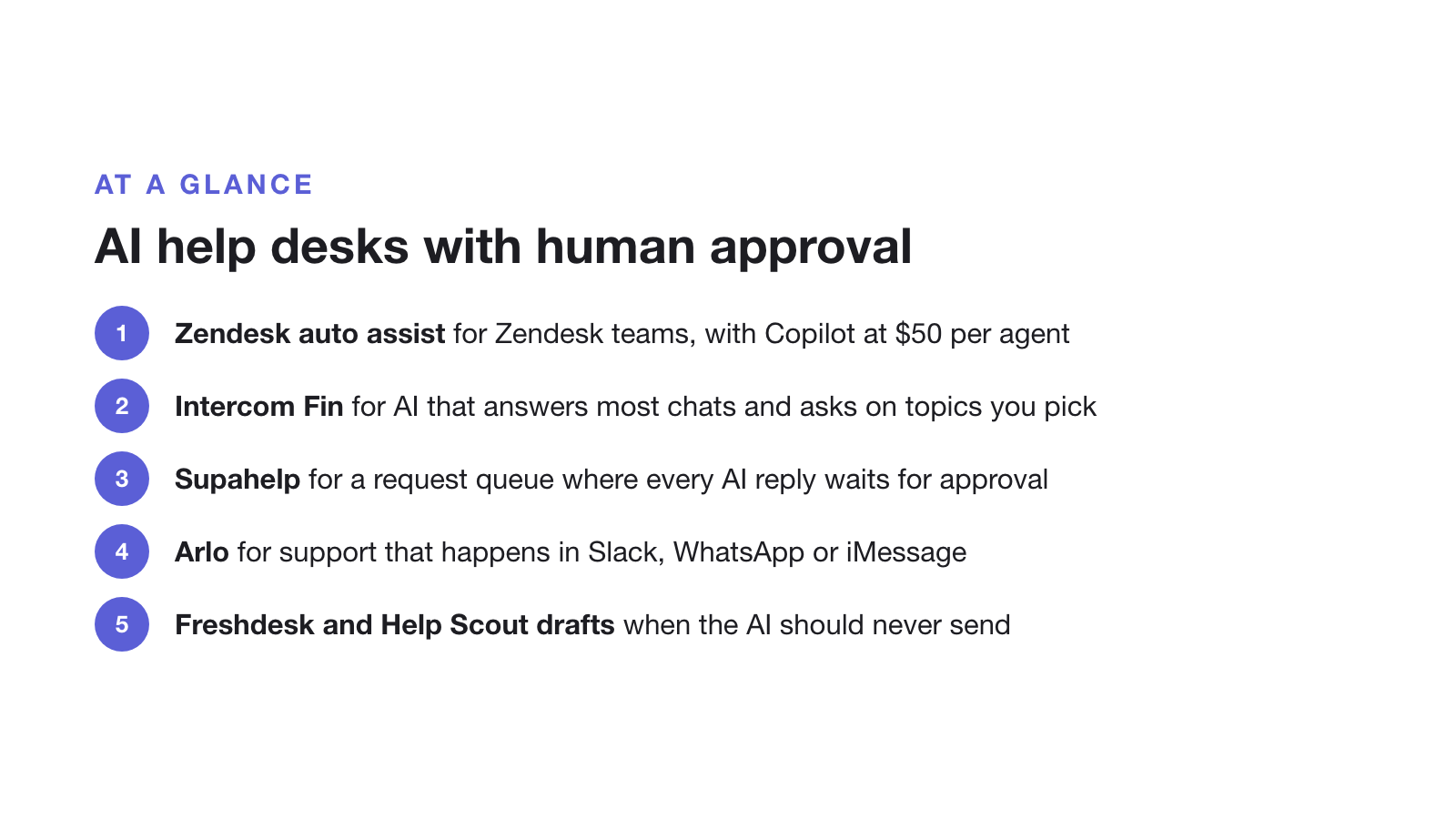
- Choose Zendesk auto assist if you already run Zendesk and can pay $50 per agent for Copilot.
- Choose Intercom Fin if you want an AI agent that answers most chats alone and asks for approval on the topics you pick.
- Choose Supahelp if you are a SaaS team that wants a help center and request queue where every AI reply to a request waits for approval, at one flat price. Choose something else if you need live chat or phone.
- Choose Arlo if your support happens in Slack, WhatsApp or iMessage rather than a help desk.
- Choose Freshdesk or Help Scout drafts if you want the AI to stay a writing aid and never send anything itself.
If you are still deciding whether to add AI at all, read how to deploy an AI help desk first.