What does a support request form need to do for a SaaS product?
A support request form replaces a blank email with the questions your team would otherwise ask in the first reply. For a SaaS product, that means a different form for each kind of request, because a bug report needs steps and a screenshot while a feature request needs the problem behind it. The tools below differ mainly in three ways: how many forms you get, which plan unlocks them, and where the submission lands afterwards.
We checked each vendor’s documentation and pricing page on 29 October 2026. We make Supahelp, which is on this list.
| Tool | Request forms | Plan needed | Price |
|---|---|---|---|
| Supahelp | 4 forms: bug report, help, feature request, feedback | Free plan (1 staff, 100 requests/mo) | $64/mo billed annually, unlimited staff |
| Zendesk | Multiple ticket forms with conditional fields | Not on Suite Team | Suite Professional $115/agent/mo |
| Freshdesk | Up to 50 ticket forms with dynamic sections | Pro for more than one form | Pro $55/agent/mo billed annually |
| Help Scout | Beacon contact form with custom fields | Plus or Pro | Plus $45/user/mo |
| Intercom | Ticket types, each with its own fields | Not checked | From $29/seat/mo |
| Jira Service Management | Request types on a customer portal | Free for up to 3 agents | Standard $21.50/agent/mo |
| Featurebase | Feedback boards plus an inbox and tickets | Free for 1 seat | $29/seat/mo |
| Tally (form builder) | Any form you build | Free, 10 MB file limit | Pro $24/mo, no ticket queue |
What a SaaS support request form should ask
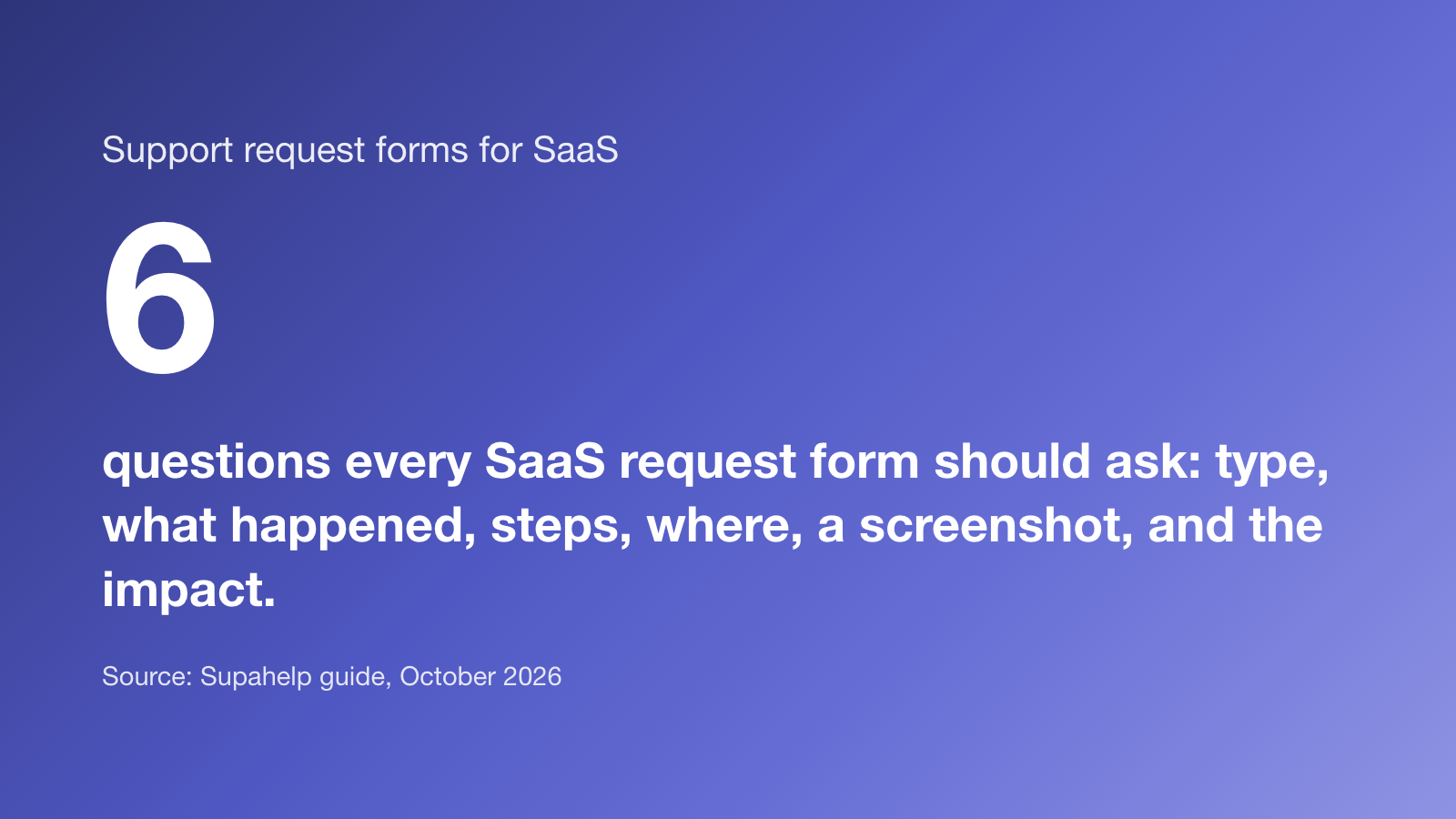
- Request type. Bug, how-to question, feature request or feedback, so it reaches the right person.
- What happened, in their words. One long text field, with a prompt to include any error message.
- Steps to reproduce and what they expected, for bugs only.
- Where it happened. Page or URL, browser and device.
- A screenshot or recording. It answers half your follow-up questions on its own.
- Impact. A single choice from “I’m blocked” to “minor or cosmetic” sorts the queue better than a priority field customers always set to high.
Keep a how-to form shorter: what they are trying to do, where they are stuck, and what they have tried. Each extra required field costs you some submissions.
The eight tools
1. Supahelp
Supahelp comes with four request forms, for bug reports, help, feature requests and feedback, each starting from a template like the one above. You can edit every field: short or long text, numbers, single or multi-select, dates and file uploads of up to 25 MB per file, including images, video, PDF and text. Forms can run over several pages. Submissions land in a request queue your team can assign and track, and customers reach the form from your help center. The Free plan includes one staff member and 100 requests a month. Essential is $64 a month billed annually for unlimited staff. There is no live chat or phone.
2. Zendesk
Zendesk lets you build multiple ticket forms, each with its own fields, and show or hide fields with conditions. Forms can be set per brand and made visible to agents, customers or both. Suite Team, $55 per agent a month, does not include multiple forms. Zendesk’s documentation lists them from Suite Growth, which no longer appears on its pricing page, so for a new customer the next plan up is Suite Professional at $115 per agent a month billed annually.
3. Freshdesk
Every Freshdesk plan has a default “Report an issue” form on the customer portal. From the Pro plan, $55 per agent a month billed annually, you can build up to 50 ticket forms with dynamic sections and publish several to your portal and help widget.
4. Help Scout
Help Scout’s Beacon widget includes a contact form. Adding custom fields to it, and running workflows on the answers, needs the Plus or Pro plan, from $45 per user a month.
5. Intercom
Intercom handles structured requests through ticket types. Each type defines the fields to collect, with conditional fields, and sits in one of three categories: customer tickets shared with the customer, internal back-office tickets, and tracker tickets. Customers can open tickets from the Messenger or a customer portal. Seats start at $29 a month.
6. Jira Service Management
Jira Service Management gives customers a portal with request types, each with its own fields and workflow, and comes with ready-made templates. It is free for up to three agents, and Standard is $21.50 per agent a month. It suits teams whose engineers already work in Jira, and it feels more like IT service management than a help center.
7. Featurebase
Featurebase is known for public feedback boards and roadmaps, where customers post and vote on feature requests. It has added an inbox, tickets and a help center. The free plan has one seat, and paid plans start at $29 per seat a month. It is the best fit when feature requests are the main thing you collect.
8. A form builder such as Tally
A general form builder is the cheapest start. Tally’s free plan has unlimited forms and submissions, with a 10 MB limit per uploaded file, and Pro is $24 a month. The catch is that a form builder has no queue: submissions go to email, a spreadsheet or Slack, and someone has to track them by hand.
Which request form tool should you choose?
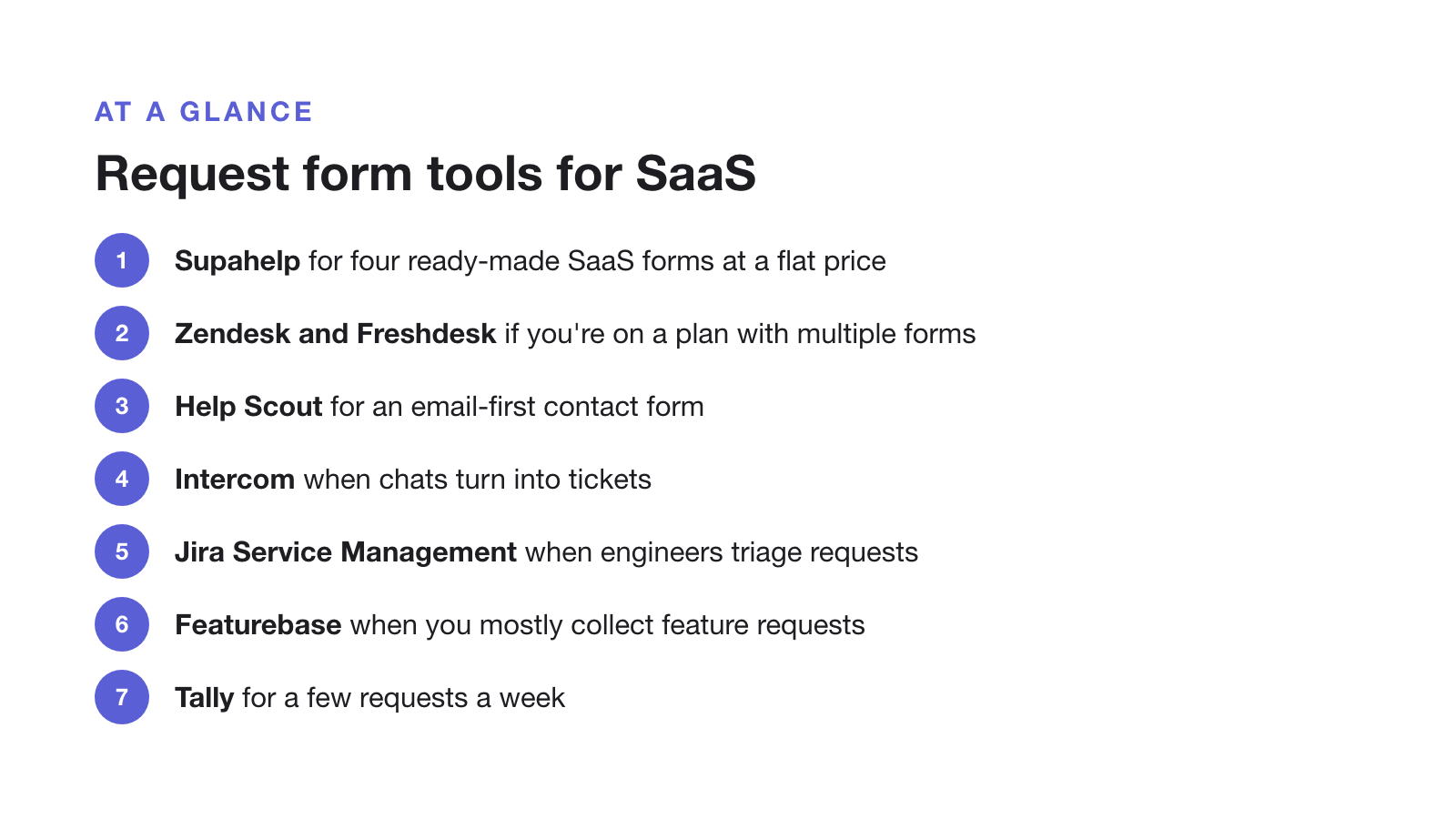
- Choose Supahelp if you want separate forms for bugs, questions, feature requests and feedback, a help center in front of them and a queue behind them, without paying per agent. Choose something else if you need live chat.
- Choose Zendesk or Freshdesk if you already use them. Check that your plan includes multiple forms.
- Choose Help Scout if most support is email and a contact form in the Beacon widget is enough.
- Choose Intercom if customers mostly reach you through in-app chat and some chats turn into tickets.
- Choose Jira Service Management if requests go straight to engineers who live in Jira.
- Choose Featurebase if you mainly collect and prioritise feature requests.
- Choose a form builder if you get a few requests a week and can track them in a spreadsheet.
A good form stops a lot of back-and-forth, which is most of what makes support slow. We cover the rest in answering support requests without six tabs and reducing support tickets.