What is AI support automation?
AI support automation is using AI to do parts of support work that a person used to do: sorting requests, summarising them, drafting replies, answering customers and taking actions. The safest way to start is not with the most impressive part. It is with the work where a mistake is cheap and invisible to customers, then moving up one step at a time as the AI proves itself.
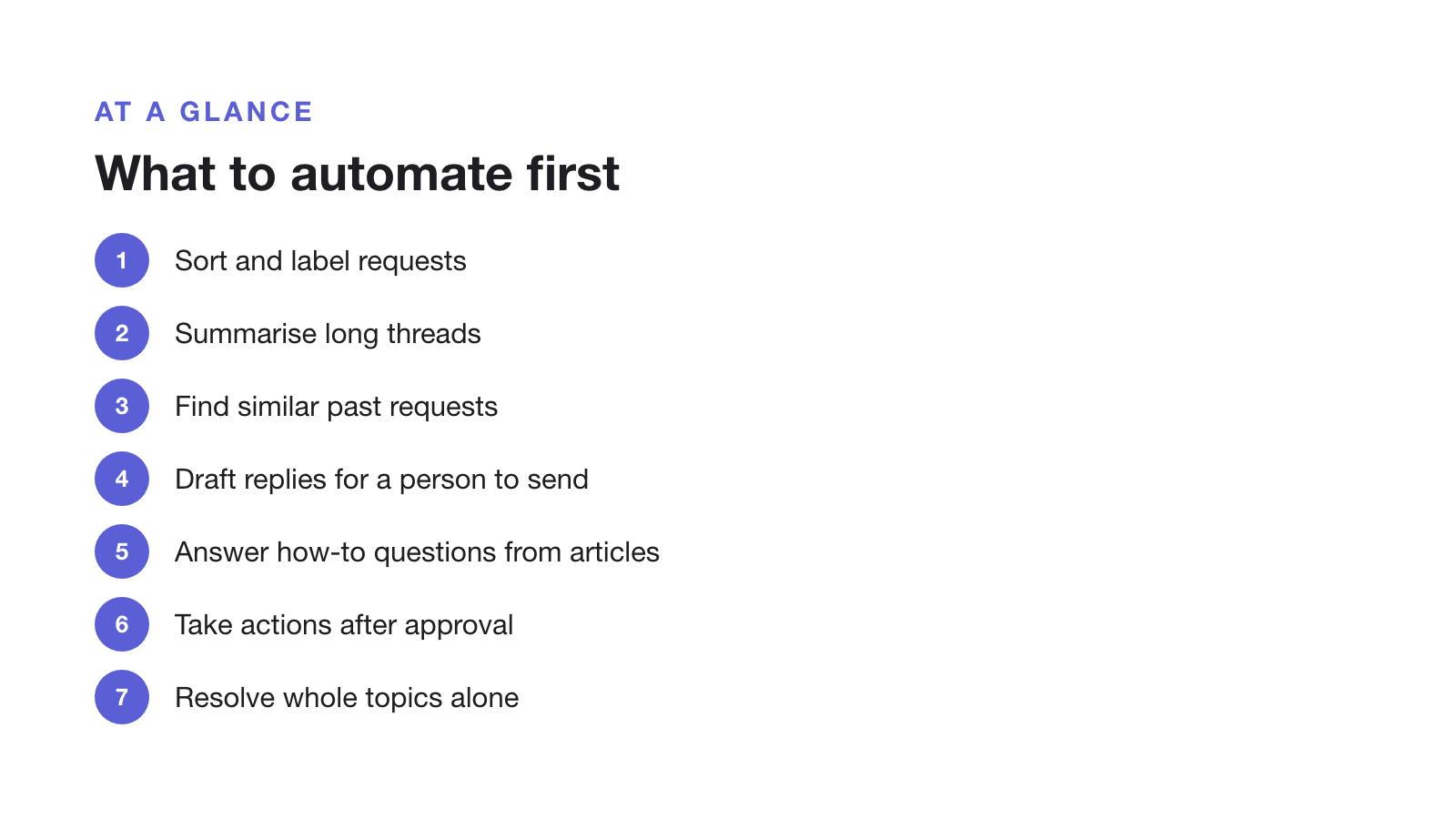
What to automate first: a seven-step ladder
| Step | Risk | Why it's at this step |
|---|---|---|
| 1. Sort and label requests | Low | A wrong label is easy to fix and no customer sees it |
| 2. Summarise long threads | Low | Saves reading time; a person still decides |
| 3. Find similar past requests | Low | Shows how the team solved it before |
| 4. Draft replies for a person to send | Medium | The customer only sees what a person approved |
| 5. Answer how-to questions from published articles | Medium | Safe when the answer is written down and the AI cites it |
| 6. Take actions after approval | Medium | Field changes, refunds or account edits, each confirmed by a person |
| 7. Resolve whole topics alone | High | Only for topics where drafts have been approved unchanged for weeks |
Most small teams get the biggest time saving from steps 3 to 5, without letting AI talk to customers unchecked. Move to step 7 one topic at a time, and keep a person on everything else.
What to leave to a person
- Money. Refunds, billing disputes and pricing exceptions.
- Security and access. Account recovery, data requests and anything that changes who can see what.
- Bugs that need investigation. The AI can collect steps and screenshots, but someone has to look.
- Upset customers. A fast generic answer to an angry message makes things worse.
- Anything not written down. If the answer isn’t in an article or a past resolution, the AI is guessing.
How to know it’s working
- Edit rate on drafts. The share of AI drafts sent without changes, by topic.
- Questions the AI couldn’t answer. Each one is a missing or unclear article.
- Reopened requests. A request that comes back after an AI answer wasn’t resolved.
- Cost per AI answer. See how nine tools price it.
Where tools fit
Most help desks now cover several steps. Some hold replies for approval by default and some only on rules you write, which we compare in AI help desks that require human approval. In Supahelp, which we make, AI summaries and related-request search cover steps 2 and 3. Supa proposes labels, field changes, internal comments and email replies for a teammate to approve, which covers steps 1, 4 and 6. The help center’s AI covers step 5 from your published articles. Supa never replies to or closes a request without a teammate’s approval.
For a rollout plan, read how to deploy an AI help desk. This page was last updated on 30 October 2026.