Why use a scorecard
Help desk feature lists look alike, so the choice usually comes down to a few differences: how customers reach you, how the price moves as you grow, and how the AI is billed and controlled. A scorecard makes those differences visible across a shortlist of two or three tools. Score each question from 0 to 2, weight it by how much it matters to you, and compare totals. Download the scorecard as CSV to use in a spreadsheet.
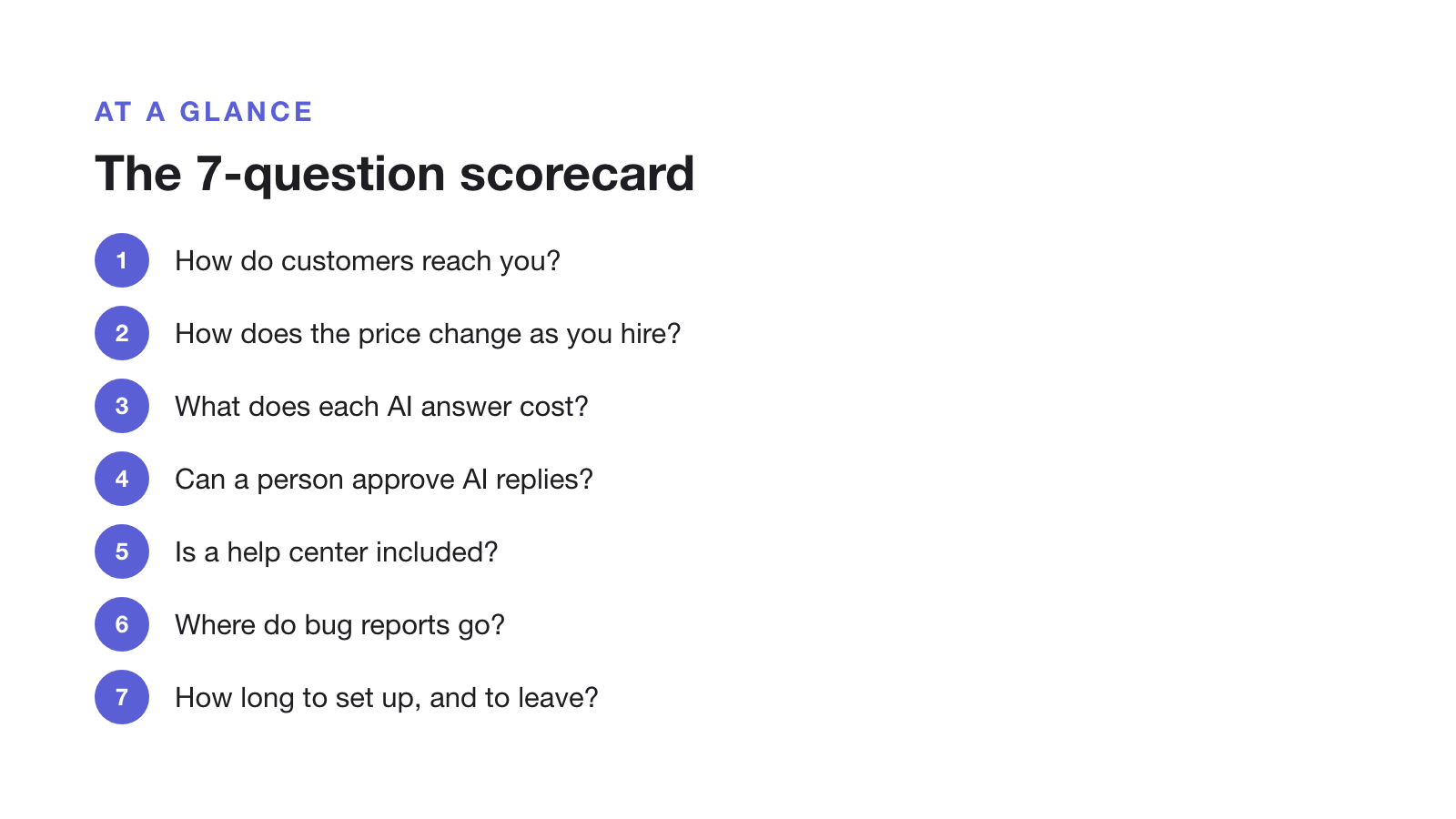
| Question | What to check |
|---|---|
| 1. How do customers reach you? | Email, in-app chat, phone, Slack or social. A missing channel is a dealbreaker, not a low score. |
| 2. How does the price change as you hire? | Monthly cost today and at the team size you expect in a year. |
| 3. What does each AI answer cost, and is there a cap? | Unit (resolution, outcome, session or allowance), price per unit, and what happens at the limit. |
| 4. Can a person approve AI replies first? | Whether drafts are held by default, or only under rules you write. |
| 5. Is a help center included? | Search, custom domain, article analytics, and the plan that includes them. |
| 6. Where do bug reports and feature requests go? | Structured request forms, and a path to Jira, Linear or your backlog. |
| 7. How long to set up, and to leave? | Article import, data export, API or MCP access, and setup time without engineering. |
The questions in detail
1. How do customers reach you?
Start here, because it rules tools out. If customers phone you, you need phone support. If they ask inside your product, you need in-app chat. If most support is email and self-service, a lighter tool will do. Supahelp, which we make, has no live chat or phone, so it fails this question for teams that need them.
2. How does the price change as you hire?
Work out the monthly cost at your size today and in a year. Per-agent pricing grows with every hire, while flat pricing doesn’t but caps something else. Our help desk pricing index lists 20 tools at 3, 10 and 25 agents.
3. What does each AI answer cost, and is there a cap?
Vendors bill AI by resolution, outcome, session or a monthly allowance. Multiply last month’s repeat questions by the unit price, and ask what happens at the limit. See cost per AI answer.
4. Can a person approve AI replies first?
Some tools only draft and never send. Some send unless you write a rule to hold the reply. Score higher for tools that hold replies by default if you are not ready to let AI answer alone. We compare them in AI help desks that require human approval.
5. Is a help center included?
A help center answers repeat questions before they become tickets, and AI agents answer from it. Check search, a custom domain and per-article analytics, and which plan includes them. On some tools the knowledge base only starts on the second plan.
6. Where do bug reports and feature requests go?
For software products, many requests end up with engineers. A form per request type gets the steps and screenshots in the first message, and a link to Jira or Linear gets them to the right person. See request form tools for SaaS.
7. How long to set up, and to leave?
Ask how existing articles get in, how your data gets out, and whether your own tools can connect through an API or MCP. A tool you can set up without engineering in a day is worth more to a small team than one with more features and a month of setup.
How to run the evaluation
- Shortlist three tools that pass question 1.
- Weight each question from 1 to 3 for your team.
- Run a trial with 20 real past questions. Import a few articles and see how each tool and its AI handles them.
- Score each question 0 to 2 and multiply by the weight.
- Check the winner’s cost again at the size you expect in a year.
For a ranked list to start from, see the best help desk software for SaaS. This page was last updated on 30 October 2026.