What help center KPIs tell you
Help center KPIs, or knowledge base metrics, measure whether customers find answers on their own and which articles to write or fix next. Page views alone say little: a popular article can still fail if everyone who reads it then opens a request. The eight metrics below each point to a specific action. Track the trend month by month rather than chasing an industry benchmark, because products and audiences differ too much for one number to mean much.
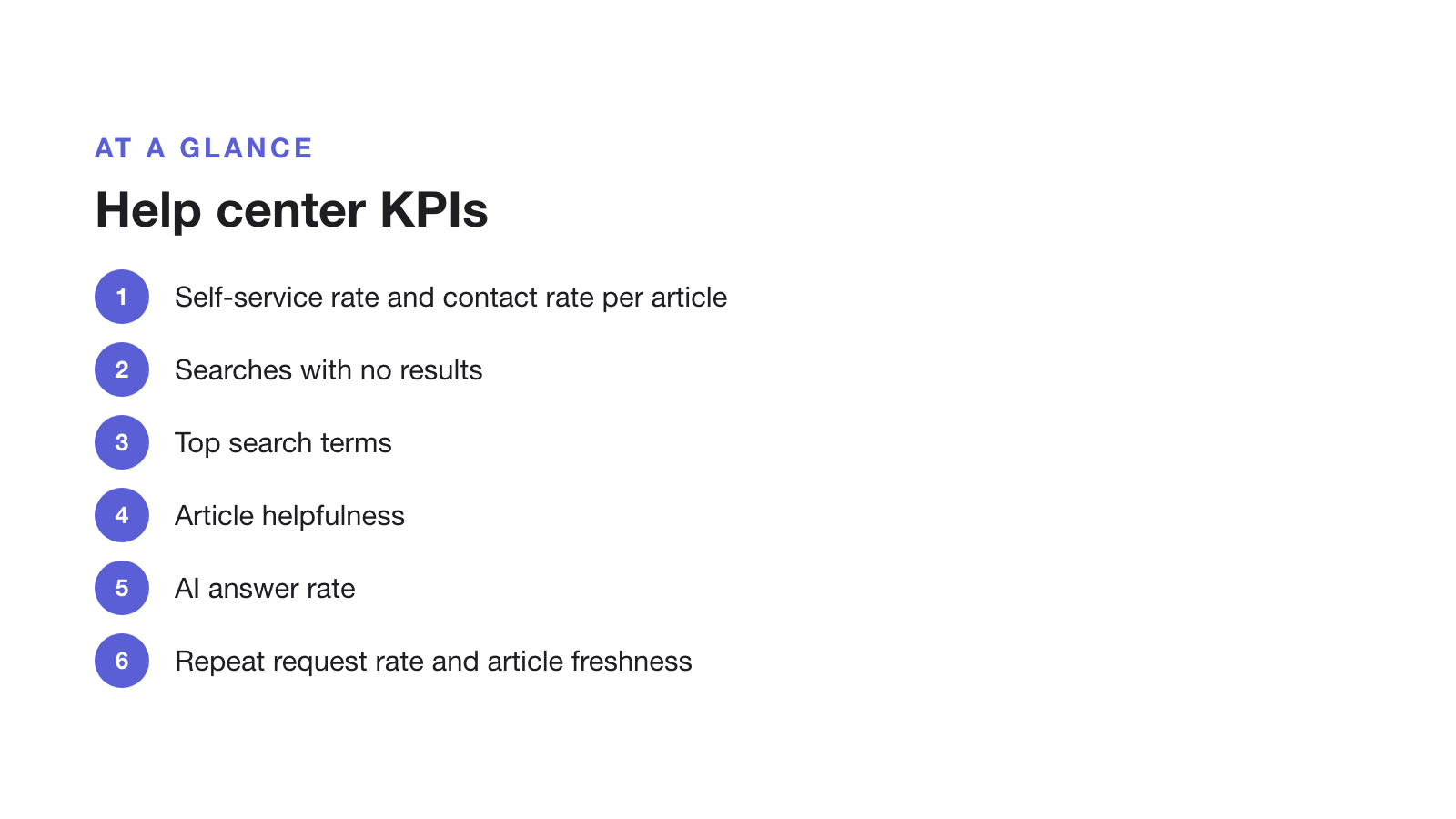
| Metric | How to calculate | What it tells you |
|---|---|---|
| 1. Self-service rate | Help center visitors who did not open a request ÷ all help center visitors | Whether the help center answers people at all |
| 2. Contact rate per article | Requests opened after viewing an article ÷ views of that article | Which articles fail to answer |
| 3. Searches with no results | Searches that return nothing ÷ all searches | Missing articles, and words customers use that you don't |
| 4. Top search terms | The 20 most frequent searches each month | What to write or rename next |
| 5. Article helpfulness | Yes votes ÷ all votes on 'Was this helpful?' | Articles to rewrite |
| 6. AI answer rate | Questions the AI answered from your articles ÷ questions asked | How much of your content the AI can use |
| 7. Repeat request rate | Requests on a topic that already has an article ÷ all requests | Articles that exist but aren't found |
| 8. Article freshness | Articles not reviewed in 6 months ÷ all articles | Content that may be wrong after releases |
If you only track three
- Searches with no results. The cheapest list of articles to write next, in your customers’ own words.
- Contact rate per article. It shows which articles look helpful but leave people stuck.
- Repeat request rate. If requests keep arriving on a topic you have already covered, the article is hard to find or doesn’t answer the real question.
Where the numbers come from
- Web analytics on the help center domain give visitors, views and, with search tracking, search terms.
- Your help desk gives request counts and topics. Tag requests by topic so you can match them to articles.
- The AI tool should show which questions it could not answer from your articles. Treat that list like failed searches.
- A monthly review of article dates catches content that went stale after a release.
A monthly routine that uses them
- Write articles for the top five failed searches.
- Rewrite the three articles with the highest contact rate.
- Rename articles to match the words customers searched for.
- Review anything touched by this month’s releases.
For how to write articles that score well on these metrics, see how to structure a knowledge base for AI answers, and for the bigger picture, our guide to self-service support. This page was last updated on 30 October 2026.