What a SaaS help center needs on day one
A help center is a public, searchable site of articles that answer customers’ questions about your product, with a way to ask for help when no article does. For a first version you need less than you think: the 20 questions customers ask most, a simple structure, your own domain, and a request form behind it. Everything else can wait until you see what people search for.
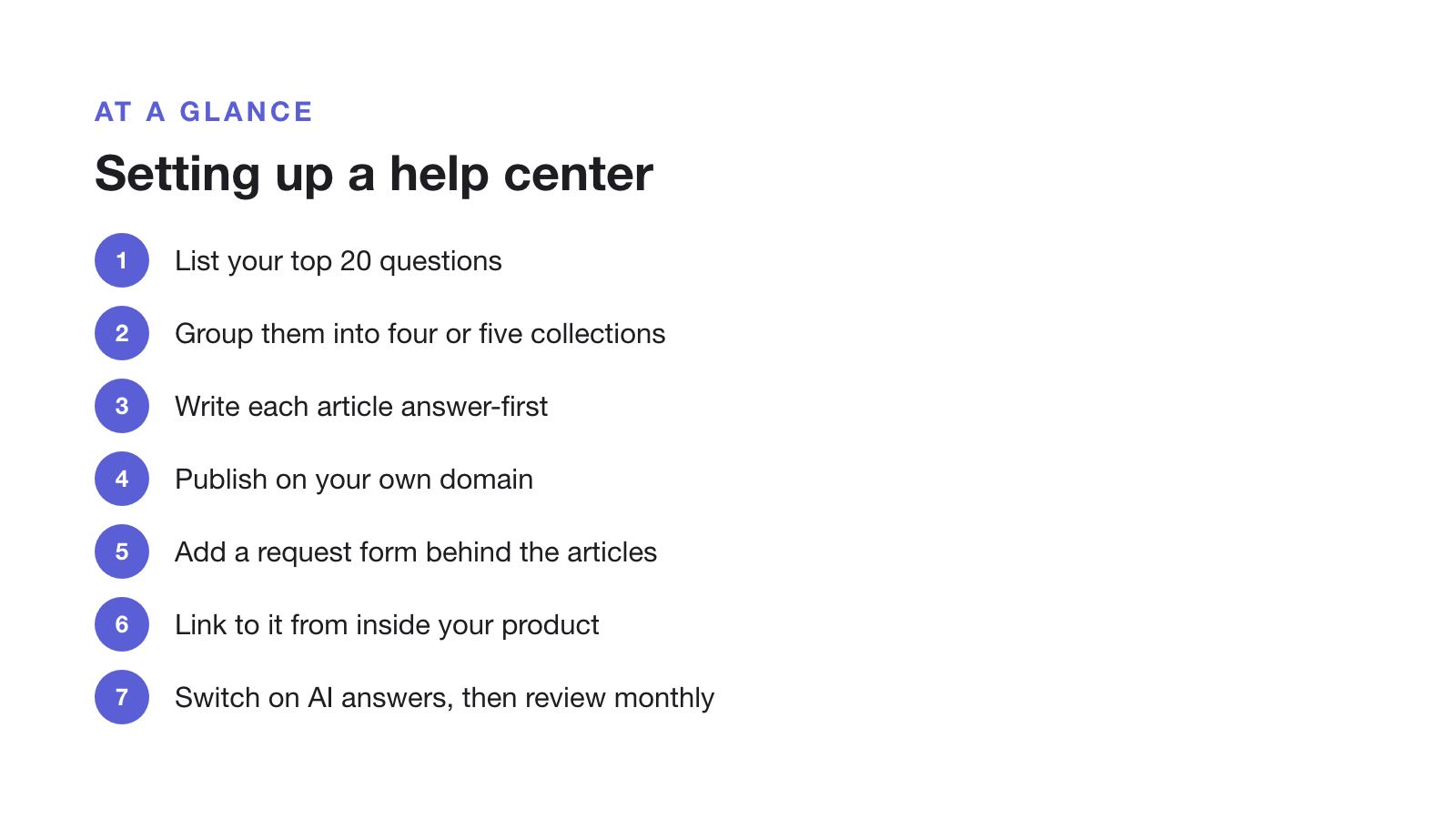
The eight steps
- List the 20 questions customers ask most
Pull them from your inbox, onboarding calls and sales questions. Write them down in the customer's words, not your feature names.
- Group them into four or five collections
Getting started, using the product, account and billing, integrations and troubleshooting cover most SaaS products.
- Write each article answer-first
Title it as the question, answer in the first sentence, then give the steps. Add a screenshot only where a step is hard to describe.
- Publish on your own domain
A subdomain such as help.yourproduct.com tells customers the help center is official and keeps links stable if you change tools.
- Add a request form behind the articles
Give stuck customers a structured way to ask, with separate forms for bugs, questions and feature requests.
- Link to it from inside your product
Add it to the help menu, empty states and error messages, where people get stuck.
- Switch on AI answers
Once the articles exist, an AI answer box can answer from them. Make sure it answers only from published articles and says so when it can't.
- Review every month
Write articles for searches that found nothing, and rewrite the articles that lead to the most requests.
A starting structure for most SaaS products
- Getting started: sign-up, first setup, inviting your team.
- Using the product: one article per main task, named the way customers describe it.
- Account and billing: plans, invoices, changing or cancelling.
- Integrations: one article per integration.
- Troubleshooting: the errors people actually hit, with the exact message in the title.
Common mistakes
- Writing for completeness, not demand. Forty articles nobody searches for help less than ten that answer what people ask.
- No way out. A help center without a request form leaves stuck customers to email you anyway, without the details you need.
- Hiding it. Link to it from your product’s help menu, empty states and error messages, not only your website footer.
- Switching AI on too early. An AI answer box can only answer from what you have published.
Supahelp, which we make, covers these steps in one tool: a help center on a supahelp.app subdomain on the Free plan or your own domain on Essential, request forms behind it, import from a URL or PDF, Word and text files, and AI answers from your published articles. Any help center tool works with the same steps. For writing the articles themselves, see how to structure a knowledge base for AI answers, and to measure what works, see help center KPIs.