What is self-service support?
Self-service support lets customers solve problems without waiting for a person: they search a help center, read an article, ask an AI that answers from those articles, or send a structured request when nothing helps. For a SaaS product it is usually the first line of support, because most questions are about how to use the product, and those answers can be written once and reused.
Good self-service does not mean hiding the contact button. It means the easy questions get answered instantly, and the hard ones reach your team with the details already attached.
The five parts of self-service support
| Part | What it does | Guide |
|---|---|---|
| Help center | Public articles customers can search | How to set up a help center |
| AI answers | Answers drawn from your published articles | AI chatbot vs knowledge base |
| Request forms | A structured way to ask when no article helps | Request form tools for SaaS |
| Metrics | Which articles work and which to write next | Help center KPIs |
| Automation | What AI handles behind the scenes | AI support automation |
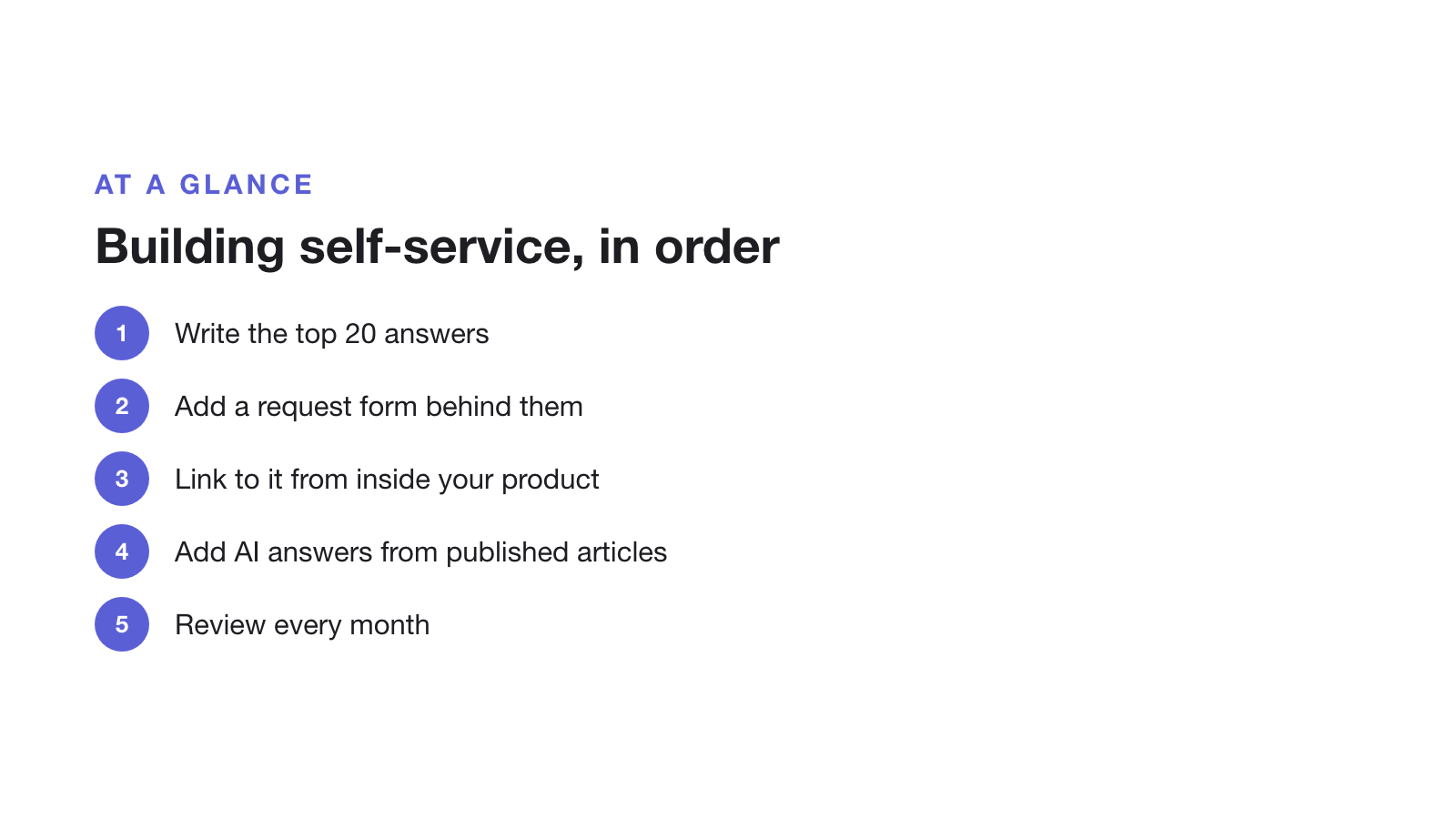
The order to build it in
- Write the top 20 answers first. Everything else, AI included, depends on them. Our guide to structuring articles for AI answers shows the format.
- Add a request form behind the articles. One form per request type, so bug reports arrive with steps and a screenshot.
- Link to it from inside the product. The help menu, empty states and error messages are where people get stuck.
- Then add AI answers that answer only from what you have published and say so when they can’t.
- Review monthly. Write articles for failed searches and rewrite the ones that lead to requests.
Where self-service goes wrong
- Dead ends. An article or bot with no way to reach a person frustrates the customers who most need help.
- Stale articles. Screenshots and steps go out of date with every release. Review anything a release touched.
- Measuring views, not outcomes. A popular article that leads to requests isn’t working.
- An AI that guesses. If it can answer from outside your articles, it will sometimes make things up.
Choosing tools for self-service
You can assemble self-service from separate tools, such as a knowledge base, a chatbot and a form builder, or use one tool that does all three. Compare options in the best knowledge base software, Notion alternatives for a help center and the best help desk software for SaaS. Supahelp, which we make, combines a help center, AI answers from your articles and request forms in one tool, with a free plan to start.
To cut the requests that do arrive, see how to reduce support tickets. This page was last updated on 30 October 2026.